
- Title: UMI X2 MIUI
- Listed: July, 2013
- Last modified: 08/25/2013 2:57 am
- Version: ROM Android 4.2.1
You must be logged for ROM download.
25423 total views, 1 today
1 Total favorites
 Member Info
DESCRIPTION
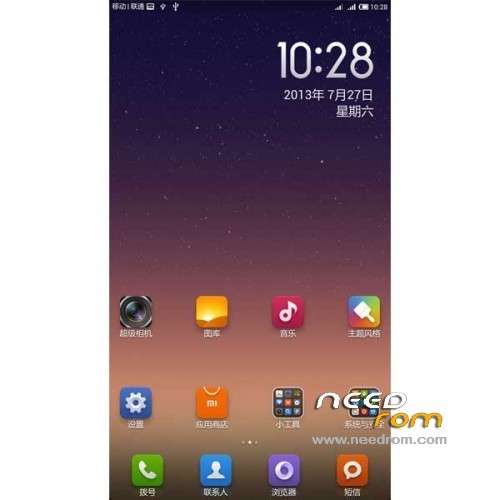
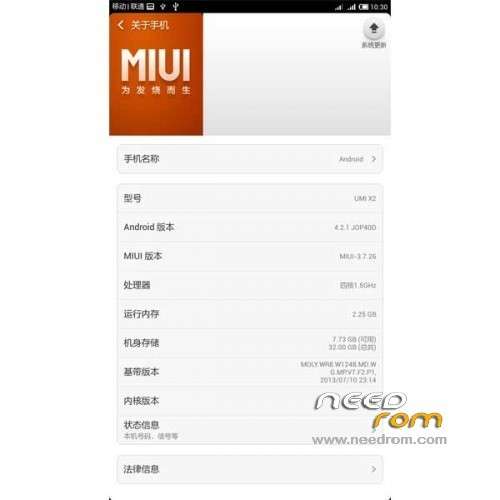
ROM Phone UMI X2 – ROM Android 4.2.1 MIUI
ROM Author: ROM Developers Alliance
Release date :2013 -07-27
Android Version: 4.2.1
Test models: Excellent meters high with version X2
Testers: Kim altar
Features ROM:
Update Miui V5 – 3.8.23
1, removal of native widgets gallery
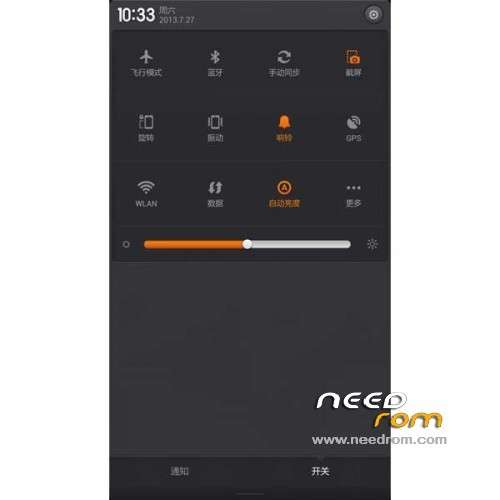
2, Fix notification bar button does not close the question data link
3, excellent m X2 updated resource use XXHDPI
4, repair HOLO effects
5, repair scenarios
6, fix some typos
7, fix the notification bar black background and dislocation
8, repair down music / notes FC
9, with timer switch
10, error recovery password lock screen repeatedly restart
11, shielded LED lights invalid entry
12, repairing theme font application
13, repair media errors
14, the recovery password lock screen reboot
15, fix the camera icon
16, the use of millet Radio
17, repair STK icon
18, the input box long press FC
—————————————————————————————————————————————————-
1, the ROM based on MIUI 3.7.26 Lenovo S820 V5 beta version.
2, the ROM developer Alliance found this beta version does not support 1080P resolution, so the fonts and icons too small,
so the experience is defined as the version (you can enter the system settings in the font used to set the maximum).
3, restoration of the original version of the compass can not use the bug.
Gapps include – No Rooted
Language support: EN/CN
Install ROM:
1) Download the custom ROM copied to an external SD card root directory
2) Download the recovery.img ( put in your SD card )
3) Start MobileUncle Tools ( Download on Goolge play )
4) Select Update Recovery ( choose recovery.img )
5) Mobile reboot in CWM and and follow the instructions( if recovery is in chinese look tutorial "CWM for MTK Platform" )
In the recovery mode.
– Wipe Data / Factory Reset -> delete all user data
– Wipe Cache Partition -> Wipe cache
– Advanced -> Wipe Dalvik Cache
6) Return to recovery main interface Install zip from sdcard -> choose zip from sdcard -> Select your ROM
7) Brush complete, restart the phone Patience required – first boot takes a while
※Please make a backup of your device before installing or updating ROM
this rom works very good ! many thanks ! it is the best port for the UMI X2 !
Says "No Rooted" how do we root it then?
Check this guide i made. I already tried with my UMI X2 and it works
How to root android chinese phones
Can anyone please add german?
work on umi x2 mtk6589T 2gb rom 32 ram?
Italian language?
thanks
Hey can you please port miui v5 3.8.2 ?
salve, qualcuno mi potrebbe dare una guida tradotta in italiano per poter installare questa rom sul mio umi x2 turbo? lo so che gia esiste, ma solo che traducedo con il traduttore molte parole non sono corrette…grazie
Innanzi tutto devi installare la recovery! L'hai giá installata? Ecco la guida! Domani posto anche la guida per installare custom ROM.
http://nicolecurioni.com/insta.....very-su-umi-x2/
tra queste c'è il formato flash tool?
the rom is useless , the font is smaller even you change font network icons stay smaller.
no google play also , please someone port xperia z room i used it before and its perfect if i knew i would port it.
Hey Guys
Here is a fully working Miui v5 3.8.8 port.
http://db.tt/12jLQylw
is it multilanguage and rooted bro?
i can't install it trought cwm ( it says asset failed bohh
  (
(
I have a same problem until now with every version of UMI roms. The outgoing quality of voice calling with bluetooth headset is terrible. The caller can't understand basically anything from my side. I understand everthing well. Any idea about that issue?