
- Title: UMI X2 MIUI
- Listed: July, 2013
- Last modified: 08/25/2013 2:57 am
- Version: ROM Android 4.2.1
You must be logged for ROM download.
25424 total views, 2 today
1 Total favorites
 Member Info
DESCRIPTION
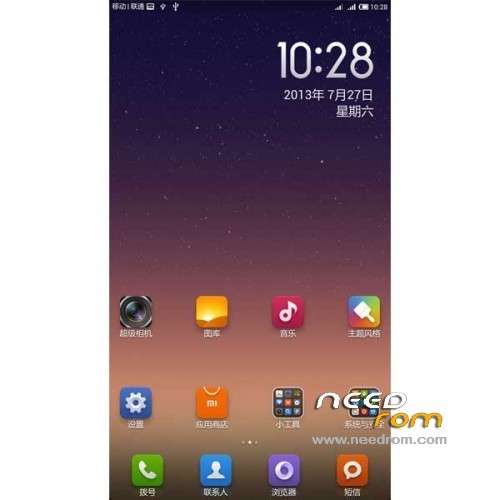
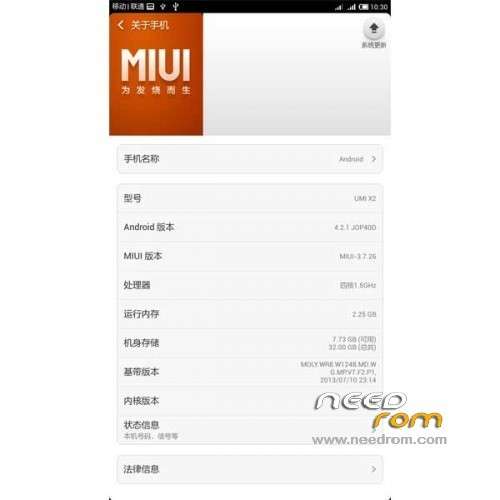
ROM Phone UMI X2 – ROM Android 4.2.1 MIUI
ROM Author: ROM Developers Alliance
Release date :2013 -07-27
Android Version: 4.2.1
Test models: Excellent meters high with version X2
Testers: Kim altar
Features ROM:
Update Miui V5 – 3.8.23
1, removal of native widgets gallery
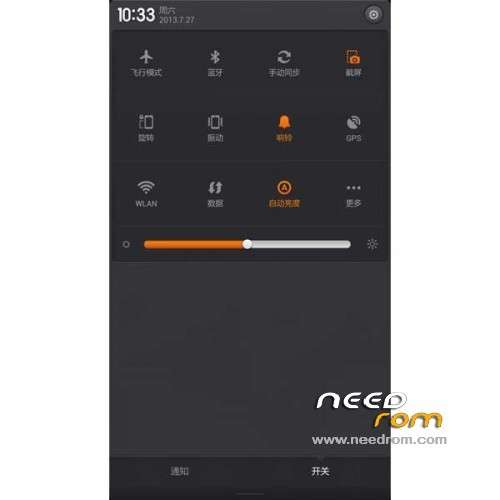
2, Fix notification bar button does not close the question data link
3, excellent m X2 updated resource use XXHDPI
4, repair HOLO effects
5, repair scenarios
6, fix some typos
7, fix the notification bar black background and dislocation
8, repair down music / notes FC
9, with timer switch
10, error recovery password lock screen repeatedly restart
11, shielded LED lights invalid entry
12, repairing theme font application
13, repair media errors
14, the recovery password lock screen reboot
15, fix the camera icon
16, the use of millet Radio
17, repair STK icon
18, the input box long press FC
—————————————————————————————————————————————————-
1, the ROM based on MIUI 3.7.26 Lenovo S820 V5 beta version.
2, the ROM developer Alliance found this beta version does not support 1080P resolution, so the fonts and icons too small,
so the experience is defined as the version (you can enter the system settings in the font used to set the maximum).
3, restoration of the original version of the compass can not use the bug.
Gapps include – No Rooted
Language support: EN/CN
Install ROM:
1) Download the custom ROM copied to an external SD card root directory
2) Download the recovery.img ( put in your SD card )
3) Start MobileUncle Tools ( Download on Goolge play )
4) Select Update Recovery ( choose recovery.img )
5) Mobile reboot in CWM and and follow the instructions( if recovery is in chinese look tutorial "CWM for MTK Platform" )
In the recovery mode.
– Wipe Data / Factory Reset -> delete all user data
– Wipe Cache Partition -> Wipe cache
– Advanced -> Wipe Dalvik Cache
6) Return to recovery main interface Install zip from sdcard -> choose zip from sdcard -> Select your ROM
7) Brush complete, restart the phone Patience required – first boot takes a while
※Please make a backup of your device before installing or updating ROM
Did anyone try the new rom? (Miui V5 – 3.8.23)
I tried and it was basically ok. I was found in a short trial only one issue. As I mentioned/asked below, the outgoing voice quality with bluetooth headset is terrible. The caller can't understand me. (But I understand every well.)
i have problems triying to flash the update in cwm, v6 error, any other has this error?
I’m having error also when trying to update to new version also.
I get Status 7 Error and i can't install.
I try vinus X2 Miui port and work fine
http://pan.baidu.com/share/lin.....8;uk=1043521575
It's sucks. I can't install gmail, the phone allways reboot during install of gmail (and by installing of other apps also).
Do you try the last update to 3.8.30 version? I dont have any problems to install google play, gmail, othe apps and apks, other markets like amaon…. Antutu points: 14100 with all running perfectlly
Hey guys
Can I flash the umi 3.8.23 update rom without flashing the previous rom?
Also this recovery rom dont work on my umi x2. When I flash it and boot to recovery, I get a messed up screen with colors everywhere.