
- Title: Official 1608 VIBEUI 3.1
- Listed: February, 2016
- Last modified: 02/18/2016 9:03 pm
- Version: 6.0
You must be logged for ROM download.
24891 total views, 2 today
9 Total favorites
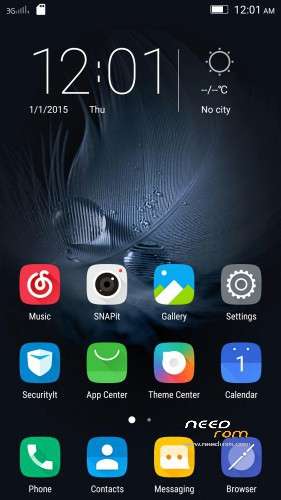
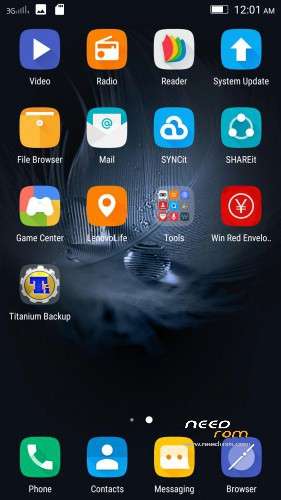
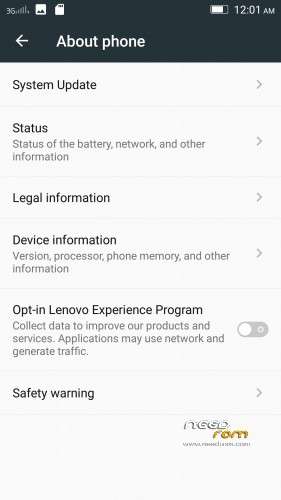
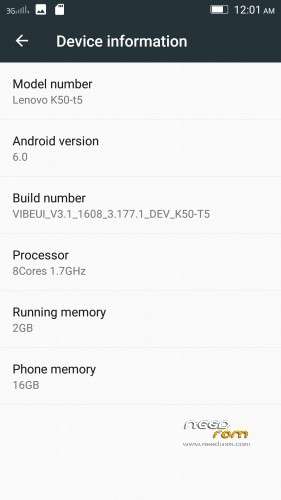

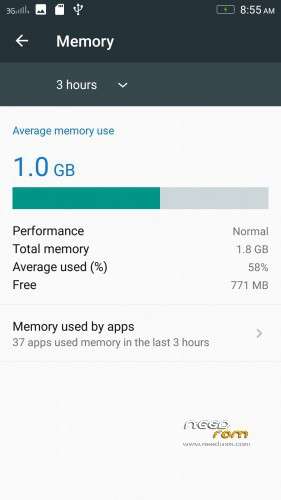
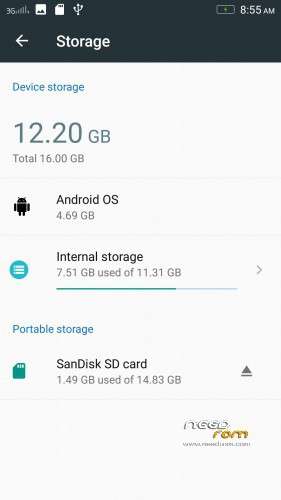
 Member Info
DESCRIPTION
Install instructions
- Install custom recovery (TWRP recommended).
- Boot into recovery mode.
- Now select wipe ( factory rest ).
- Advance wipe ( button blue ) & select partitions , dalvik cache, system , cache , user data ( just first user data )
- Select install & select downloaded zip file.
- Install success.
- Root ur phone from TWRP ( all version working )
- Flash directly gapps with TWRP and click try to solve " wizard setup " and click on clear date and click on permission management and allow all apps.
- Open ur app manager from setting and go to " google play store and play sotre " click on permission management and allow all apps
- Download repair android keyboard and install from ur phone with " file browser "
- Download repair black camera and unnistall snapit from application unnistall like " titatanium " and install black camera snapit with " file browser "
Enjoy
※Please make a backup of your device before installing or updating ROM
question: i had 1606 Cuoco92 rom installed and google play etc works well, and my phone's update also shows there is update avaliable (1608), If i update from OTA, will the new update remove my setting and google play services etc? or better to use recovery to install this 1608, then gapps, etc?
thanks
Unless the ROM is a Cuoco92 and/or is marked CUSTOM you may not get Play Store, etc.
Currently the 1608 from the OTA is an OFFICIAL UPDATE and as such you have to install GAPPS (and play around with it) to get Play Store, it only has Chinese and English, full of bloatware and you will lose everthing
I appear to have 3 different OTA apps on my phone. They all point to different or no updates,on my phone. It appears the App marked System Update (RED icon with the letters UP on it) is the one for Cuoco92 OTA updates.
I just opened it and found an update from K3.1606.09 to K3.1606.10 version and just now to K3.1606.11 version. You don't lose anything and it is an automatic process. Read the instructions during the process.
However when you get an OTA update say from K3.1605 to K3.1606 you need to carefully read the instructions about backing up before doing it.
If you download (not by OTA) any ROM and install it via TWRP you will lose all your stuff, however some of it may also be included with the new ROM.
In any case I always back up using TWRP and keep a copy of my apps on the SD card using Titanium Backup
Why is official roms not multilanguage rom?
I get error 7 while flashing. currently pheonix rom is installed. any solution?
You need to do a factory reset in settings and I would advise to also include format internal storage.
But make sure you have backed it up first
In TWRP make sure you wipe Dalvic Cache, System, Cache, Data. I also wipe the internal storage.
But make sure you have backed it up
download again this rom with link google drive
all installed correctly and wizzard permition obtained and Play market and Play store also – BUT I COULD NOT DOWNLOAD AND INSTALL ANY APPS
please help!!!
I know it might seem silly, but have you logged on to use Play Store?
thanks Enviro8, i have updated to the 1606.08. after installation, i checked, there is no more date? as you mentioned there is no more date, but yours is to .11?
Yes, I was using the custom 1606 Cuoco92 ROM
This was through the System Update app and OTA update (currently Sub Version 11)
After all the steps, i got lot of FC's of Play Store and Google don't synchronize contacts
Probably a silyquestion but how to root from twrp?
What i did was enter recovery and install superSU 2.67. When i rebooted there was no superSU installed and consequently my device was not rooted.
Flash superSU v2.46
there is an OTA in this rom ?
My wifi stops after some time when screen is off… And how should i remove NVRAM warning from my wifi networks..
Solution plz
My wifi stops after some time when screen is off… And how should i remove NVRAM warning from my wifi networks..
Solution plz