
- Title: Official 1608 VIBEUI 3.1
- Listed: February, 2016
- Last modified: 02/18/2016 9:03 pm
- Version: 6.0
You must be logged for ROM download.
24892 total views, 3 today
9 Total favorites
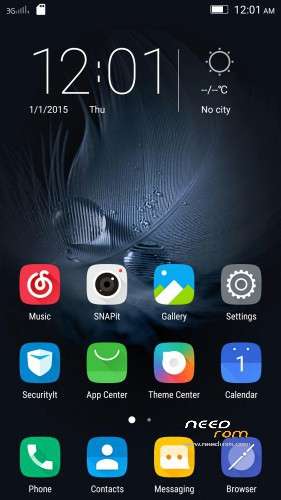
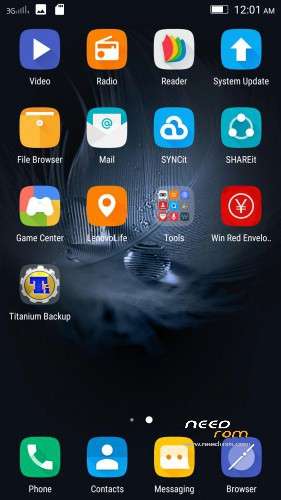
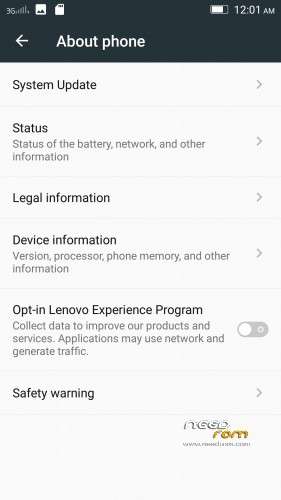
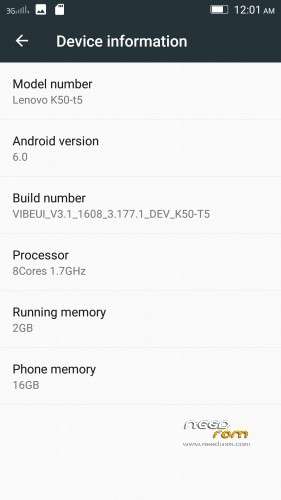

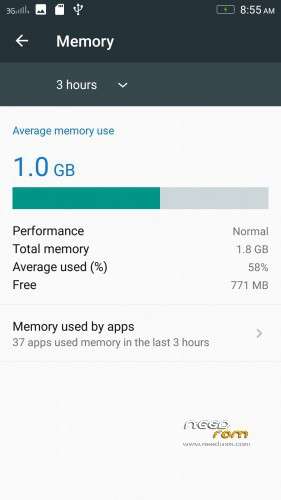
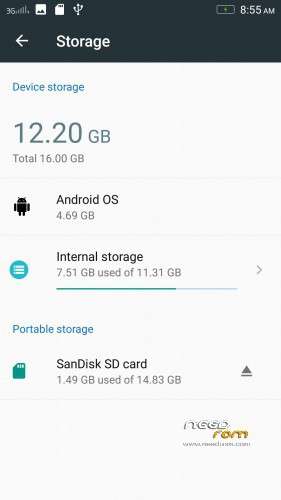
 Member Info
DESCRIPTION
Install instructions
- Install custom recovery (TWRP recommended).
- Boot into recovery mode.
- Now select wipe ( factory rest ).
- Advance wipe ( button blue ) & select partitions , dalvik cache, system , cache , user data ( just first user data )
- Select install & select downloaded zip file.
- Install success.
- Root ur phone from TWRP ( all version working )
- Flash directly gapps with TWRP and click try to solve " wizard setup " and click on clear date and click on permission management and allow all apps.
- Open ur app manager from setting and go to " google play store and play sotre " click on permission management and allow all apps
- Download repair android keyboard and install from ur phone with " file browser "
- Download repair black camera and unnistall snapit from application unnistall like " titatanium " and install black camera snapit with " file browser "
Enjoy
※Please make a backup of your device before installing or updating ROM
will it work on indian version also?
yes
a question do i need to install custom rom whenever new update come?
u need to download official system update in ur custom recovery
Black Camera is not installing…."Older version"
Please give link of newer version
"Lenovo Super Camera v4.1.13.141104 Removed Permissions" .
i flashed "VIBEUI_V3.1_1609_3.193.1_DEV_K50-T5" . official rom.
is lenovo super camera better than snapit?
if so . can i install it on my rom after i uninstall snapit on my rooted device?
Short instructions for me please. Iam using clockworkmod recovery.
1. Play store crashes every time i open it.
2. Link for gapps is not working.
Guide me to the solution
link is not working(no file exist in google drive)
link not working(no file exist in google drive)
give me link
Please, update the download links Mr… Thanks