
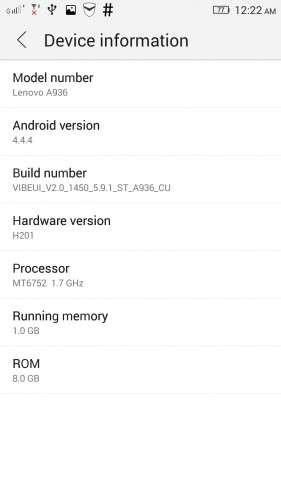
- Title: VIBEUI V2.0 1450 5.9.1 ST A936 INT
- Listed: April, 2015
- Last modified: 04/04/2015 2:31 pm
- Version: Android 4.4.4
You must be logged for ROM download.
23096 total views, 3 today
12 Total favorites
 Member Info
DESCRIPTION
DESCRIPTION:
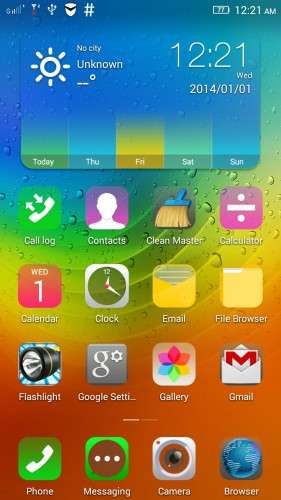
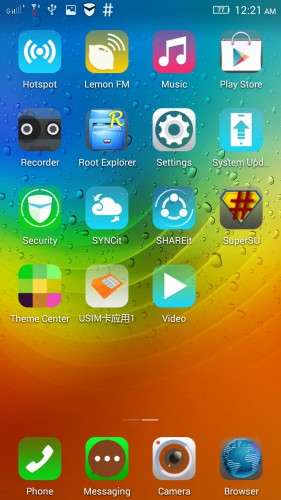
Added : Gapps + rooted
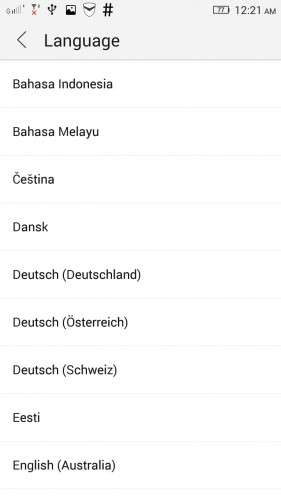
Language : Multilanguage
Removed : Some CN apk
Please backup your current rom…
Install Rom :
Via CWM recovery
Download the rom and copy to your external sd card
Boot into recovery by pressing volume (+) and (-) together and press power button.
When the phone vibrate release power button, still holding volume (+) and (-) , when recovery screen appear release v button.
In the main menu….select (Wipe Menu) —–>(Wipe Data-Factory Reset) ——> (Wipe Dalvik Cache) go back to main menu,
——> ( Install Zip ) ——> ( Choose Zip From / External_sd ) ———-> select the rom that you download.
Wait until it finish….First boot take a while…be patience.
※Please make a backup of your device before installing or updating ROM
i just installed to @G version of A936 no problem show 2G
Hi
When I go into the recovery mode, my phone goes into the ‘Lenovo Recovery Mode ‘ instead of the CWM Recovery mode. May I know how should I proceed from here in order to install this rom? I am currently using the non rooted stock rom version vibeui 2.0 1450_5.9.1
Thanks
It works good..
still waiting for custom rom
god job kushyree
Hi! prompt please notices from third-party applications in vibe 1450 don't work for me, at other ports work. in what there can be a problem?
Can it use for A850 ? I like it very much
Full RUSSIAN firmware for this model is here
love you bro… keep it up
NO NEED USING THE FLASHTOOLS?
\
Hi, I just installed your rom, and followed your steps, but now the system can't recognize any of my sim cards. I restored the Stock rom and they worked again. Could anyone help me?
Hi. I have a problem. After installation of the Rom get the message: "Application Notification Center has been stopped."
I use TWRP.
Help anyone?