
- Title: S5 MTK6571 SM G900H HARD WORK BY TONYMANANPA
- Listed: June, 2015
- Last modified: 06/15/2015 6:29 am
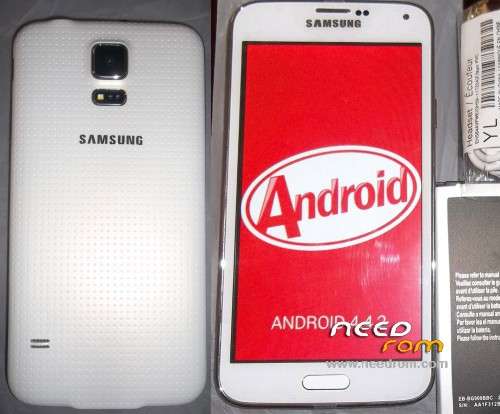
- Version: Android 4.4.2 modify by TonyMananpa (Unbrick)
You must be logged for ROM download.
46809 total views, 3 today
32 Total favorites

 Member Info
DESCRIPTION
HARD WORK!
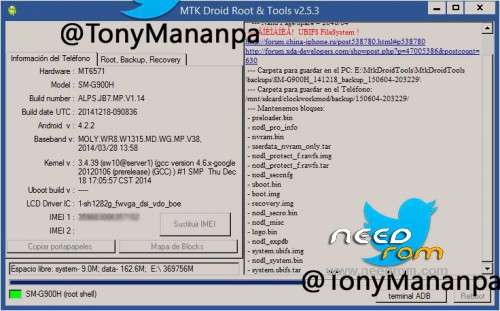
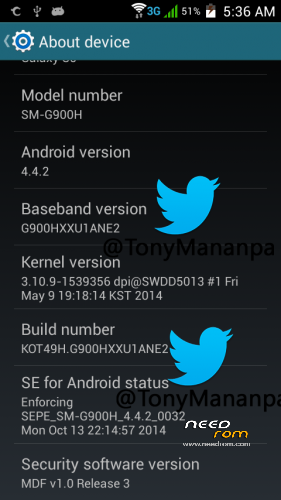
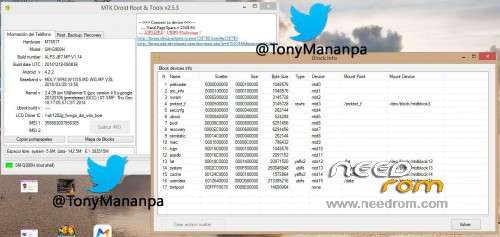
Hardware: MT6571
Model: SM-G900H
LCD Driver IC: 1_sh_1282g_fwvga_dsi_vdo_boe
Build Number: ALPS.JB7.MP.V1.14
Build date UTC: 20141218-090836
Baseband v: moly.wr8.w1315.md.wg.mp.v38 2014/03/28 13:58
FULL INSTRUCTIONS IN MY PACKAGE
**Try first erase all Nand Flash (Repartitions) with Sp Flash Tools**
View all images, step 1 and step 2
IT CONSISTS IN FLASH 2 TIMES:
1.- In SP Flash Tool: Select first: MT6571_Android_scatter_s806_lca2.txt and "Format All + Download"
2.- In SP Flash Tool: Select first: MT6571_Android_scatter_for_v5.txt and "Download" and only mark (check) PRELOADER and UBOOT.
FOR WRITE AGAIN YOUR IMEI:
Extract userdata_nvram_only.tar
Copy all files nvram folder to /data/nvram (with Root Explorer.apk)
Reboot your phone
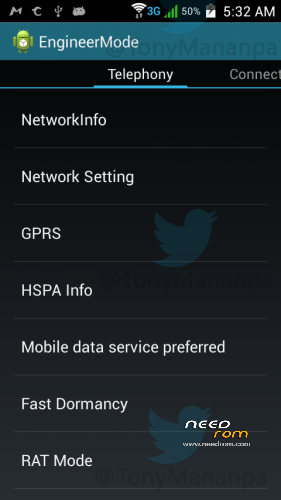
Open Phone app and digit: *#*#3646633#*#* (Engineer mode)
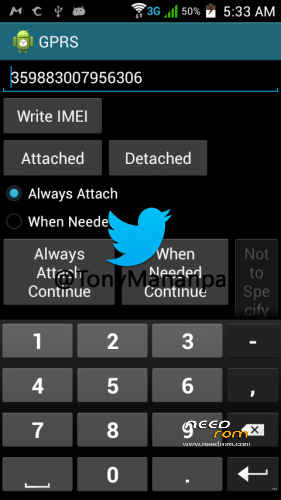
Go to GPRS and write your IMEI (phone back removing the battery)
Write – Message: "IMEI write successfully", and reboot your phone
ENJOY!
AND COMMENT.
HOW TO SOLVE INTERNAL DATA NOT ENOUGH:
With Link2SD full. And Minitool partition, insert a MicroSD in Windows PC and format with minitool, first partition as Primary and Fat32, second partition (assing 1GB) and format as primary and Ext4 or fat32, insert the microSD in the phone and turn on, open Link2SD and link to second partition as Ext4 or fat32, reboot, open again Link2SD and link all user apps to second partition (select move internal data).
※Please make a backup of your device before installing or updating ROM
.exe?
Yes, is a self-extracting 7-Zip package.
Подошла вот эта MT6571_Android_scatter_s806_lca.txt. Не вилит sim карту Если сделать тяжелого перезапуска видит. Но потом не включается.
Came here this MT6571_Android_scatter_s806_lca.txt. Not see the sim card If you do a hard restart sees. But then does not turn on.
View all images, step 1 and step 2
But in General thank you very much for the firmware not where could not find !
I did as you have written. Still doesn't see the SIM. Do not tell me what could be wrong ?
Restore nvram bachup and change your IMEI
Helped me after -=destruction=- nvram from your phone and record from the archive. When you just copied after the restart, sim not seen. Thanks again !!!
Extract userdata_nvram_only.tar
Copy all files nvram folder to /data/nvram (with Root Explorer.apk)
Reboot your phone
Open Phone app and digit: *#*#3646633#*#* (Engineer mode)
Go to GPRS and write your IMEI (phone back removing the battery)
Write – Message: "IMEI write successfully", and reboot your phone
Enjoy.
http://4pda.ru/forum/index.php.....#038;p=40656938
dont work with sm-g900f
thanks
Try:
https://www.needrom.com/downlo.....lcomm-real-mtk/
D'ont work it's mt6582 mein is mt6571
What does mtk droid tools say? Check there.
Any bugs found so far? Really need this on my phone. And is it rooted? Plus, is the internal memory issue solved( Low internal memory). Thanks.
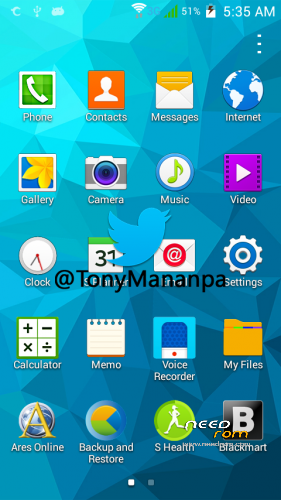
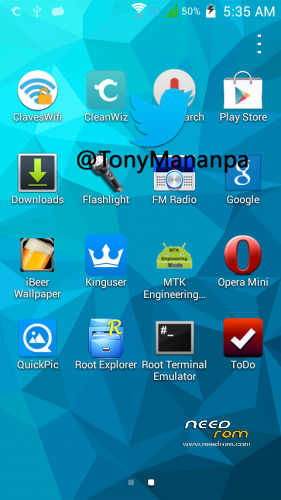
Is rooted. Only try it