
- Title: S5 MTK6571 SM G900H HARD WORK BY TONYMANANPA
- Listed: June, 2015
- Last modified: 06/15/2015 6:29 am
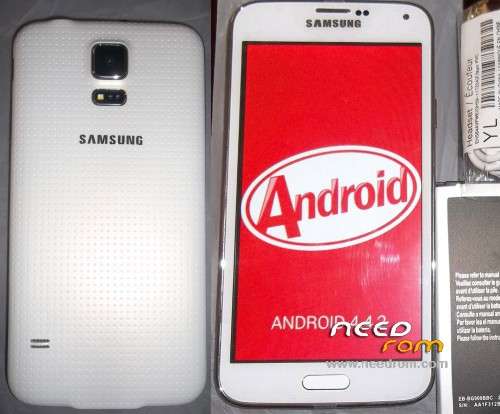
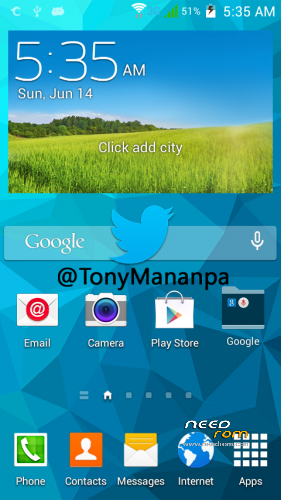
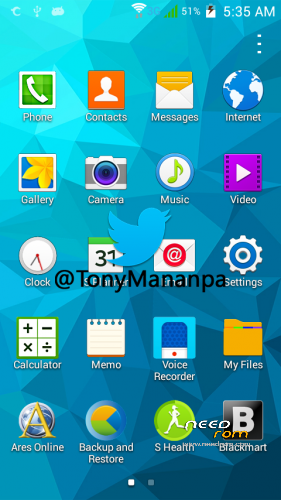
- Version: Android 4.4.2 modify by TonyMananpa (Unbrick)
You must be logged for ROM download.
48379 total views, 6 today
32 Total favorites
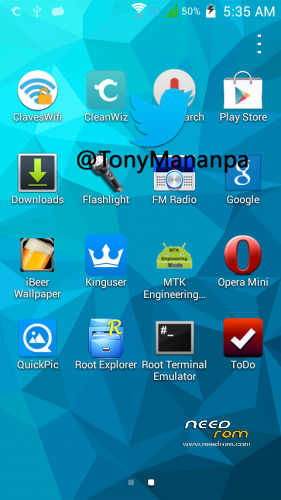
 Member Info
DESCRIPTION
HARD WORK!
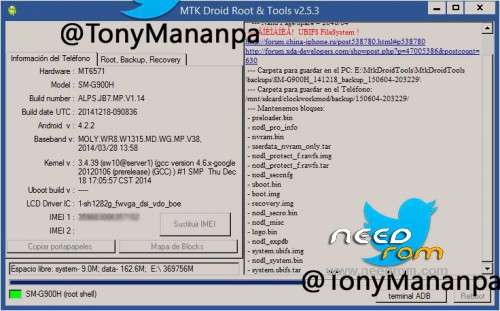
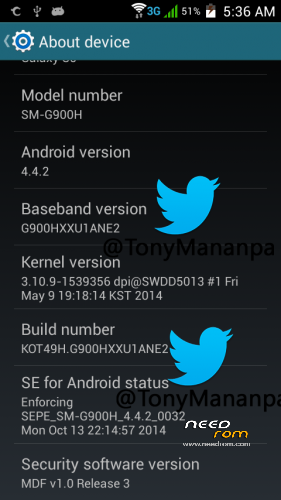
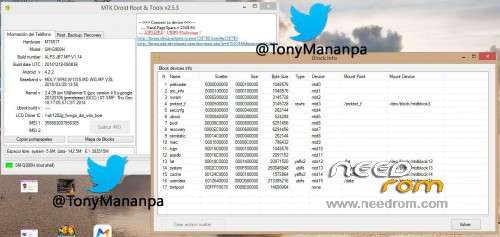
Hardware: MT6571
Model: SM-G900H
LCD Driver IC: 1_sh_1282g_fwvga_dsi_vdo_boe
Build Number: ALPS.JB7.MP.V1.14
Build date UTC: 20141218-090836
Baseband v: moly.wr8.w1315.md.wg.mp.v38 2014/03/28 13:58
FULL INSTRUCTIONS IN MY PACKAGE
**Try first erase all Nand Flash (Repartitions) with Sp Flash Tools**
View all images, step 1 and step 2
IT CONSISTS IN FLASH 2 TIMES:
1.- In SP Flash Tool: Select first: MT6571_Android_scatter_s806_lca2.txt and "Format All + Download"
2.- In SP Flash Tool: Select first: MT6571_Android_scatter_for_v5.txt and "Download" and only mark (check) PRELOADER and UBOOT.
FOR WRITE AGAIN YOUR IMEI:
Extract userdata_nvram_only.tar
Copy all files nvram folder to /data/nvram (with Root Explorer.apk)
Reboot your phone
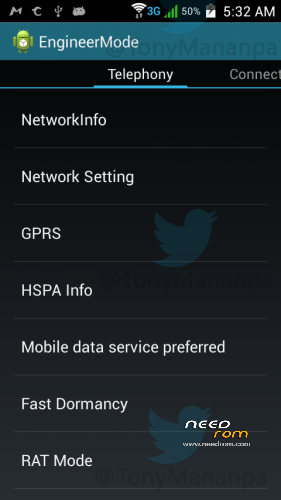
Open Phone app and digit: *#*#3646633#*#* (Engineer mode)
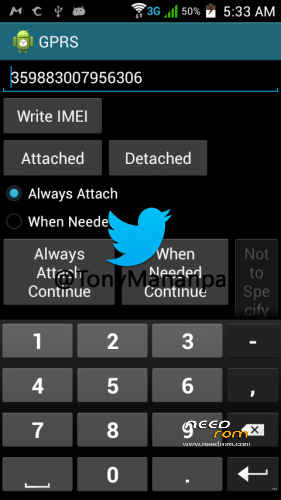
Go to GPRS and write your IMEI (phone back removing the battery)
Write – Message: "IMEI write successfully", and reboot your phone
ENJOY!
AND COMMENT.
HOW TO SOLVE INTERNAL DATA NOT ENOUGH:
With Link2SD full. And Minitool partition, insert a MicroSD in Windows PC and format with minitool, first partition as Primary and Fat32, second partition (assing 1GB) and format as primary and Ext4 or fat32, insert the microSD in the phone and turn on, open Link2SD and link to second partition as Ext4 or fat32, reboot, open again Link2SD and link all user apps to second partition (select move internal data).
※Please make a backup of your device before installing or updating ROM
Mi MT6571 se queda bootiando no muestra logo ni nad, algunos sonidos… segui los pasos 1 y 2 y prove todas la opciones de sp flas toolcon los archivos scatter ¡que hago? solo prende y da sonidos pero no inica bien..
YO TENGO LA SOLUCION PARA ESO QUE SE QUEDA EN PANTALLA NEGRA CON LED ROJO, SOLUCION FULL PROBADA POR MI, MAS INFO AL NUM +593992186493 SOY ECUADOR