
- Title: An411-S128v35m
- Listed: October, 2014
- Last modified: 11/07/2014 4:11 pm
- Version: v.12 multilang
You must be logged for ROM download.
53636 total views, 2 today
16 Total favorites
 Member Info
DESCRIPTION
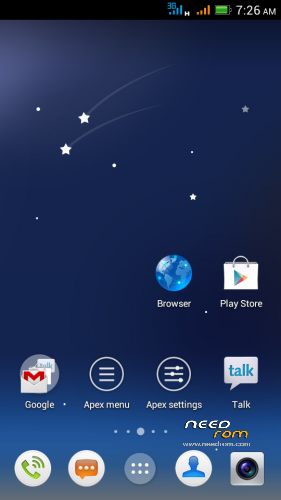
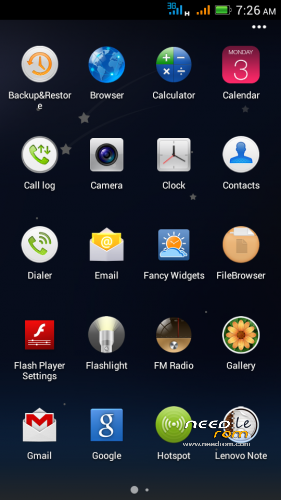
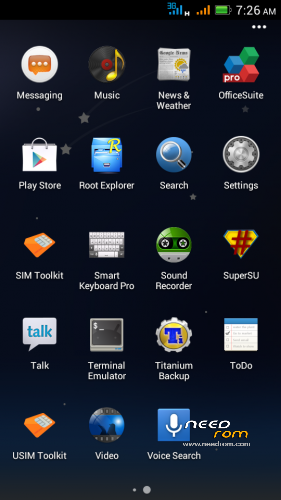
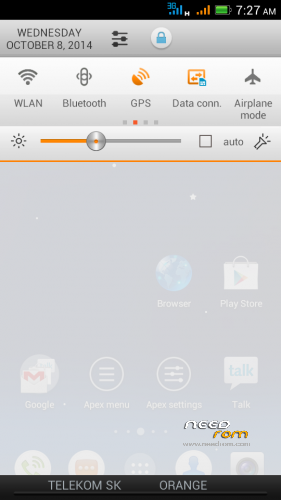
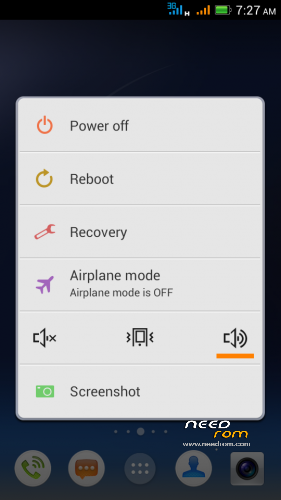
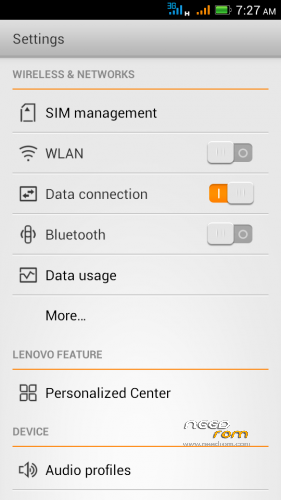
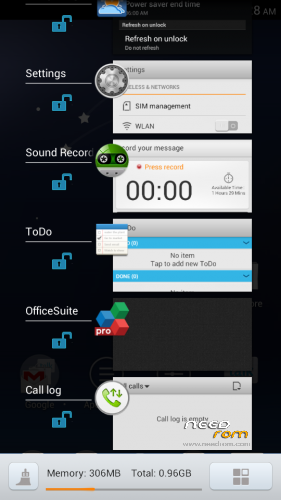
Android 4.1.1. S128 v.3.5 mod - This is in many ways very different from the former ROM Android 4.1.1. S128 v.3.3!
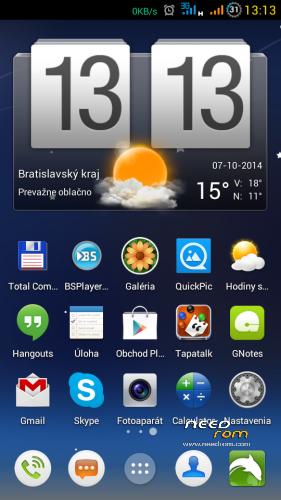
Surprisingly very good version of the asian branch of ROM. I modified original chinesse ROM, threw everything in Chinese and added translated texts (multilanguage), used texts from my previous ROMs, corrected some errors and shortcomings. There is not translated everything in all languages, because most of them do not speak. ROM is ROOTed, GAPPS are installed from a separate file.
For me this is the best ROM for Lenovo P770. I did not find any significant errors it the ROM.
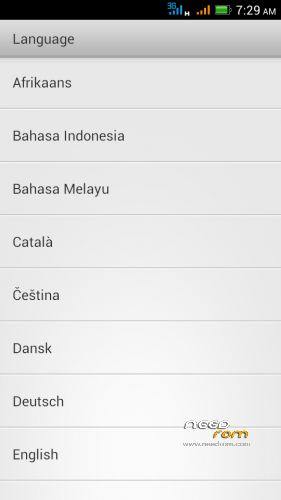
Languages support: Afrikaans, Arabic, Bahasa Indonesia, Bahasa Melayu, Bulgarian, Catalan, Croatian, Chinese (simplified, traditional), Czech, Danish (Dansk), Netherlands (Dutch), English,, French, German (Deutsch), Greek, IsiZulu, Italian, Japanese, Korean, Lithuanian, Latvian, Magyar, Norwegian, Polish, Portuguese, Romanian, Russian, Rumantsch, Serbian, Slovak, Slovene, Spanish, Swedish, Svenska, Turkish, Tagalog, Tieng Viet, Vietnamese, Ukrainian, Taiwan, … (some languages haven't translated all phrases)
Advantages / disadvantages:
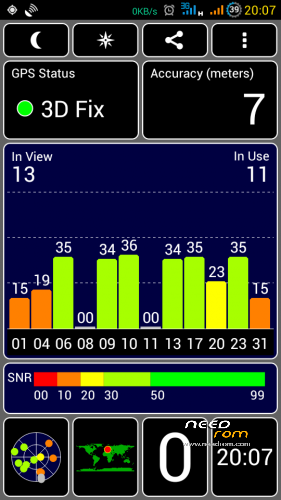
- really very quick GPS fix on Mtk6577 (AGPS uses)
- phone sees more satellites than the other ROMs
- ROM runs very smoothly
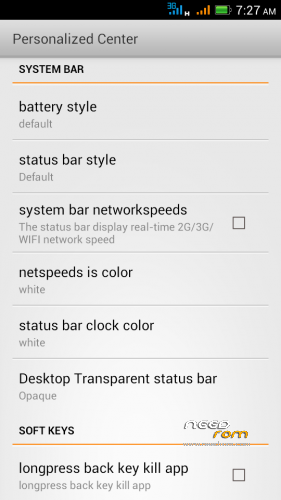
- many detailed system settings (eg. data monitor data in a not. bar, …)
- LED notification works well for Email, Gmail, Facebook, Talk, Hangouts, etc..
- multilanguage support (quality depends on the language)
- separate ringtone for each SIM card
- built-in automatic brightness control works very well
- long battery life
- localization according to GSM cell triangulation works (mobile internet on SIM)
>> If you have in phone ROM nr.11, the new version nr.12 must be installed as a clean installation (upgrade is not possible). All newest versions could be installed as upgrade (don't forget install ROM and GAPPS together). <<<
Installation instructions:
1. Format SD card and place ZIP ROM and GAPPS on SD card
2. If you haven't it, install TWRP recovery (download link bellow), go to TWRP
3. First Wipe – click Wipe/Advanced Wipe, select all options except SD card), then install ZIP ROM
-in TWRP click on Install button and choose ZIP file ROM
-then click on button "Add More Zips" and choose ZIP GAPPS
-drag button "Swipe to Confirm Flash" to install it togetheher
-click on button Wipe Cache/Dalvik
-click on button "Reboot System"
4. System will restart – patience required – first boot takes a while (3min.)
5. See Welcome screen, set your language
6. The question "Do you have a Google account?" Answer "Yes", enter your email and password
7. Skip credit card setup
8. Backup and Restore – click the right arrow
9. Use Google location – click the right arrow
10. Setup was finished – Click "Finish"
11. Confirm Settings SIM cards
12. Confirm Auto-push service – click on OK (message in notificaton bar)
13. Go to Settings/Storage/Default write disk, click here to "SD Storage" and then "OK"
14. Phone will restart
15. Done installation
16. Recommend you to install Dolphin browser from Google Play is really excellent - https://play.google.com/store/apps/details?id=mobi.mgeek.TunnyBrowser
If you want to check GSM network localization:
1. Click the icon Google Play Store
2. Find and install "Google Maps"
3. Launch Google Maps, when opens click on "Accept and Continue", then "Yes, I agree with the activation" (that is storing location data)
4. Close Google Maps application
5. Restart phone (swit off WiFi)
7. Run Google Maps, check GSM network locatization in Google maps (it should work)
TWRP/CWM is required for an installation.
TWRP 2500 here: http://yadi.sk/d/5e4SK60p5nrGU (install from CWM)
CWM 5504 here: http://yadi.sk/d/awAUa-Ve2gMMK (install from TWRP)
Information:
If your anti-virus program reports a virus (Andr.Exploit.Ratc) in ZIP archive, it is not true. This causes SuperSU.apk, it is false positive, as is described on XDA forum: http://forum.xda-developers.com/showthread.php?t=2711472
First time GPS activation:
- Connect to the internet
- Turn on the GPS
- Get in the Settings / Personalized Center / MTK engineer mode
- Location / Location Based Service
- Go to the GPS tab, switch to Full, press GPS (OFF) button
- Go to the VIEW tab and wait for green satelite confirmation
- Wait for the GPS Fix , for me in 30 seconds
- After this you can close this settings
Switch off Chinese texts in the Call and SMS log:
- click on Call icon
- on the screen click the icon in the lower right corner (Settings)
- click on Location option
- click on left button below the screen, select Setting
- uncheck "Display number's location"
– uncheck "Show operator information"
- click OK
※Please make a backup of your device before installing or updating ROM
I'm gonna give it a try. (downloading)
Thanks.
Flashing v3.5 from v3.3 without wiping its system you will be able to get it work, but there will have no status bar,
Always do a clean install, not an upgrade from any other ROM!
Haha. Yeah.
I just remembered about Roms of yours before.
It's a nice rom, indeed.
Finally, P770 ROMs may be able to get light notifications function for FB, Hangsout by default.
I'm just wondering that why you removed Dolphin Webrowser from this version?
Thanks Rbarat
Rom good setting full Vietnamese good
Hi RBarat
Can you add miui music player with online?
install this file: http://uloz.to/xhLguxYX/miuimu.....sic-apk
(there is a switch to English in the upper right corner)
To stevedat: "I'm just wondering that why you removed Dolphin Webrowser from this version?"
Because friend told me that Dolphin did not work properly when it was preinstalled. If install Dolphin from Google Play works well.
Cool! Exactly what you said.
Good job @rbarat!
Thanks rbarat,
Please help install Lenovo Super Camera on this version (Android 4.1 not 4.2)
I can try it, which version would you like? Best if you put a link here.
Oh oh,
I often download it from XDA:
http://forum.xda-developers.co.....d.php?t=2665714
And this is current version on my device with Android 4.2.2 v03_28 by rbarat
1)v3.6.7.0159.140707 with the call/sms/contact etc permissions removed http://d-h.st/RZq
Thank you,
Rom very good, but when u'll up kikat for P770?
I think that for KitKat Lenovo P770 never will.