
- Title: An411-S128v35m
- Listed: October, 2014
- Last modified: 11/07/2014 4:11 pm
- Version: v.12 multilang
You must be logged for ROM download.
53640 total views, 6 today
16 Total favorites
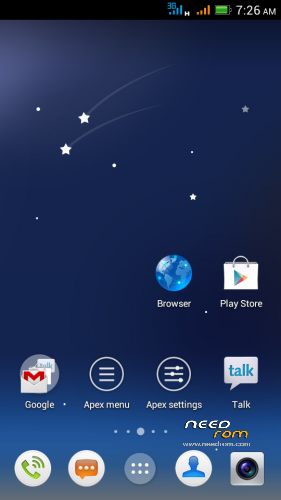
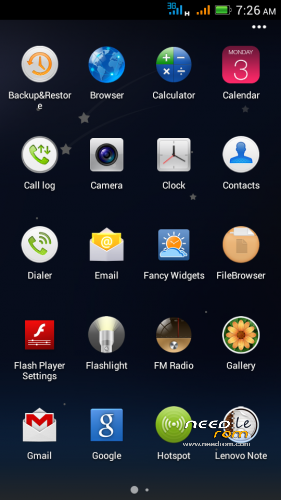
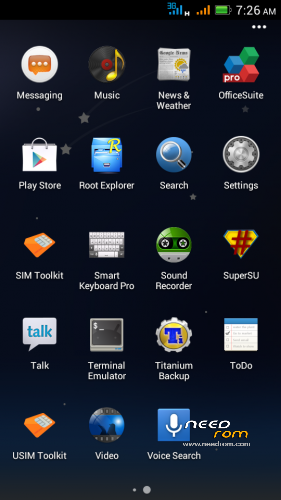
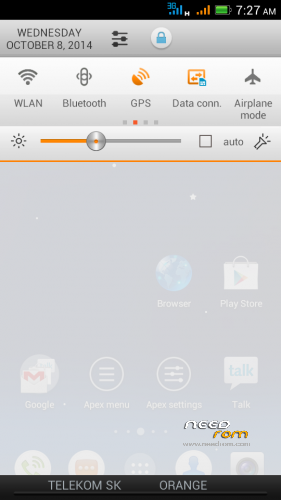
 Member Info
DESCRIPTION
Android 4.1.1. S128 v.3.5 mod - This is in many ways very different from the former ROM Android 4.1.1. S128 v.3.3!
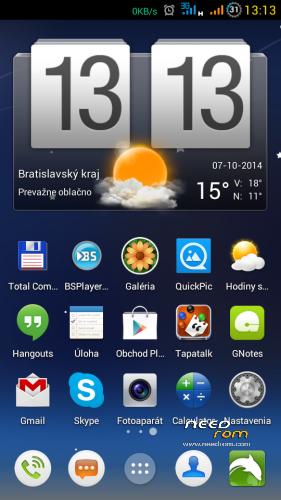
Surprisingly very good version of the asian branch of ROM. I modified original chinesse ROM, threw everything in Chinese and added translated texts (multilanguage), used texts from my previous ROMs, corrected some errors and shortcomings. There is not translated everything in all languages, because most of them do not speak. ROM is ROOTed, GAPPS are installed from a separate file.
For me this is the best ROM for Lenovo P770. I did not find any significant errors it the ROM.
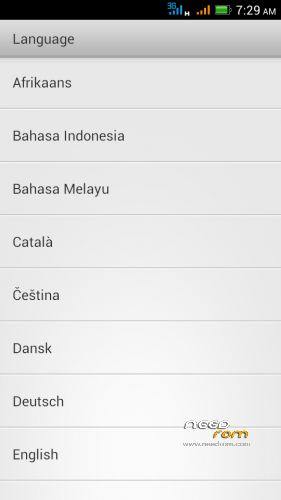
Languages support: Afrikaans, Arabic, Bahasa Indonesia, Bahasa Melayu, Bulgarian, Catalan, Croatian, Chinese (simplified, traditional), Czech, Danish (Dansk), Netherlands (Dutch), English,, French, German (Deutsch), Greek, IsiZulu, Italian, Japanese, Korean, Lithuanian, Latvian, Magyar, Norwegian, Polish, Portuguese, Romanian, Russian, Rumantsch, Serbian, Slovak, Slovene, Spanish, Swedish, Svenska, Turkish, Tagalog, Tieng Viet, Vietnamese, Ukrainian, Taiwan, … (some languages haven't translated all phrases)
Advantages / disadvantages:
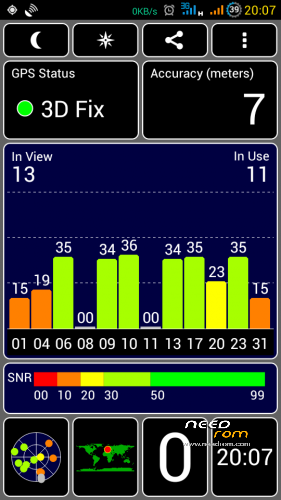
- really very quick GPS fix on Mtk6577 (AGPS uses)
- phone sees more satellites than the other ROMs
- ROM runs very smoothly
- many detailed system settings (eg. data monitor data in a not. bar, …)
- LED notification works well for Email, Gmail, Facebook, Talk, Hangouts, etc..
- multilanguage support (quality depends on the language)
- separate ringtone for each SIM card
- built-in automatic brightness control works very well
- long battery life
- localization according to GSM cell triangulation works (mobile internet on SIM)
>> If you have in phone ROM nr.11, the new version nr.12 must be installed as a clean installation (upgrade is not possible). All newest versions could be installed as upgrade (don't forget install ROM and GAPPS together). <<<
Installation instructions:
1. Format SD card and place ZIP ROM and GAPPS on SD card
2. If you haven't it, install TWRP recovery (download link bellow), go to TWRP
3. First Wipe – click Wipe/Advanced Wipe, select all options except SD card), then install ZIP ROM
-in TWRP click on Install button and choose ZIP file ROM
-then click on button "Add More Zips" and choose ZIP GAPPS
-drag button "Swipe to Confirm Flash" to install it togetheher
-click on button Wipe Cache/Dalvik
-click on button "Reboot System"
4. System will restart – patience required – first boot takes a while (3min.)
5. See Welcome screen, set your language
6. The question "Do you have a Google account?" Answer "Yes", enter your email and password
7. Skip credit card setup
8. Backup and Restore – click the right arrow
9. Use Google location – click the right arrow
10. Setup was finished – Click "Finish"
11. Confirm Settings SIM cards
12. Confirm Auto-push service – click on OK (message in notificaton bar)
13. Go to Settings/Storage/Default write disk, click here to "SD Storage" and then "OK"
14. Phone will restart
15. Done installation
16. Recommend you to install Dolphin browser from Google Play is really excellent - https://play.google.com/store/apps/details?id=mobi.mgeek.TunnyBrowser
If you want to check GSM network localization:
1. Click the icon Google Play Store
2. Find and install "Google Maps"
3. Launch Google Maps, when opens click on "Accept and Continue", then "Yes, I agree with the activation" (that is storing location data)
4. Close Google Maps application
5. Restart phone (swit off WiFi)
7. Run Google Maps, check GSM network locatization in Google maps (it should work)
TWRP/CWM is required for an installation.
TWRP 2500 here: http://yadi.sk/d/5e4SK60p5nrGU (install from CWM)
CWM 5504 here: http://yadi.sk/d/awAUa-Ve2gMMK (install from TWRP)
Information:
If your anti-virus program reports a virus (Andr.Exploit.Ratc) in ZIP archive, it is not true. This causes SuperSU.apk, it is false positive, as is described on XDA forum: http://forum.xda-developers.com/showthread.php?t=2711472
First time GPS activation:
- Connect to the internet
- Turn on the GPS
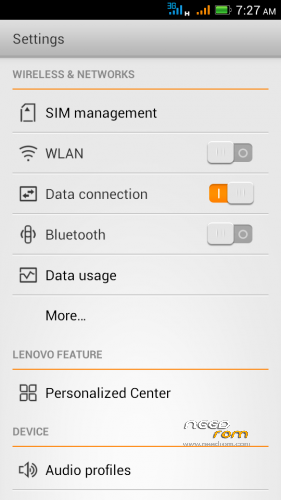
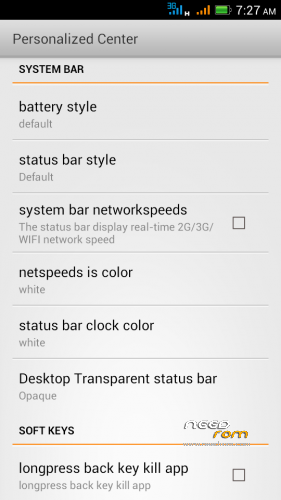
- Get in the Settings / Personalized Center / MTK engineer mode
- Location / Location Based Service
- Go to the GPS tab, switch to Full, press GPS (OFF) button
- Go to the VIEW tab and wait for green satelite confirmation
- Wait for the GPS Fix , for me in 30 seconds
- After this you can close this settings
Switch off Chinese texts in the Call and SMS log:
- click on Call icon
- on the screen click the icon in the lower right corner (Settings)
- click on Location option
- click on left button below the screen, select Setting
- uncheck "Display number's location"
– uncheck "Show operator information"
- click OK
※Please make a backup of your device before installing or updating ROM
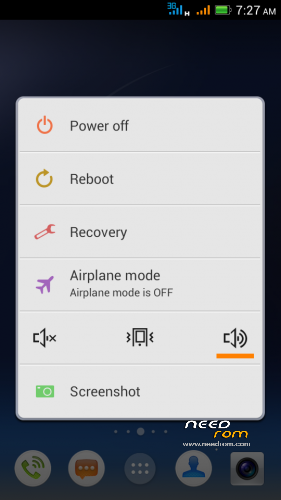
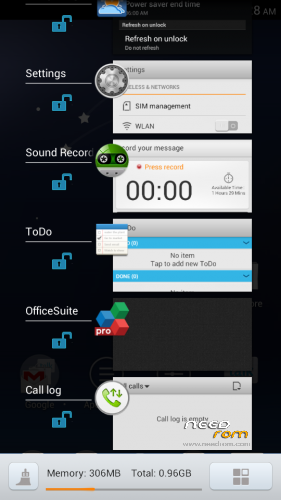
the screen capture remind me something of the task manager. The close all function were similar as MIUI rom . it kill my alarm and even the greeniify if you didn't put them in your lock list. (all the un-protect app will be kill by the "close all" option)
Hi rbarat,please tell me some informations about this room:
1. Does bluetooth function work well for this Room?
2. Do Xpose installer and Gravity bos work in this room?
Thanks a lot
anyone can share your hybrid profiles? i just flash this rom and i lost my hybird setting. Now the cpu speed will remain on 1000 and 1200mhz .
My previous rom will reduce the speed to 250 and suspend one core if i only entering the monitoring app.
Hi rbarat I tried taking Vietnamese language pack stock rom s113 male to give you and I know 2 of 2 installation files and s113 stock rom s128mod different individuals at the center should file will install the rom s128mod no Vietnamese male individual at the center because I do not know how and I do not have a computer, you can download Google’s translation software to translate Googleplay individuals at the center of upcoming rom .. You can add Vietnamese language pack it for my south central portion individuals to english well thank you very much
Китайскийв звонилке исправил, спасибо!
Иногда бывает просто при открытии любой звонилки начинает мигать световой индикатор. Снятие мигания – открытие системной панели. После перезагрузки исправляется, все ок, до какого-то события и снова мигает. С чем это связано не могу понять.
English please….
There is a new version nr.12:
- new and better Contactmanager 1.18.602
- better czech, slovak and vietnamese language
- works localization according to GSM cell triangulation (try in Google maps apk)
- new versions of some applications
Sorry, new version nr.11
Just wanted to ask why GSM cell positioning does not work on version n10. So you knew about that and fixed in a new release?
Thank you very much rbarat
Version nr. 12 when the so rbarat you apk file chorme in accordance with this rom not
Sorry, don't understand ….
Actually in version 11 network positioning still don't work, as it didn't on v10. GPS works fine however. Firmware is great except of this issue
More people have written to me already that GSM network position don't work, but for me it work.
I do not know why it is not me and you not.
Hmmm.
Could that be that you cut off something crucial for that service? Just like you cut off Exchange services and mail client. BTW in Ukraine and Russia we have Yandex Navigator which surprisingly works on this firmware. I mean using network positioning, it shows my approximate location on map. But this is the only positioning software that work
Same situation, it would be the best rom if the net positioning would working…