
- Title: An411-S128v35m
- Listed: October, 2014
- Last modified: 11/07/2014 4:11 pm
- Version: v.12 multilang
You must be logged for ROM download.
53640 total views, 6 today
16 Total favorites
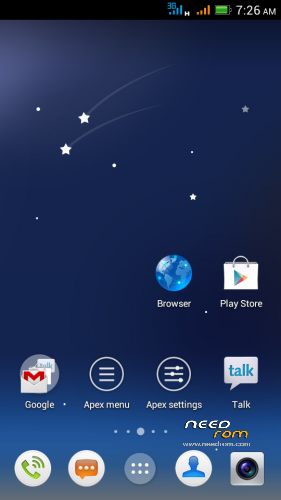
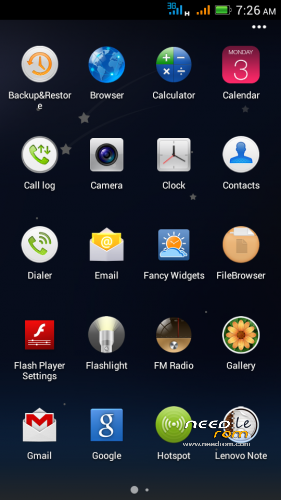
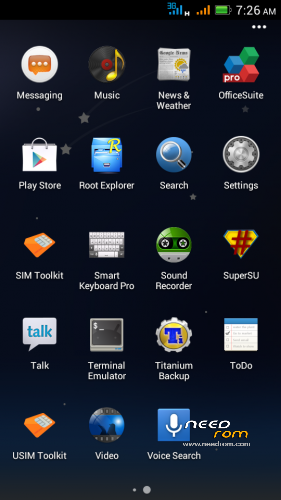
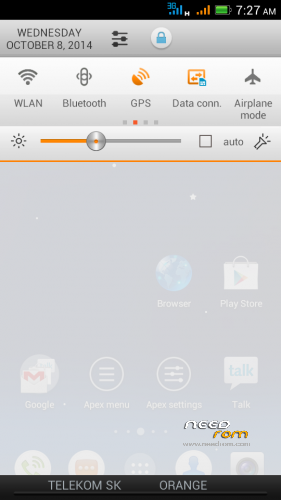
 Member Info
DESCRIPTION
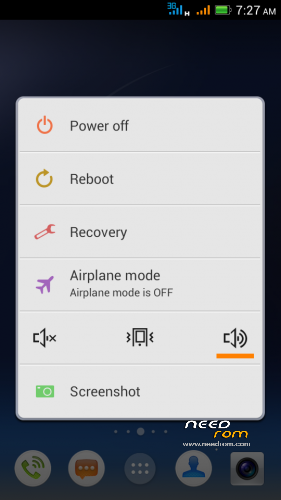
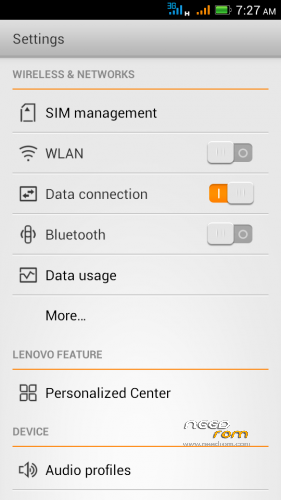
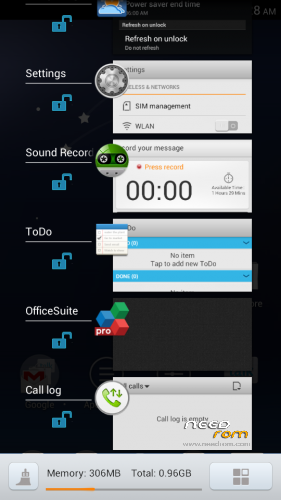
Android 4.1.1. S128 v.3.5 mod - This is in many ways very different from the former ROM Android 4.1.1. S128 v.3.3!
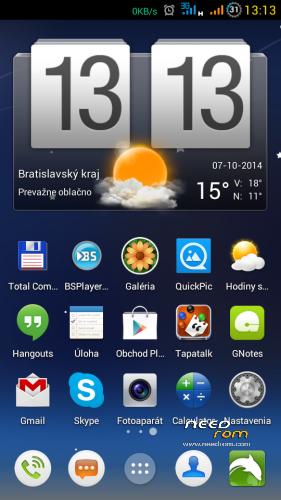
Surprisingly very good version of the asian branch of ROM. I modified original chinesse ROM, threw everything in Chinese and added translated texts (multilanguage), used texts from my previous ROMs, corrected some errors and shortcomings. There is not translated everything in all languages, because most of them do not speak. ROM is ROOTed, GAPPS are installed from a separate file.
For me this is the best ROM for Lenovo P770. I did not find any significant errors it the ROM.
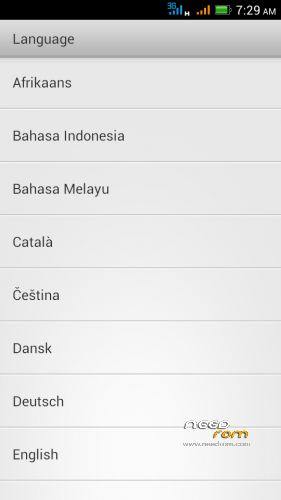
Languages support: Afrikaans, Arabic, Bahasa Indonesia, Bahasa Melayu, Bulgarian, Catalan, Croatian, Chinese (simplified, traditional), Czech, Danish (Dansk), Netherlands (Dutch), English,, French, German (Deutsch), Greek, IsiZulu, Italian, Japanese, Korean, Lithuanian, Latvian, Magyar, Norwegian, Polish, Portuguese, Romanian, Russian, Rumantsch, Serbian, Slovak, Slovene, Spanish, Swedish, Svenska, Turkish, Tagalog, Tieng Viet, Vietnamese, Ukrainian, Taiwan, … (some languages haven't translated all phrases)
Advantages / disadvantages:
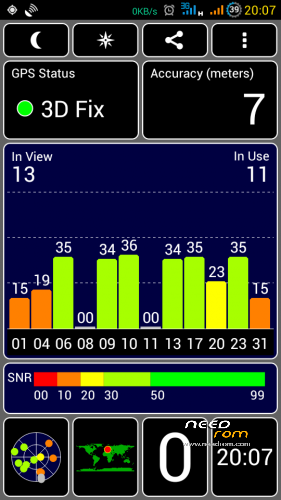
- really very quick GPS fix on Mtk6577 (AGPS uses)
- phone sees more satellites than the other ROMs
- ROM runs very smoothly
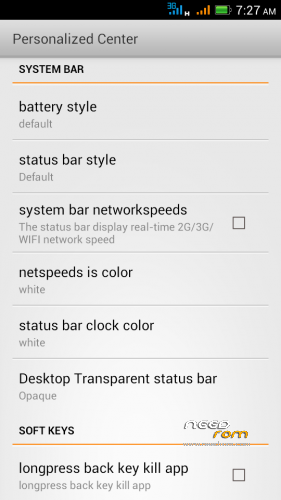
- many detailed system settings (eg. data monitor data in a not. bar, …)
- LED notification works well for Email, Gmail, Facebook, Talk, Hangouts, etc..
- multilanguage support (quality depends on the language)
- separate ringtone for each SIM card
- built-in automatic brightness control works very well
- long battery life
- localization according to GSM cell triangulation works (mobile internet on SIM)
>> If you have in phone ROM nr.11, the new version nr.12 must be installed as a clean installation (upgrade is not possible). All newest versions could be installed as upgrade (don't forget install ROM and GAPPS together). <<<
Installation instructions:
1. Format SD card and place ZIP ROM and GAPPS on SD card
2. If you haven't it, install TWRP recovery (download link bellow), go to TWRP
3. First Wipe – click Wipe/Advanced Wipe, select all options except SD card), then install ZIP ROM
-in TWRP click on Install button and choose ZIP file ROM
-then click on button "Add More Zips" and choose ZIP GAPPS
-drag button "Swipe to Confirm Flash" to install it togetheher
-click on button Wipe Cache/Dalvik
-click on button "Reboot System"
4. System will restart – patience required – first boot takes a while (3min.)
5. See Welcome screen, set your language
6. The question "Do you have a Google account?" Answer "Yes", enter your email and password
7. Skip credit card setup
8. Backup and Restore – click the right arrow
9. Use Google location – click the right arrow
10. Setup was finished – Click "Finish"
11. Confirm Settings SIM cards
12. Confirm Auto-push service – click on OK (message in notificaton bar)
13. Go to Settings/Storage/Default write disk, click here to "SD Storage" and then "OK"
14. Phone will restart
15. Done installation
16. Recommend you to install Dolphin browser from Google Play is really excellent - https://play.google.com/store/apps/details?id=mobi.mgeek.TunnyBrowser
If you want to check GSM network localization:
1. Click the icon Google Play Store
2. Find and install "Google Maps"
3. Launch Google Maps, when opens click on "Accept and Continue", then "Yes, I agree with the activation" (that is storing location data)
4. Close Google Maps application
5. Restart phone (swit off WiFi)
7. Run Google Maps, check GSM network locatization in Google maps (it should work)
TWRP/CWM is required for an installation.
TWRP 2500 here: http://yadi.sk/d/5e4SK60p5nrGU (install from CWM)
CWM 5504 here: http://yadi.sk/d/awAUa-Ve2gMMK (install from TWRP)
Information:
If your anti-virus program reports a virus (Andr.Exploit.Ratc) in ZIP archive, it is not true. This causes SuperSU.apk, it is false positive, as is described on XDA forum: http://forum.xda-developers.com/showthread.php?t=2711472
First time GPS activation:
- Connect to the internet
- Turn on the GPS
- Get in the Settings / Personalized Center / MTK engineer mode
- Location / Location Based Service
- Go to the GPS tab, switch to Full, press GPS (OFF) button
- Go to the VIEW tab and wait for green satelite confirmation
- Wait for the GPS Fix , for me in 30 seconds
- After this you can close this settings
Switch off Chinese texts in the Call and SMS log:
- click on Call icon
- on the screen click the icon in the lower right corner (Settings)
- click on Location option
- click on left button below the screen, select Setting
- uncheck "Display number's location"
– uncheck "Show operator information"
- click OK
※Please make a backup of your device before installing or updating ROM
Hi Rbarat. I just flashed this rom. So far, so good. But the mods are messy. Not to be judgemental. Uhm, i also thought that could you please do not use ideafriend.apk for dialer,messaging,and contacts? It seems slower. And also the statusbar expanded is white which will make the music toggle on the statusbar expanded also white. I cant see it. Could you also please make the statusbar fully transparent? Or include it in the iPhone Imitation? I could be your bug hunter. Please add me on facebook, @relegends2@yahoo.com.ph Thank you. I am looking forward for you to complete this rom bugless
  and also the VPN icon isnt showing.
The base ROM programmed some chinese man. Then he bought a Lenovo P780 and the development stopped. I took his ROM, corrected mistakes, made what I knew, and I translated the whole ROM. Now I bought a new phone too, so I will stop developing. In my opinion this is the best ROM for P770. You do not have to agree. For me everything is working as I need.
I have prepared for you this ROM, you can choose:
MIUIv5_SUDA
MIUIv5_stas2z
Android 4.2.2.
And411 S113mod
An411-S128v33m
An411-S128v35m
Each is different and each is something specific. Simply choose. I think for Lenovo P770 I've done enough. I have always tried to do everything as best I know.
Oh, it's cool man. i maybe have to study for codings and stufs Thanks for your response. Im sorry if you got offended somehow
  Yeah, i agree with you
  this is the best rom for Lenovo so far
rbarat, I have Rom v.113 now, can I install this rom v.128 to my Handphone?
Thanks
Yes but as a new clerar installaion – In TWRP Wipe all except SD card, then install.
Tried v.13 – my phone is bricked now Anyone else has this problem?
I flashed my phone multiple times now so I couldn't make a mistake.
Will try to revive it using SP Flash tool and maybe v.10.
You had to make a some mistake. Proceeded according to your instructions? Did you install according to the instructions?
This installation file is only for TWRP recovery, not for Flashtool from PC!
If you brick your phone, one of the possible instructions is:
- flash S110 ROM
- flash CWM recovery
- from CWM install TWRP
- from TWRP install this ROM
Instructions how to flash and all the necessary files are here (see first and second post) - http://forum.xda-developers.co.....d.php?t=2220275
Can somebody provide a scatter file for p770? Can't find a working one anywhere… please help.
Here: http://forum.xda-developers.co.....d.php?t=2220275
Friends, in the last version no.13 I forgot to delete Chinese cities database file. Therefore you see the chinese characters in the call log and SMS log.
I'll fix it in the next version. You can switch it OFF manually:
- click on Call icon
- click on icon in the right corner (looks like 4 squares)
- click on CallerLoc
- click on left button below the screen, select Setting, uncheck "Display number's location"
Thx Rbarat!
I made a new version no. 13a, where I removed a database of Chinese cities. You should not see any chinese characters in the calls and SMS log. There are two ways to do it.Let me know if it works.Thanks.
Oh, thanks. uhm could you please include the changes of the build as you post? for us to know what is the changes made on that build Thanks alot
Switch off Chinese texts in the Call and SMS log:
- click on Call icon
- click the icon in the lower right corner on the screen (Settings)
- click on Location option
- click on left button below the screen, select Setting
- uncheck "Display number's location"
– uncheck "Show operator information"
- click OK
i love this roms
can you please add dual 3g
Big changes do not expect it from me, because I bought another phone – THL5000.
Thank you very much Rbarat. This's a best rom i've used!
I also think it's probably the best ROM for P770