
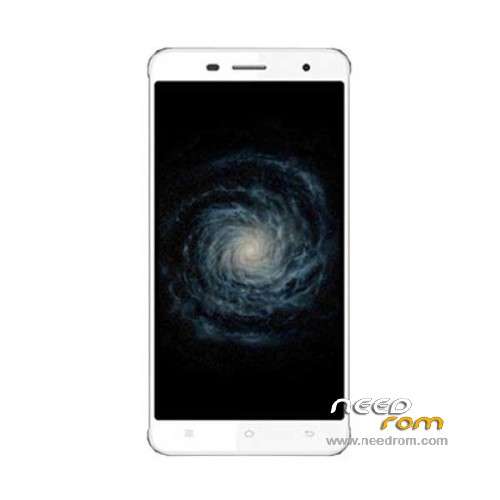
- Title: Cubot X17
- Listed: October, 2015
- Last modified: 03/11/2016 1:40 am
- Version: ROM Android 5.1
You must be logged for ROM download.
24511 total views, 2 today
17 Total favorites
 Member Info
DESCRIPTION
ROM Phone Cubot X17 – ROM Android 5.1
ONLY MT6735
Update Official ROM Cubot X17 Version: CUBOT_X17_5091C_V06_20160203 – full_sf6735_65c_l1-user 5.1 LMY47D
———————————————————————————————————————————————————————
Update Official ROM Cubot X17 Version: CUBOT_X17_5091C_V04_20151219 – full_sf6735_65c_l1-user 5.1 LMY47D
———————————————————————————————————————————————————————
Official ROM Cubot X17 Version: CUBOT_X17_5091C_V03_20151022 – full_sf6735_65c_l1-user 5.1 LMY47D
Gapps include – No Rooted
Language support: Multilang
Install ROM:
Install with SP MDT:
1). Turn off the smartphone. Cable is not connected to the computer.
2). Remove the battery and insert it again
3). Connect your phone to a computer cable. The operating system detects a new device
4). Disconnect the cable from the computer.
5). Run SPMultiPortFlashDownloadProject.exe
6). Choose File> Open File Agent download and specify the file MTK_AllInOneDA.bin (it is in the folder SP_MDT).
7). Click Scatter File and select the MT6735_Android_scatter.txt file (it's in the folder with the rom).
8). Click "Start all".
9). Connect your phone to a computer cable. The program should see and blink. If the phone is not detected, then unplug it from the computer,
remove and insert the battery (if the battery is removable) and reconnect it to the computer.
10). After (OK) click Stop and disable any phone.
11). Completed.
※Please make a backup of your device before installing or updating ROM
Unfortunately error warning after step 8.
1. COM ports number repetitive or invalid.
2. Brom and preloader have the same comport number! Please modify them in INI file or scan again.
Thank you, updated to the V04 without problems.
What advantage did this Vo4 allow you? Have you rooted the x17 if yes then how. Thank you for your time. JP
For me the problem is still there , even though I have used V04 . Can you help.Unfortunately error warning after step 8.
1. COM ports number repetitive or invalid.
2. Brom and preloader have the same comport number! Please modify them in INI file or scan again.
Which are the news in this ROM?
Hello, i have the same problems as mention before.
1. COM ports number repetitive or invalid.
2. Brom and preloader have the same comport number! Please modify them in INI file or scan again.
Remove battery ?? haha please!
When is there a working official rom coming out mr SoCr@Te ??
1. COM ports number repetitive or invalid.
2. Brom and preloader have the same comport number! Please modify them in INI file or scan again.
I bought a Cubot X17. When I am using Malwarebyte, it shows me the Rom are infected with Android/Trojan.Downloader.Agent.ea !
Even the same when I flasht with your ROM. What can I do? Malwarebyte can not delete this. Do somebody else have the same Problem? Thanks a lot!
The operaService.apk is infected!
Could You build a ROM without this app? How could I delete this app?
Root your phone and with an root deinstaller you can delete the operaService.apk
Dear people , DONT BUY CUBOT PHONES! The hardware is bad and the firmware roms you get here are not good at al . All suffering from touchscreen problems wifi dropouts etc… I have the X17 now and have the same touch problem with the x9. You should not buy this crap and SoCr@Te is not able to deliver good roms for cubot phones. Good luck!
I've the Cubot X17 now over 1 month and no touch problem at all. I don't know what is your problem. But if your Cubot is still running touch problems then you can buy another phone. It's a cheap handy and for this it's ok.