
- Title: CyanogenMod 11 – Team Superluminal
- Listed: February, 2015
- Last modified: 04/07/2015 9:46 pm
- Version: Android 4.4.4 - CM11
You must be logged for ROM download.
97998 total views, 6 today
169 Total favorites
CUSTOM



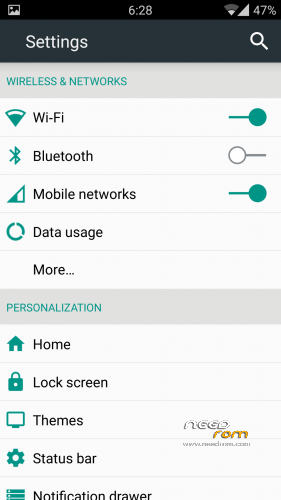
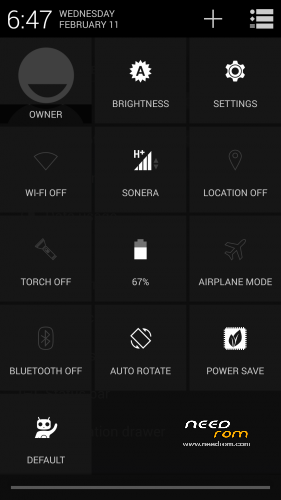
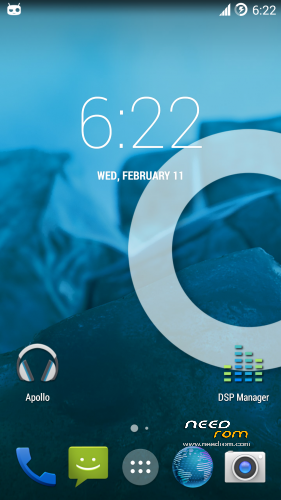
 Member Info
DESCRIPTION

We have moved to http://www.teamsuperluminal.org/
Please follow our work on our website.
From there you will find our roms, recovery, updates, news and all other stuff.
CyanogenMod (pronounced sigh-AN-oh-jen-mod), is a customized, aftermarket firmware distribution for several Android devices. Based on the Android Open Source Project, CyanogenMod is designed to increase performance and reliability over Android-based ROMs released by vendors and carriers such as Google, T-Mobile, HTC, Lenovo, etc. CyanogenMod also offers a variety of features & enhancements that are not currently found in these versions of Android.
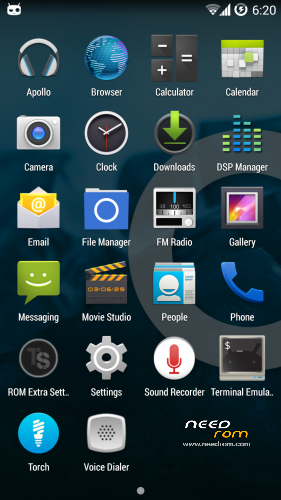
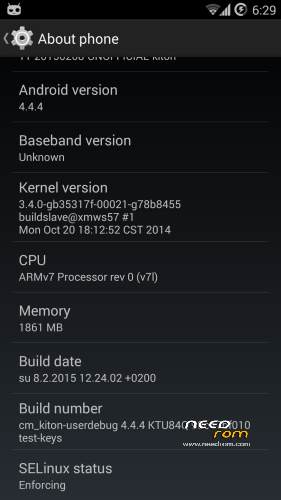
This is Team Superluminal cyanogenmod 11 port for your Lenovo K910
Not officially supported, but might work on K910L and K910e
※Please make a backup of your device before installing or updating ROM
I stupidly left this comment under recovery. But I wanted to say:
Guys, thanks for your work. I've only just installed the ROM but I'm already loving it. If I find any issues, I'll be sure to report.
Do you plan to keep this updated? If so, could you do it via "dirty-flashable" updates, so there is no need to wipe everything and set up your phone from scratch every time?
Anyway, thanks again!
OK, it seems that Titanium Backups from my previous ROM (MLieDRoiD Rom v1.51) don't work. Also, the Home button (the middle "hardware" button) does nothing.
Still, good ROM
Home button does nothing? You mean it doesn't even return to home screen?
It should always return at least home screen. You can configure long press and double tap functionality in settings.
Do you plan to keep this updated? If so, could you do it via "dirty-flashable" updates, so there is no need to wipe everything and set up your phone from scratch every time?
Thanks for replying.
1. Replacing superuser with SuperSU from Chainfire = Titanium backups can be restored
2. Home button does nothing (does not return to hoe screen, long press does not bring up recent apps) regardless of what action I assign in the settings, but only on single press and long press. Double tap works flawlessly.
3. Great news about the updates!
I've found a problem that i never seen, when connected to my pc, i have a infinite looping. Looks like it disconnect-reconnect and nothing happens, but i could unplug and finish that.
But yes, this rom seen to be okay. And i replace superuser and dsp manager with supersu, dolby-eofex and v4a, because supersu is necessary instead superuser. All my apps are restored properly, yes, i'm happy, you did a good job.
(If you need some report, come and ask…)
When you plug it to pc and it starts looping. Go to developper options and swich it off, then you should see your "sdcard" folder in pc.
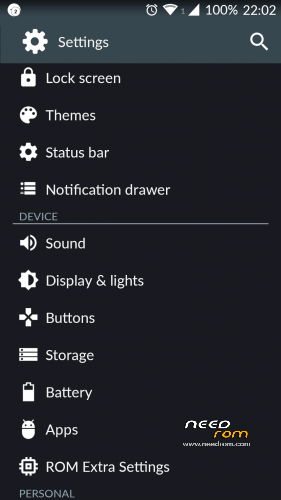
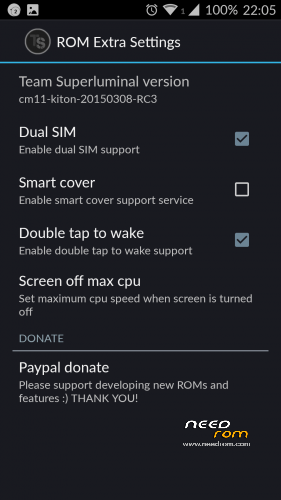
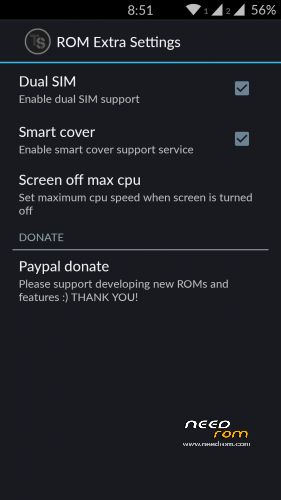
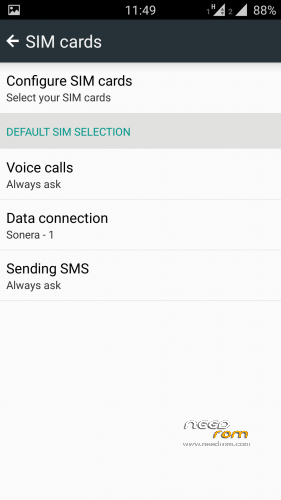
If you make dual sim to work in future release it will be awesome.
Thank you for your work!
hi
thanks for your work!
great job guys!!!!!thanks to all!!
will continue to be updated?
Yeah, but in linux, i properly mount and transfer files. Done.
But usb-otg don't work. I think in full wipe and format /data and /system, i don't know…
About OTG, we examined that the usb-otg does not mount automaticly. Might be fixed in future…
Hi!
At first, thanks a lot for your great work! Though I want this rom so much, I will not use it Because both of sim numbers are important for me. So please fix dual sim problem asap.. Im looking forward this rom. Thanks again!!!
to: S34d0g
We got the same issue as you had with the "home" button. So, Boot into recovery and wipe cache and dalvik cache -> reboot. It helped us. We don't know what makes it happend, it might be related some cyanogenmod github nightly changes in latest build.
Thanks for the solution, it works as advertised Hooray for the working Home button!
Great job. Thanks for your support guys. Hope for bugs to be fixed soon. Good luck