
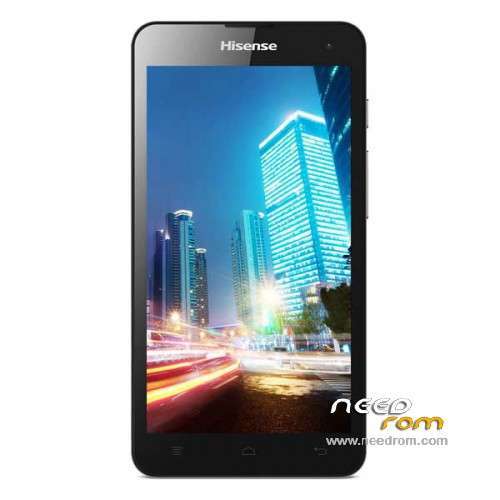
- Title: Hisense u971
- Listed: December, 2014
- Last modified: 02/13/2016 2:15 am
- Version: ROM Android 4.3
You must be logged for ROM download.
65284 total views, 2 today
31 Total favorites
 Member Info
DESCRIPTION
ROM Mobile hisense u971 – ROM Android 4.3
ROM 2 – Official ROM u971 Version: HS-U971_W1002.6.04.00.ZA00
QPST
1.Connect your phone to PC and let the driver install
2.Install QPST
3.Open QPST Configuration -> Add new port -> Select the com port of your device -> exit
4.Go to Start -> All Programs -> QPST eMMC Software Download open the tool -> Check program boot loaders -> Browse for the device com port
5.Click Load XML def and browse for u971ae_2.xml in folder ROM
6.Click Load Patch def and browse for patch0.xml in folder ROM
7.Check the search path 2 and browse for the folder ROM
11.Now click download, wait for the download to finish (it never finish but it also detects for a new driver, and that’s important)
and it will search for the new hardware found, install the driver
——————————————————————————————————————————————————
ROM 1 – Official ROM u971 Version: U971-SW-W969.6.02.02.00
Gapps include – no Rooted
Language support : Multilang
Install ROM :
Install with U971.cmd
※Please make a backup of your device before installing or updating ROM
hi evry body can you guyes tell me please flash method i am new please
my mobile hisense hs-u971 is corepted . i want his updat but no updat my phon. and no dounlod update file. plz help me.
Help, can't access camera
I cant get com port with my phone. How to setup com port???
HOW ENTER IN DOWNLOAD MODE? HISENSE U971! I NEED FLASH ROM 2 with QPST ! ROM 1 CAMERA DONT WORK FOR MY U971!
ROM 2 - IN STEP 11 I RECEIVE , PHONE NOT IN DOWNLOAD MODE!!
ADB DRIVER INSTALLED, THE PHONE DISK PARTITION APPEAR IN EMMC SOFTWARE , DOWNLOAD MODE PLZZZ!
can i ask how to run your phone in fastboot mode?
POWER+ VOL+ + PLUG USB CABLE
or
POWER+ VOL- + PLUG USB CABLE
POWER+ VOL+ After the logo appear and hear the sound + PLUG USB CABLE
thier are qhsusb_bulk driver will be installed if not searh for it and install it
What to do after step 11:
in my enters eng test mode
I cant get com port with my phone. How to setup com port??? i have installed the chinese ROM and my rear camera and flash not working. How to fix
well … The first Rom Is now showing arrabic letters … It's Blank …
And the Second Rom Doesn't have the scatter file …. and the system.img files are so many ! , what should i do now ?
HELP, in istalacija roma writes Could not find 8x10_msimage on any search path. Where I'm wrong?