
- Title: HUAWEI Honor 3
- Listed: October, 2013
- Last modified: 01/22/2014 2:06 am
- Version: ROM Android 4.2.2
You must be logged for ROM download.
29556 total views, N/A today
4 Total favorites
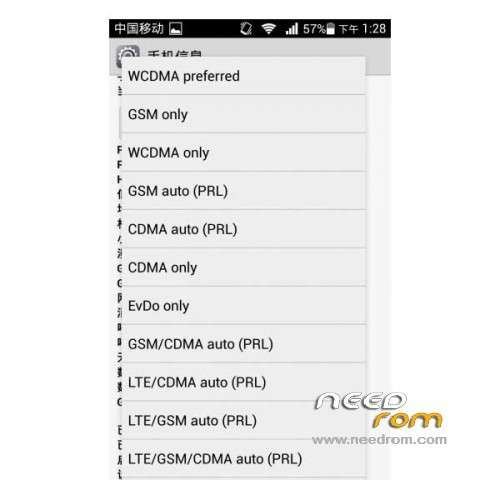
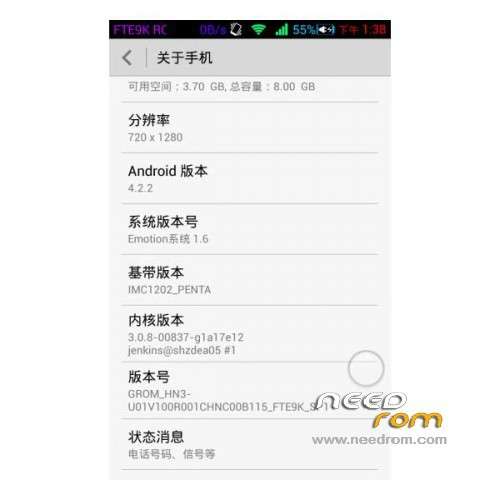
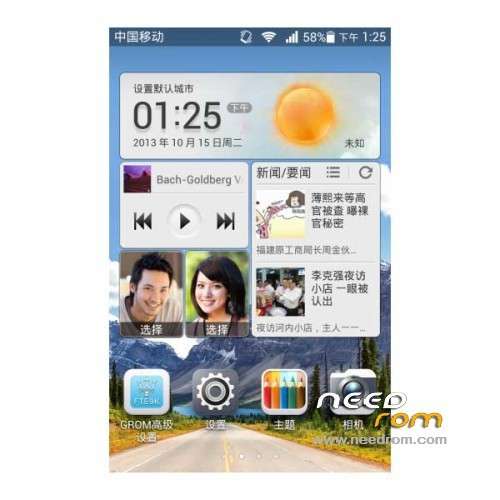
 Member Info
DESCRIPTION
ROM Mobile HUAWEI Honor 3 – ROM Android 4.2.2
Features ROM:
Update 01/21/2014 Based on HN3-U01V100R001CHNC00B118
——————————————————————————————————————————————————
12/31/2013 Based on HN3-U01V100R001CHNC00B118
Gapps include – Rooted
Language support: Multilang
ROM install :
1 – Download and unrar ROM
2 – phone is in "USB Debugging"
3 – cell phone connection to the computer in the initialization state
4 – Run the file "flash_all.bat " and tap just enter
5 – End of the brush, press and hold the volume up on the phone and computer by pressing any key
Phone automatically restarts when you see the Huawei logo, release the phone volume + key
6 – The phone will automatically pair of clear, double clear finished restart automatically and start the system
※Please make a backup of your device before installing or updating ROM
Thanks very good!
IN english at all?
Can some please explain it is waiting on the red screen and waiting for device? <error Device not found) waiting for device?
OK. i have being trying for a little while to re root this device and to know avail. can someone else (other then the author) please re write me a step by step instructions.
When the phone is connect which 'setting' on the USB debugg do i use? Media device, Camera, Hisuite or usb storage?
When the phone is rebooting which option do i press?
by 'initialization state' you mean (Power) + (Vol +) + (Vol -) pressed to pink screen? or cwm recovery? oe other?
thank you
I too am unsure how to proceed, could you make the instructions more clear.
step 3 is 3 – cell phone connection to the computer in the initialization state? what exactly does this mean.
when I run the flash_all.bat (on my pc), with the phone connected and in debugging mode nothing happens. I mean a DOS screen comes up with a little english and gibberish and I hit enter but nothing happens. Thanks in advance for any help you can give.
should the phone be connected as, a media device, camera,Hisuite or usb storage device?
I have done installation by connecting phone as a media device. Everything goes well.
Successfully Installed!
Thank You
Based on HN3-U01V100R001CHNC00B116
Is this multilang? Google apps installed?
Please someone that has already installed it..
Thank you
Pls, this version contains CZ language?
ahoj zkoušel jsi tu rom dik
No multilang english and china !!! google apps yes