
- Title: HUAWEI Honor 3
- Listed: October, 2013
- Last modified: 01/22/2014 2:06 am
- Version: ROM Android 4.2.2
You must be logged for ROM download.
29557 total views, 2 today
4 Total favorites
 Member Info
DESCRIPTION
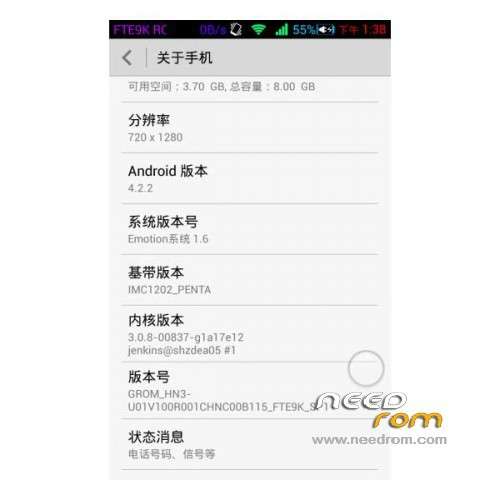
ROM Mobile HUAWEI Honor 3 – ROM Android 4.2.2
Features ROM:
Update 01/21/2014 Based on HN3-U01V100R001CHNC00B118
——————————————————————————————————————————————————
12/31/2013 Based on HN3-U01V100R001CHNC00B118
Gapps include – Rooted
Language support: Multilang
ROM install :
1 – Download and unrar ROM
2 – phone is in "USB Debugging"
3 – cell phone connection to the computer in the initialization state
4 – Run the file "flash_all.bat " and tap just enter
5 – End of the brush, press and hold the volume up on the phone and computer by pressing any key
Phone automatically restarts when you see the Huawei logo, release the phone volume + key
6 – The phone will automatically pair of clear, double clear finished restart automatically and start the system
※Please make a backup of your device before installing or updating ROM
Perfect, have had no problems with this rom. I have uninstalled all the bloatware apps, and found an option in the toolbox to remove the chinese text and chinese toggles in the notification bar. It is now all english.
you instaled rom 118 ?
can you explain more how to remove the chinese text and chinese toggles in the notification bar?
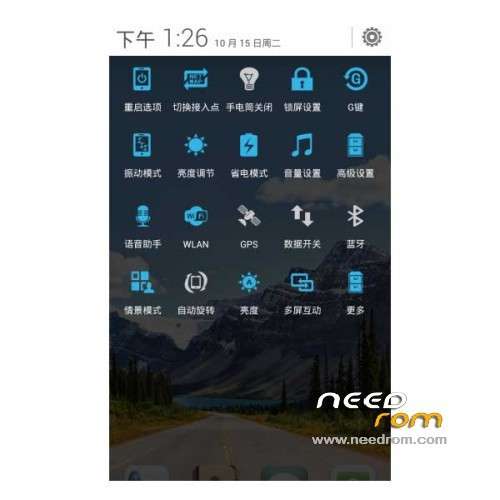
To remove the Chinese toggles in the notification bar, you need to open the app "GROM". Go to the last page on it (Keep swiping right until it is on the last page) and Uncheck the LAST option. If you uncheck it, the chinese toggles in the notification bar will go away immediately. Here's a pic of the part that needs to be unchecked:
To Uninstall the Chinese apps/Bloatware, use "Root Uninstall" from the android play store. DO NOT Uninstall the "GROM" app! If you do, Multitasking will no longer work. Do not Uninstall the Remote control app either, I havn't found an English Alternative to it yet. All the other chinese apps are safe to be uninstalled. You can also uninstall the search apps and install "Google Now" from the play store.
@Badul I am on "Update 11/22/2013", not planning on updating it anytime soon as it has been working fine, Have had no problems!
Thank you!!!
@tiger30 No problem man!
Can u please translate the grom app to english??
Hey,
i can try it, but can't guarantee success
For now, you can try screenshotting the app, opening the google translate app, scanning the image with it (select from gallery) and translating it that way
hello
last update 3 HUAWEI Honor – 12/03/2013 Update fails to decompress
can be arranged
12/03/2013 Update fails to decompress, please alternative download?…
greek language link please..with this i get only english and chineese…
compatible with Huawei Honor 3C H30-U10 2gb/8gb ?
Here the same question:
compatible with Huawei Honor 3C H30-U10 2gb/8gb ?
Works great, battery lasts 2 days!
What about the infra red? I did not find a way to operate it, neither the remote control app.
Anyone knows?
Found it.
ZaZaRemote works well on this device.
1G or 2G ???