
- Title: HUAWEI Honor 3
- Listed: October, 2013
- Last modified: 01/22/2014 2:06 am
- Version: ROM Android 4.2.2
You must be logged for ROM download.
29557 total views, 2 today
4 Total favorites
 Member Info
DESCRIPTION
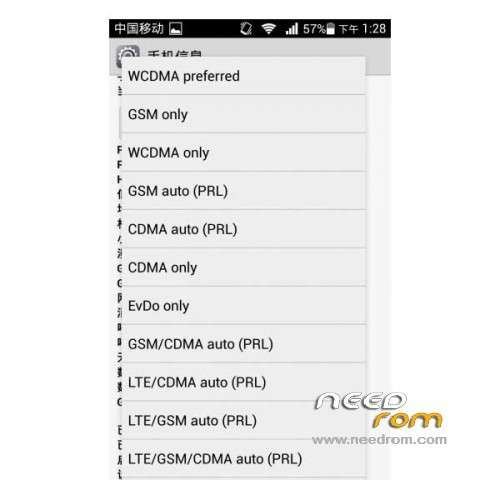
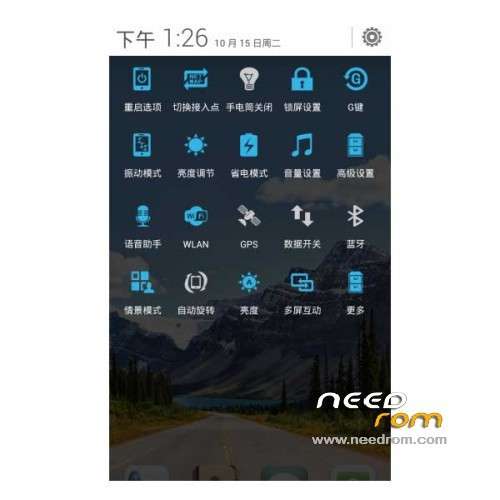
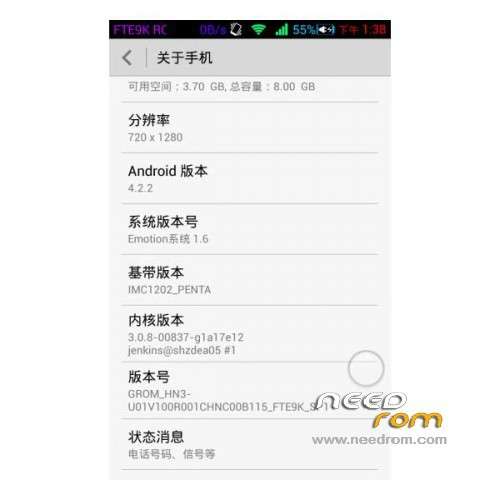
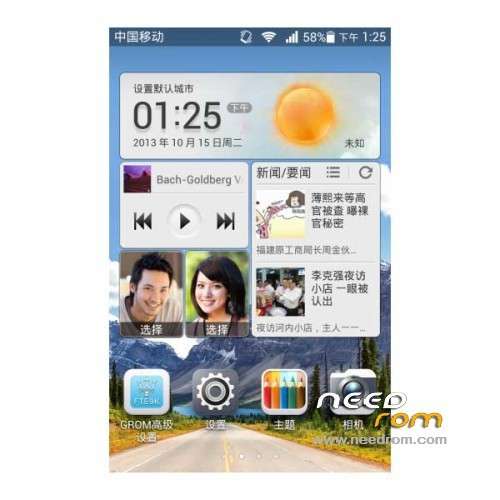
ROM Mobile HUAWEI Honor 3 – ROM Android 4.2.2
Features ROM:
Update 01/21/2014 Based on HN3-U01V100R001CHNC00B118
——————————————————————————————————————————————————
12/31/2013 Based on HN3-U01V100R001CHNC00B118
Gapps include – Rooted
Language support: Multilang
ROM install :
1 – Download and unrar ROM
2 – phone is in "USB Debugging"
3 – cell phone connection to the computer in the initialization state
4 – Run the file "flash_all.bat " and tap just enter
5 – End of the brush, press and hold the volume up on the phone and computer by pressing any key
Phone automatically restarts when you see the Huawei logo, release the phone volume + key
6 – The phone will automatically pair of clear, double clear finished restart automatically and start the system
※Please make a backup of your device before installing or updating ROM
I just have successfully installed the newest rom, 21-1-2014. The procedure was:
3. I think initialisation mode means programming mode, that normally can be achieved by powering on while holding the volume up key, which should turn up a special screen. For some reason I couldn't get this to work, so I connected phone to pc via USB while the phone was on. I don't know if connection type is important, I used 'USB storage'.
4 – Run the file "flash_all.bat ", press "1" and press enter
5 – Press enter again
6 – Dos prompt screen turns red, and starts processing. Huawei logo appears on phone. At the end, Dos screen turns blue-ish again, with selection options 1 to 4.
6 – At this point I assumed the programming is ready, but in my case the phone stil was stuck at Huawei logo. I had to remove battery, and powered it on again. And there it was!
Thanks a lot, because the tuto was not really clear…
ayuda le meti a la rom equivoca y ahora no sale del logo y no me quiere reconocer como adb y no f puedlo flashear ayuda ayuda