
- Title: UPDATE 2015/01/14 G6 KitKat V2
- Listed: December, 2014
- Last modified: 01/18/2015 9:56 pm
- Version: 4.4.2 ROOT
You must be logged for ROM download.
31450 total views, 4 today
7 Total favorites

 Member Info
DESCRIPTION
CHANGELOG 14/01/2015 – KITKAT ELEPHONE G6 V2:
Aroma installer added (many thanks to Amarullz for his awesome work):
– optional launchers:
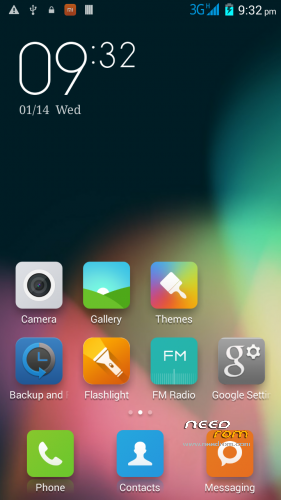
stock Elephone launcher
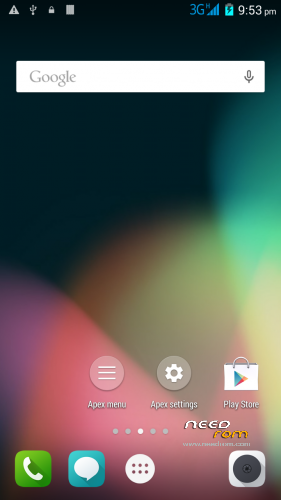
APEX launcher (recommended)
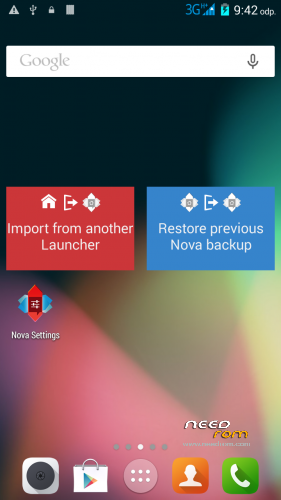
NOVA launcher
MIUI launcher
– partition patch included
– GPC configuration set up based on location
added battery optimization focused init.d scripts (merged from Lolli Experimental)
custom boot animation
some more tweaks…
NOTE: I've again divided the ROM into two versions, LITE and FULL.
The LITE version doesn't contain almost any apps like: Email, Calendar etc – as I believe many user (myself included) replace them with apps from Google Playstore.
The FULL version contains (almost) all the Elephone apps – but still with some bloatware removed.
Please, report anything you think that might be a bug to: honzikd+kitkat+v2@gmail.com Or, visit Elephone forum for more help: http://bbs.elephone.hk/?fromuid=2951
How to install:
(Make sure you have custom recovery installed, custom recoveries are: ClockWorkMod, TeamWinProject etc..)
PRIOR TO INSTALLATION MAKE A FULL BACKUP IN RECOVERY
ALSO, REBOOT THE RECOVERY BEFORE YOU START THE ROM INSTALLATION (Many thanks to Mike2957)
1. Place the ZIP to your sd-card
2. Select "Install zip from sd-card" or simmilar from your custom recovery
3. Follow the onscreen instructions
Note: if you select to apply the partition patch, the phone reboots the recovery automatically. After that, select to install the zip again > and select "Keep as it is" option in the patch section
CHANGELOG
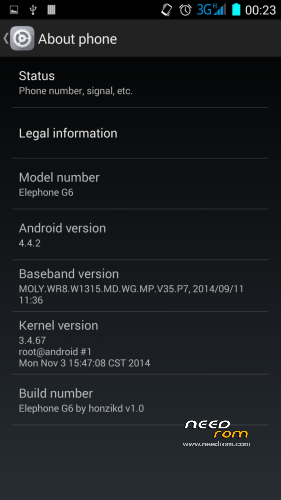
Elephone G6 v1.1 by honzikd 2014/12/09
1. fully deodexed and zip-alligned for better performance
2. init.d scripting support
3. battery tweaks: set ART as default runtime, GPU as the primary rendering device
4. LITE VERSION: removed some rarely used apps (Calendar, Browser – as I usually replace them by apps from the from Play Store)
STABLE AND VERY WELL PERFORMING ROM
KNOWN BUGS:
None at the moment
If you think you found a bug, please, report to me: honzikd+needrom+kitkat+v1.1@gmail.com
Please, include logcat or at least well described steps how to reproduce the error.
Flashable zip (for custom recoveries like CWM) based on most current stock KitKat ROM, with sound patch – audio volume levels increased for internal speaker, headphones and handset.
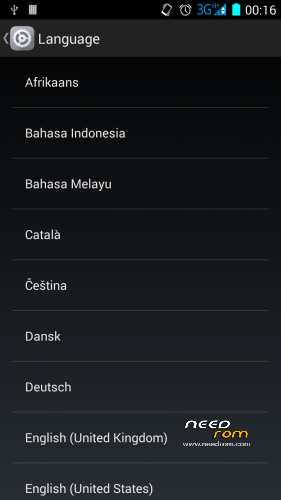
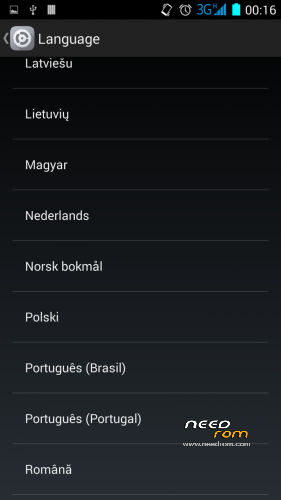
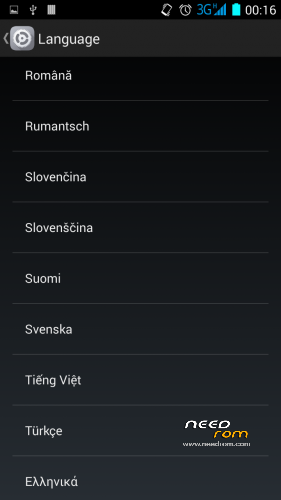
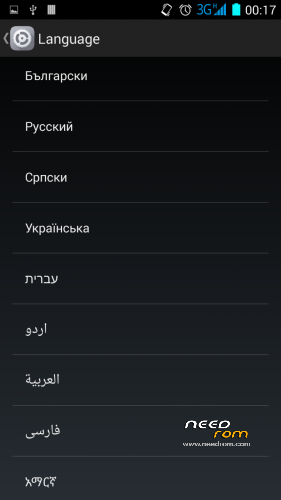
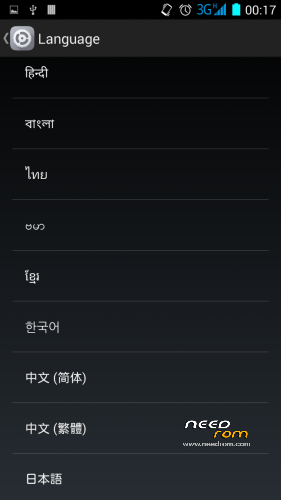
Multilang, rooted, zip-alligned, with preinstalled MTK MobileUncle Tools and SuperSU. Chinese apps wiped out.
HOW TO INSTALL:
Install in custom recovery. (That is not the one which came pre-installed on the phone)
- Place the zip with the ROM to your SDCARD
- Reboot into recovery
- Do a full wipe – factory reset
- Install the ROM zip from SDCARD
- Done!
If you want to increase the system/primary partition size (from 1GB to 4GB), download my patch (see here: https://www.needrom.com/download/mod-increase-primary-partition-to-4gb/) and install it PRIOR the ROM installation.
IF YOU FIND IT USEFUL, PLEASE SUPPORT MY WORK AND DONATE. EVEN 1 EUR/USD COUNTS! 
I'd like to say big 'Thank You' to the following kind donators:
nobierom
Kevin Oluschinski
kara.s
Mirko_Polo
peknydenpreji
jeanca84
Jacques Kurvers
Pavlisk
layinglow
picky
alexkuipje
godlob
Frederick Steilen
leonidasleon
Sven-Christian Korrel
jurasek141
Knut Ulstein
Disclaimer: Use it at your own risk and always do backups.
※Please make a backup of your device before installing or updating ROM
Hi bro,
To correct the sound can do without flash? Engineer Mode is possible? I was thinking of buying one. But how does this sound problem.
Of course you can correct the sound levels using the Engineer Mode – so without installing my ROM.
Thanks for the replay, Honzikd,
I see the problem, it as to do with the manufacturer releasing the source codes; but there are a lot of other phones with the same processor, that allready have the 4.4.3 at least (thinking of my fathers BQ 5FHD). Wouldnt it be possible to use some of that?
About the kikat versions, correct me if i´m wrong, but acording to what i´ve read online, the 4.4.3, and 4.4.4 were suposed to be some very big bug fixing updates.Is that correct?Isnt that a good thing?
Sorry about so many questions, dont take me wrong; i´m very curious about this, and also because i´m trying to start learning to rom cook. (just havent had much time yet:) )
Just another quick question, i was trying to install the Trebuchet launcher, that i used im my G300, but it just gives me an error of "something is not possible…" (i dont remenber exactly.)
Do i have to do anything in particular?Is it possible?Or is that just another problem with the diferent sources/codes/ general hardware?
(To my knowledge, Trebuchet cames with g300 cyanogen rom, and it realy is a Cyanogen launcher.)
Cheers, and thank for your patience
Márcio Lima
I'll try to reply in short: The update to 4.4.4 is something I plan to release as soon as possible. Unfortunately, with the beginning of the new year I'm little bit busy at work.
There should be no problem with the Trebuchet launcher – but I cannot confirm as I've not tried to install it by myself. But the apk itself should be transferable to various devices. I'm also unable to analyze the problem described with error: "something is not possible…", sorry.
True is that Trebuchet origins in CyanogenMod ROMs, but, that should not make any problems. (Unless you use some obscure version, maybe extracted directly from the CM ROM?)
Dear when i installed V2. it is asking for Pin Code after boot system.what is the Pin Code?????????
There’s no PIN set by me.. Any chance you have your SIM card PIN protected? What exact steps and configuration you made?
Feel free to shoot me an e-mail to: honzikd+kitkat+v2@gmail.com so I can react more quickly – I'm checking the discussion here on quite random basis.
Friend I cant update to v2 I have v1.1 lite , when I can install to v2 say me its aborted
May I have the full recovery log? On my G6 the ROM works well, writing this post using it. Check the integrity of the Zip file – md5 checksum is included in the location from where you downloaded the Zip..
Feel free to shoot me an e-mail to: honzikd+kitkat+v2@gmail.com so I can react more quickly – I'm checking the discussion here on quite random basis.
Hi friend , already I did it , I unzipped the archive in my pc and create another zip in a new folder , I copy this file in sd card and update my rom, thanks.
Heyey why nobodydy isis working on cm11 rom..
Its the best.. And alsoalso available for maximum deviceses.. Soo canan bee easily ported soso pls hokinzd dodo something for that part..
Ha ha, I'm gonna give you an advice: If you feel noone is working on CM11 ROM, why don't you start working on that yourself? It's quite easy to state just "pls dodo something for that part" but way harder to actually do something..
Hello I have downloaded the rom zip and inserted the SD. When I try to install (use MOBILEUNCLE) from recovery update but I get a message to abort installation. What do I do?
You should not use "Recovery update" in the MobileUncle tools to install the ROM.
Instead, place the ROM (the ZIP) to your sd-card, reboot the phone into the recovery mode (POWER + VOLUME UP with phone turned off – and you can also use Mobileuncle Tools to reboot into recovery, by hitting option "Into Recovery Mode") and in recovery select "Install zip from sd-card"
Also, doublecheck you have ClockWorkMod recovery or TeamWinProject recovery installed.
ClockworkMod recovery or TeamWinProject where I can download?
I do everything as you say, restart with power button and volume up, then install from SD and individual and I select the rom zip file downloaded. But the installation does not start.
Well, for example right here: https://www.needrom.com/downlo.....ad/twrp-for-g6/ (for TWRP) or https://www.needrom.com/downlo.....cwm-recovery-4/ (for CWM)
thanks man!!!
A big thanks to honzikd for the development of roms and support for users. Unlike the manufacturer!
None of your ROM's work for me, it starts installing it and just aborts it….. I really dont know what im doing wrong… I follow every step of the way
ALSO, REBOOT THE RECOVERY BEFORE YOU START THE ROM INSTALLATION (Many thanks to Mike2957)
1. Place the ZIP to your sd-card
2. Select "Install zip from sd-card" or simmilar from your custom recovery
3. Follow the onscreen instructions
and still nothing.
Please, could you provide the recovery log? In CWM recovery: go to Advanced > Report error. That will place a file called "recovery.log" to the folder "clockworkmod" on your sd-card.
In TWRP recovery: Advanced > Save log to sd-card. Again, the log will be placed to the root of your sd-card.
I'd need the log to be able to determine, what went wrong.
(But, to be honest, I'd guess you do not have a custom recovery installed.)