
- Title: Lenovo A806 VibeUI 2.0
- Listed: September, 2014
- Last modified: 02/17/2015 2:28 am
- Version: ROM Android 4.4.2
You must be logged for ROM download.
162199 total views, 3 today
53 Total favorites
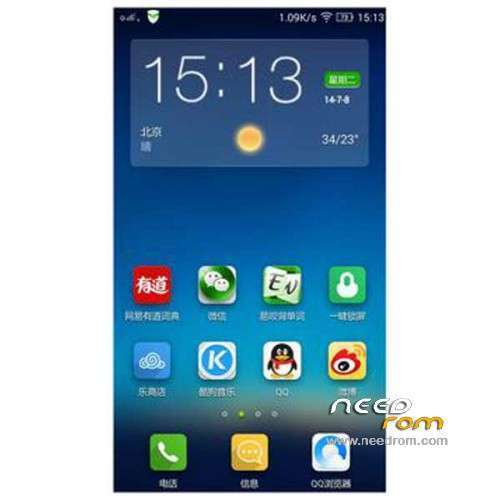
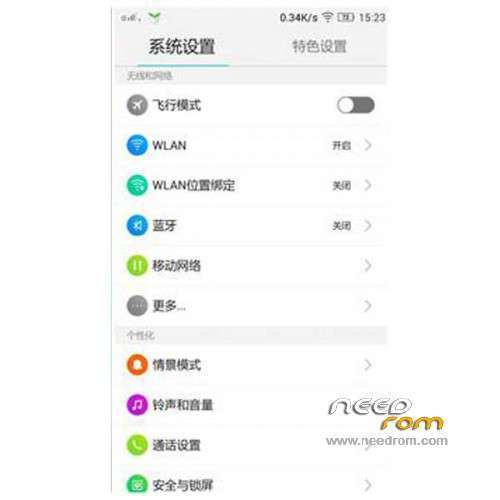
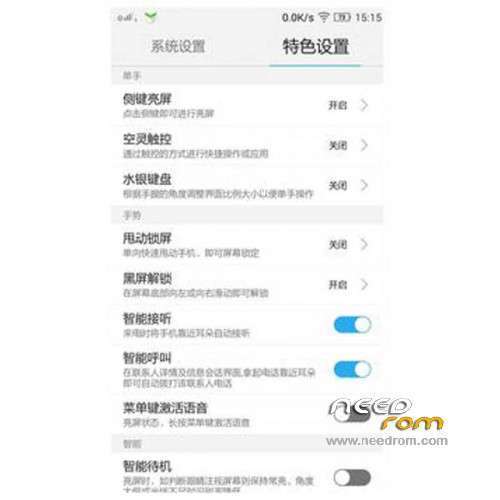
 Member Info
DESCRIPTION
ROM Mobile Lenovo A806 VibeUI 2.0 – ROM Android 4.4.2
Update Official Lenovo A806 VibeUI 2.0 version: VIBEUI_V2.0_1508_7.85.1_ST_A806 ( Stable version )
——————————————————————————————————————————————–
Official Lenovo A806 VibeUI 2.0 version: VIBEUI_V2.0_1501_7.80.1_DEV_A806 ( Developer version )
Gapps not include – No Rooted
Language support: EN/CN
Install ROM :
CWM
Step 1: Download the custom ROM copied to an external SD card root directory
Step 2: the shutdown state. While holding down:
– Power button + volume button up, to enter the recovery mode.
– Wipe Data / Factory Reset -> delete all user data
– Wipe Cache Partition -> Wipe cache
Step 3: Return to recovery main interface Install zip from sdcard -> choose zip from sdcard -> Select your ROM
Step 4: Brush complete, restart the phone Patience required – first boot takes a while
※Please make a backup of your device before installing or updating ROM
Hi, I do wrong with format all system n ext all from a806 n my a806 now cannot run with out catching, ssuggest me where official a806 to back normal, thanks a lot, hope my a806 working normal again. Sory my english
I've problem with official rom. Invalid imei id and cannot use data internet. Already try with some method using emei changer, uncle mobile tools or nvram changer. Still got the same problem. Now my phone only can use wifi as internet connection
How i can go back from 1508 to 1447?
Thanks for sharing this Lenovo A806 VibeUI 2.0 ROM guide! It’s interesting to revisit older Android 4.4.2 firmware and see how custom ROMs keep devices alive beyond official support.