
- Title: Lenovo A806 VibeUI 2.0
- Listed: September, 2014
- Last modified: 02/17/2015 2:28 am
- Version: ROM Android 4.4.2
You must be logged for ROM download.
161284 total views, 8 today
53 Total favorites
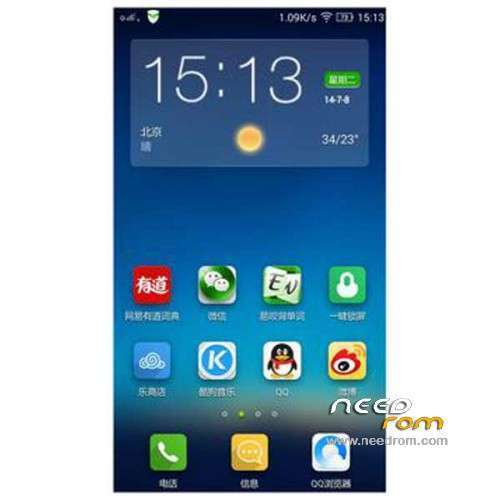
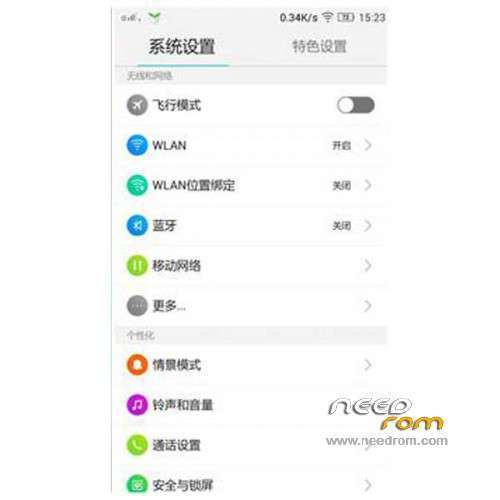
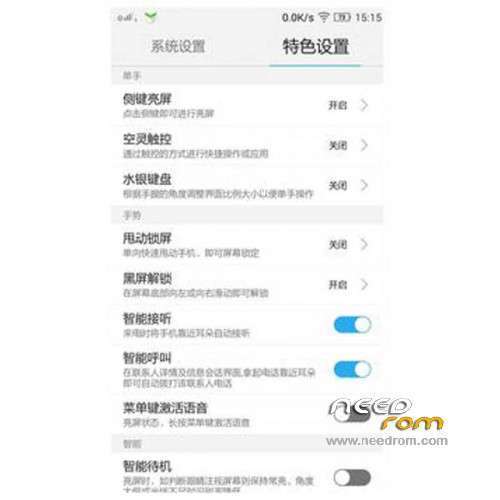
 Member Info
DESCRIPTION
ROM Mobile Lenovo A806 VibeUI 2.0 – ROM Android 4.4.2
Update Official Lenovo A806 VibeUI 2.0 version: VIBEUI_V2.0_1508_7.85.1_ST_A806 ( Stable version )
——————————————————————————————————————————————–
Official Lenovo A806 VibeUI 2.0 version: VIBEUI_V2.0_1501_7.80.1_DEV_A806 ( Developer version )
Gapps not include – No Rooted
Language support: EN/CN
Install ROM :
CWM
Step 1: Download the custom ROM copied to an external SD card root directory
Step 2: the shutdown state. While holding down:
– Power button + volume button up, to enter the recovery mode.
– Wipe Data / Factory Reset -> delete all user data
– Wipe Cache Partition -> Wipe cache
Step 3: Return to recovery main interface Install zip from sdcard -> choose zip from sdcard -> Select your ROM
Step 4: Brush complete, restart the phone Patience required – first boot takes a while
※Please make a backup of your device before installing or updating ROM
ST= Stable
DEV= Developer
Thats right???
yes
How to install PlayStore on ST version?
- improve contactmanager sir..
problem: 1. can't see sms name person on incoming sms. example : save phone number without "+6" - 012-8898989 – contact name cannot see and only phone number is seeing like this +60128898989.
2. but when i put contact no with "+6"..sms ok no problem to seeing the contact name..but the problem is when incoming call.it only seeing the number withoout name. without "+6" is ok..
-sorry for my bad english.
how to install cwm a806…the original a806 language use on the recovery factory mode is chinese…can you help me how to intsall cwm english version…
Press vol + and vol – at the same time when turning on phone. Lenovo would put you in other mode after that u should be able to chose between eng and chinese. I hope that will work, at my phone it works
the update file (.zip) need to be copied to a FAT32 external miroSD then run zip from it in recovery mode. If you use internal storage it may come out with error 'cannot mount sdcard'. hope this helps.
This update does not support Google Play Store and other typical google apps. sigh…:(
Which Version Have Greek Language ???
Stable or Developer??
Thank you !!!
there is something writen at the bottom left coner in chinese, how do i get rid of it
i wonder how do i get gapps install
I want aapps pls.