
- Title: Lenovo A806 VibeUI 2.0
- Listed: September, 2014
- Last modified: 02/17/2015 2:28 am
- Version: ROM Android 4.4.2
You must be logged for ROM download.
162199 total views, 3 today
53 Total favorites
 Member Info
DESCRIPTION
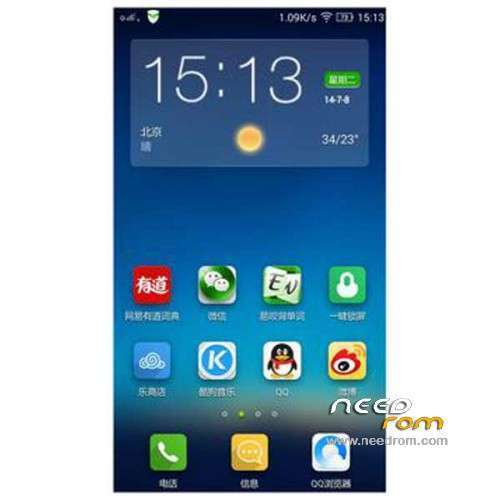
ROM Mobile Lenovo A806 VibeUI 2.0 – ROM Android 4.4.2
Update Official Lenovo A806 VibeUI 2.0 version: VIBEUI_V2.0_1508_7.85.1_ST_A806 ( Stable version )
——————————————————————————————————————————————–
Official Lenovo A806 VibeUI 2.0 version: VIBEUI_V2.0_1501_7.80.1_DEV_A806 ( Developer version )
Gapps not include – No Rooted
Language support: EN/CN
Install ROM :
CWM
Step 1: Download the custom ROM copied to an external SD card root directory
Step 2: the shutdown state. While holding down:
– Power button + volume button up, to enter the recovery mode.
– Wipe Data / Factory Reset -> delete all user data
– Wipe Cache Partition -> Wipe cache
Step 3: Return to recovery main interface Install zip from sdcard -> choose zip from sdcard -> Select your ROM
Step 4: Brush complete, restart the phone Patience required – first boot takes a while
※Please make a backup of your device before installing or updating ROM
Thanks
thanks for the 1501 DEV !! =) . But you should make it multilang =)
The developer full options are not shown. How to enable them.
use xposed framework.and install vibe expert then turn on full option for developer.
if you want anti-aliasing 4xmsaa or 16xmsaa for gpu just install gl tool apk.make sure your phone are rooted.
Does the new vesion 1508 include gapps??
If not, how can I install them??
@Seantimie thank you so much. Wish you the best in your life.
Lenovo A806 – 1508 – ST
does this rom support xposed app?
please someone reply…….
does this rom support xposed framework app?
someone reply please….
I’ve Lenovo A806 – 1501 – DEV installed and it run these Xposed modules without any problem XposedAdditions, GravityBox KK, VibeXpert and GesturesNavigation.
thanks for your reply gonna try it now will reply later