
- Title: Lenovo A850 ROW
- Listed: December, 2013
- Last modified: 12/05/2013 3:35 am
- Version: ROW V17 2013/09/22
You must be logged for ROM download.
101213 total views, 2 today
207 Total favorites
 Member Info
DESCRIPTION
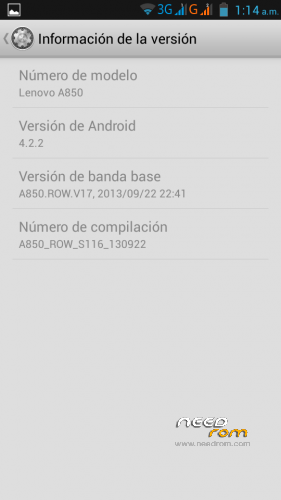
Android: 4.2.2
Baseband: A850.ROW.V17, 2013/09/22 22:41
Compilation: A850_ROW_S116_130922
Autoupdate: Yes
ROM Type: Stock, untouched, Official from Lenovo for Rest of World (ROW) – Outside China
Store: Google Play
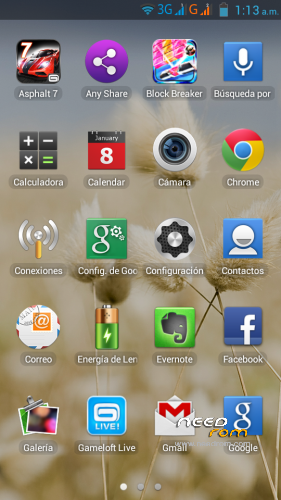
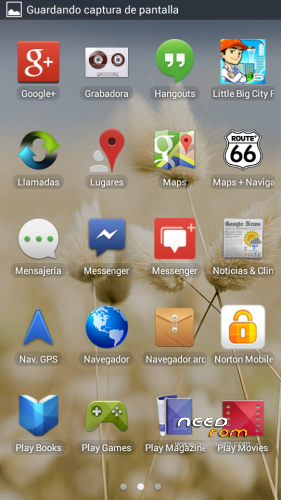
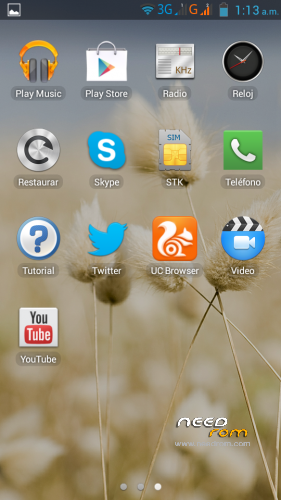
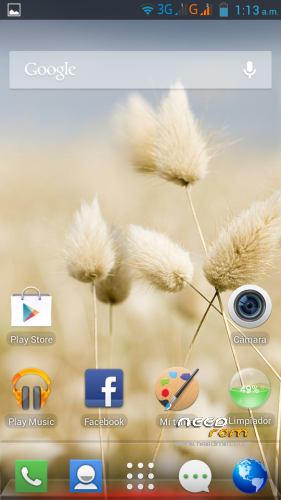
Languages: Bahasa Indonesia, Bahasa Melayu, English, Español, Français, Tiếng Việt, Русский, Српски, Українська, 中文, العربية.
Preloaded Applications:
AccuWeather®
Chrome
Evernote®
Facebook & Facebook Messenger
Lenovo® AnyShare
Norton Mobile Security
Route 66 Navi + Maps
Skype™
Twitter
UC browser
Games:
Asphalt 7
Block Break 3 Unlimited
Little Big City
Gameloft Store
- Uncompress downloaded ROM, FlashTools and Drivers.
- Uncompress target_bin.7z from ROM folder.
- Turn off your phone, remove the battery.
- CONNECT YOUR PHONE VIA USB
- Select Drivers folder if needed
- DISCONNECT YOUR PHONE NOW!
- Open FlashTools Folder.
- DO NOT CONNECT YOUR PHONE
- Run Flash_tool.exe
- Select MT6582_Android_scatter in uncompressed target_bin.7z folder
- Choose Option -> USB Mode, click USB Mode
- Choose Option -> DA DownLoad All -> Speed -> High Speed -> click High Speed
- Check option "DA DL All With Check Sum" if it's not checked.
- Click "Firmware Upgrade" BEFORE CONNECTING YOUR PHONE
- Check your phone is off and battery is removed.
- CONNECT YOUR PHONE VIA USB when FlashTools shows "Searching"
- Wait Flash, when a green circle appears, you must DISCONNECT your Phone from USB.
- Check option "DA DL All With Check Sum" if it's not checked.
- Click "Download" BEFORE RECONNECTING YOUR PHONE
- Check your phone is off and battery is removed.
- CONNECT YOUR PHONE VIA USB when FlashTools shows "Searching"
- Wait Flash
- When a green circle appears, you can disconnect USB, reseat the battery and power up your device. It will take several minutes for it to boot up.
NOTE: NEVER CLICK ON FORMAT, NEVER, YOU WILL LOOSE YOUR NVRAM.
Enjoy your OFFICIAL ROM with the official APPs and Games.
※Please make a backup of your device before installing or updating ROM
Please vote with positive stars if this ROM is useful for you.
Greetings, this ROW is Root?
It's untouched.
You can root easily using FramaRoot (an App from XDA Developers)
http://forum.xda-developers.co.....d.php?t=2130276
http://forum.xda-developers.co.....38;d=1385779545
I recommend you install Busybox after rooting with Framaroot to have a complete set of root utils.
https://play.google.com/store/.....ybox&hl=es
Tes, led works for calls and SMSs, does not work for Whatsapp. I don't know what is aquarela effect.
(Tes, funciona para las llamadas y los SMSs, no en los WhatsApp. No sé lo que es el efecto acuarela).
calendar still chinese , anyone got an update for it ?
Lenovo puts the calendar as is. It's a Lenovo fault. Ihope in future updates Lenovo will localize the app.
I'm currently using Google Calendar.
I have Lenovo Calendar V2.0.551 app. It is in english without any chinese. You can find some Lenovo apps from here http://app.lenovo.com.
GREAT! Thanks so much! Something (calendar for example) still in chinese but it doesn't matter.
cheers for the calendar if you add the widget 4×2 it still shows chinese , but the rom is the best so far , location services now actually work, 9.8/10
thanks
I have S126 installed. Will this ROM completely remove Chinese texts in the apps? Also, can I starightway flash the ROM or any special method to follow? I'm rooted and CWRP installed.
Can this be flasehed with CWM?
does anyone know what the latest version of the stock rom