
- Title: Lenovo A850 ROW
- Listed: December, 2013
- Last modified: 12/05/2013 3:35 am
- Version: ROW V17 2013/09/22
You must be logged for ROM download.
101214 total views, 3 today
207 Total favorites
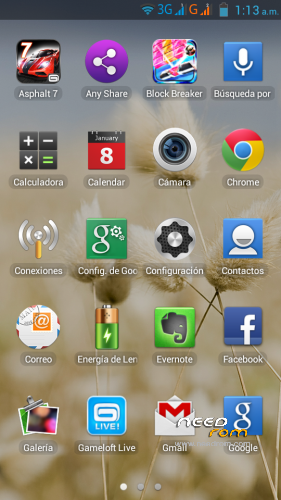
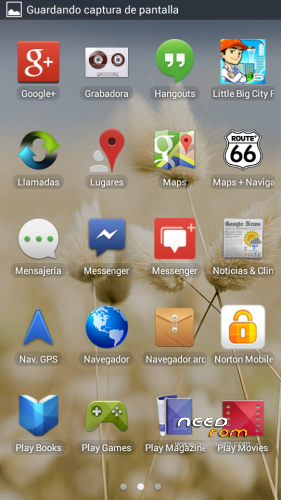
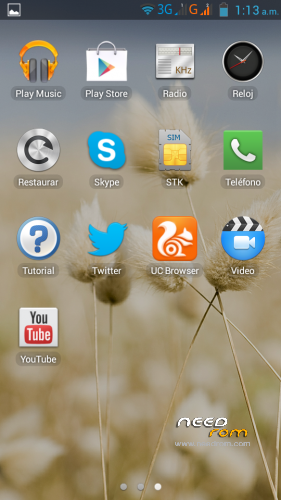
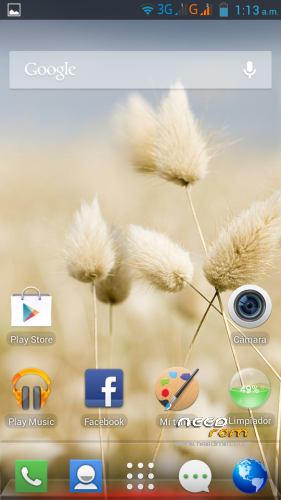
 Member Info
DESCRIPTION
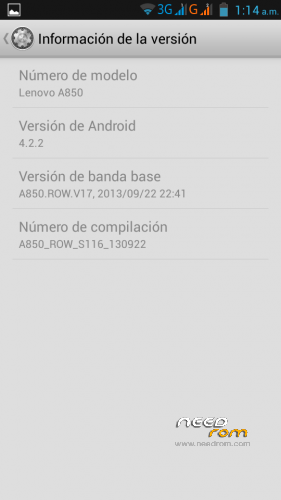
Android: 4.2.2
Baseband: A850.ROW.V17, 2013/09/22 22:41
Compilation: A850_ROW_S116_130922
Autoupdate: Yes
ROM Type: Stock, untouched, Official from Lenovo for Rest of World (ROW) – Outside China
Store: Google Play
Languages: Bahasa Indonesia, Bahasa Melayu, English, Español, Français, Tiếng Việt, Русский, Српски, Українська, 中文, العربية.
Preloaded Applications:
AccuWeather®
Chrome
Evernote®
Facebook & Facebook Messenger
Lenovo® AnyShare
Norton Mobile Security
Route 66 Navi + Maps
Skype™
Twitter
UC browser
Games:
Asphalt 7
Block Break 3 Unlimited
Little Big City
Gameloft Store
- Uncompress downloaded ROM, FlashTools and Drivers.
- Uncompress target_bin.7z from ROM folder.
- Turn off your phone, remove the battery.
- CONNECT YOUR PHONE VIA USB
- Select Drivers folder if needed
- DISCONNECT YOUR PHONE NOW!
- Open FlashTools Folder.
- DO NOT CONNECT YOUR PHONE
- Run Flash_tool.exe
- Select MT6582_Android_scatter in uncompressed target_bin.7z folder
- Choose Option -> USB Mode, click USB Mode
- Choose Option -> DA DownLoad All -> Speed -> High Speed -> click High Speed
- Check option "DA DL All With Check Sum" if it's not checked.
- Click "Firmware Upgrade" BEFORE CONNECTING YOUR PHONE
- Check your phone is off and battery is removed.
- CONNECT YOUR PHONE VIA USB when FlashTools shows "Searching"
- Wait Flash, when a green circle appears, you must DISCONNECT your Phone from USB.
- Check option "DA DL All With Check Sum" if it's not checked.
- Click "Download" BEFORE RECONNECTING YOUR PHONE
- Check your phone is off and battery is removed.
- CONNECT YOUR PHONE VIA USB when FlashTools shows "Searching"
- Wait Flash
- When a green circle appears, you can disconnect USB, reseat the battery and power up your device. It will take several minutes for it to boot up.
NOTE: NEVER CLICK ON FORMAT, NEVER, YOU WILL LOOSE YOUR NVRAM.
Enjoy your OFFICIAL ROM with the official APPs and Games.
※Please make a backup of your device before installing or updating ROM
Can flashing this rom via Cwm ? Becouse i dont uderstand about Pc..
thanks
Thanks for sharing.this rom save my son phone”stuck at lenovo logo”
hi bro > ifter Firmware Upgrade done . i removed usb then when i tried to connect usb again to after press (download) nothing happend .
my computer can not detect phone > i tried to open the phone but also nothing .
when i connect the phone to the computer witout battery just isee red lamb not detect by usb .
please help . thanx .
hi bro > ifter Firmware Upgrade done . i removed usb then when i tried to connect usb again to after press (download) nothing happend .
my computer can not detect phone > i tried to open the phone but also nothing .
when i connect the phone to the computer witout battery just isee red lamb not detect by usb .
please help . thanx .
i have the same problem.please help
thanks for this rom
los link estan caidos amigo !!
sp flahtool link is gone
thanks
thank you. this rom fix my phone