
- Title: Lenovo A850 ROW
- Listed: December, 2013
- Last modified: 12/05/2013 3:35 am
- Version: ROW V17 2013/09/22
You must be logged for ROM download.
101213 total views, 2 today
207 Total favorites
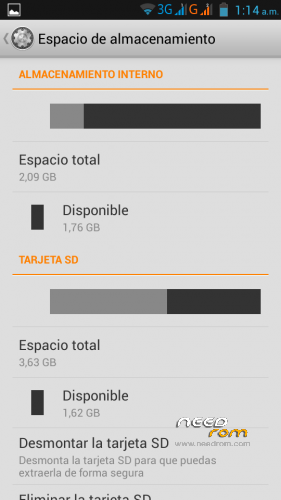
 Member Info
DESCRIPTION
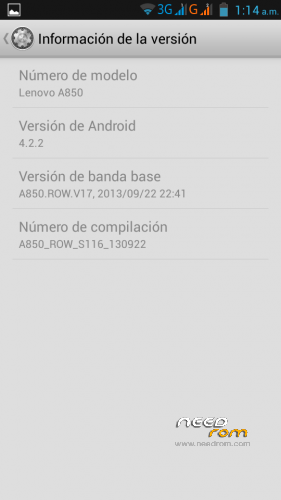
Android: 4.2.2
Baseband: A850.ROW.V17, 2013/09/22 22:41
Compilation: A850_ROW_S116_130922
Autoupdate: Yes
ROM Type: Stock, untouched, Official from Lenovo for Rest of World (ROW) – Outside China
Store: Google Play
Languages: Bahasa Indonesia, Bahasa Melayu, English, Español, Français, Tiếng Việt, Русский, Српски, Українська, 中文, العربية.
Preloaded Applications:
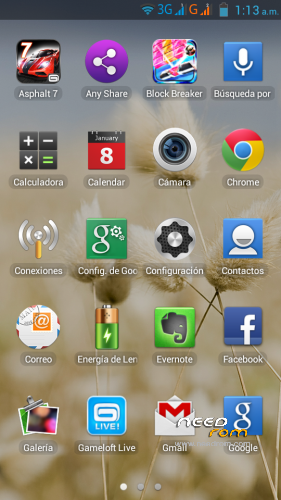
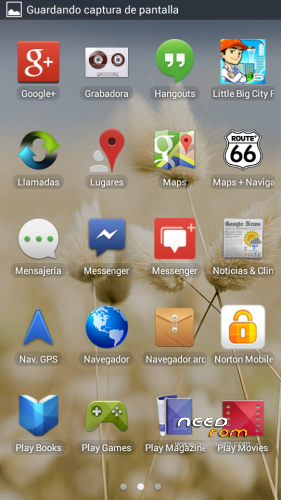
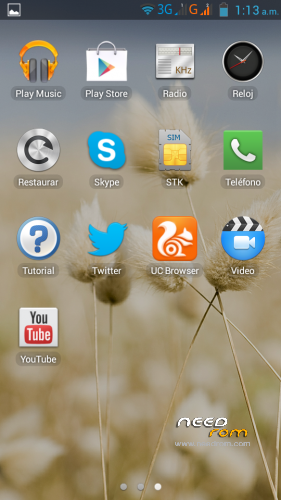
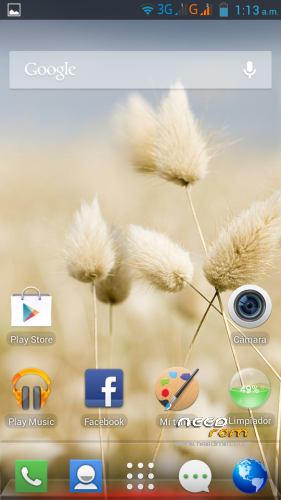
AccuWeather®
Chrome
Evernote®
Facebook & Facebook Messenger
Lenovo® AnyShare
Norton Mobile Security
Route 66 Navi + Maps
Skype™
Twitter
UC browser
Games:
Asphalt 7
Block Break 3 Unlimited
Little Big City
Gameloft Store
- Uncompress downloaded ROM, FlashTools and Drivers.
- Uncompress target_bin.7z from ROM folder.
- Turn off your phone, remove the battery.
- CONNECT YOUR PHONE VIA USB
- Select Drivers folder if needed
- DISCONNECT YOUR PHONE NOW!
- Open FlashTools Folder.
- DO NOT CONNECT YOUR PHONE
- Run Flash_tool.exe
- Select MT6582_Android_scatter in uncompressed target_bin.7z folder
- Choose Option -> USB Mode, click USB Mode
- Choose Option -> DA DownLoad All -> Speed -> High Speed -> click High Speed
- Check option "DA DL All With Check Sum" if it's not checked.
- Click "Firmware Upgrade" BEFORE CONNECTING YOUR PHONE
- Check your phone is off and battery is removed.
- CONNECT YOUR PHONE VIA USB when FlashTools shows "Searching"
- Wait Flash, when a green circle appears, you must DISCONNECT your Phone from USB.
- Check option "DA DL All With Check Sum" if it's not checked.
- Click "Download" BEFORE RECONNECTING YOUR PHONE
- Check your phone is off and battery is removed.
- CONNECT YOUR PHONE VIA USB when FlashTools shows "Searching"
- Wait Flash
- When a green circle appears, you can disconnect USB, reseat the battery and power up your device. It will take several minutes for it to boot up.
NOTE: NEVER CLICK ON FORMAT, NEVER, YOU WILL LOOSE YOUR NVRAM.
Enjoy your OFFICIAL ROM with the official APPs and Games.
※Please make a backup of your device before installing or updating ROM
RESTORE FILE NOT FOUND ON SCATTER FILE.. PLEASE HELP
My fault.. hehe didnt read the instruction carefully .. sorry folks
if v install it ll v get chinese or english language
What does he mean by choose the driver if needed? i can't seem to do that.
is it a hebrew language in this rom?
Have Turkish language?
I'm not able to get the Hotspot to work. My laptop is able to connect to my A850 hotspot but unable to access to the internet. My laptop is proxy is off and I am able to access internet from my A850
Turned off the phone and took out the battery, plugged it in and other then a light going on on the phone nothing happens (didn't say put the battery back in or switch on the phone or anything). Right clicked on lenovo_preloader.inf and choose install, response is: "The inf file you selected does not support this method of installation"'
When I put the battery in and switch on the phone all I get is usb storage device. Not sure what's missing in the instructions but as is I can't do anyting.
Install the inf under windows 7:
click start => type defice => click device manager => right click the top most icon in the list => add legacy hardware => click next => select "install hardware i manually select …" => next => next => have disk => browse to the inf => select the driver lenovo preload something
It'll complain about not properly installed but seems to be working now.
Do I have to flash the phone twice or are the instructions a copy paste ?
in the instructions:
- Wait Flash, when a green circle appears, you must DISCONNECT your Phone from USB.
- Check option "DA DL All With Check Sum" if it's not checked.
- Click "Download" BEFORE RECONNECTING YOUR PHONE
- Check your phone is off and battery is removed.
- CONNECT YOUR PHONE VIA USB when FlashTools shows "Searching"
- Wait Flash
- When a green circle appears, you can disconnect USB, reseat the battery and power up your device. It will take several minutes for it to boot up.
must have been a typo or paste mistake, didn't do the last steps and booted the phone after getting the green circle. no problem and seems to work fine.
hello,
does it have hebrew?
thanks
Finally find the official one!!!