
- Title: Lenovo P780 MIUI
- Listed: July, 2013
- Last modified: 05/01/2014 3:34 am
- Version: ROM Android 4.2.1 MIUI
You must be logged for ROM download.
118013 total views, 1 today
128 Total favorites

 Member Info
DESCRIPTION
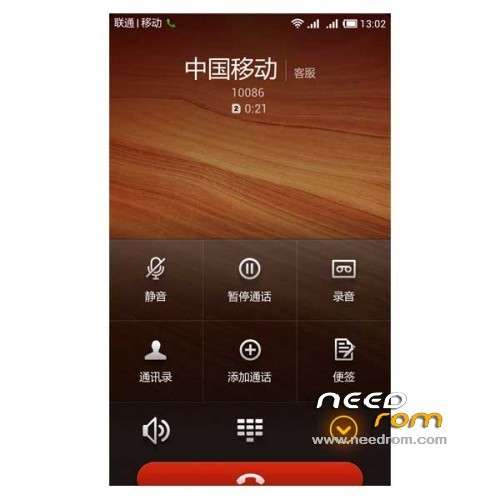
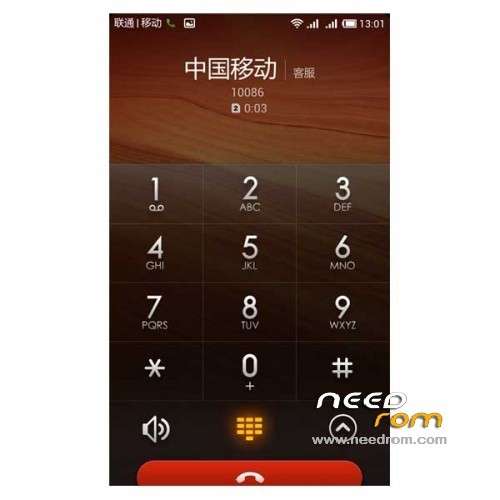
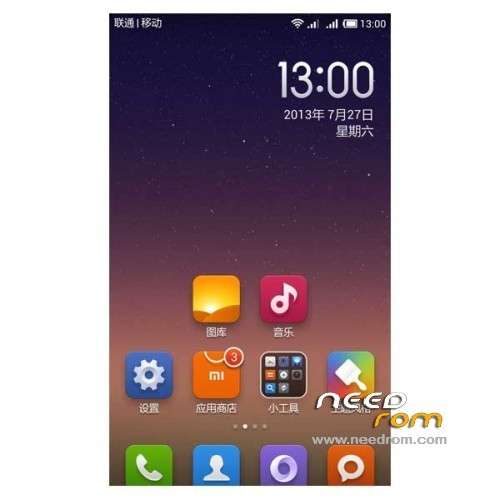
ROM Phone Lenovo P780 – ROM Android 4.2.1 MIUI
ROM features :
Update MIUI V5 – 4.4.25
Gapps include – Multilang
———————————————————————————————————————————————-
MIUI V5 – 4.4.11
Gapps include – Multilang
Install ROM :
CWM
Step 1: Download the custom ROM copied to an external SD card root directory
Step 2: the shutdown state. While holding down:
– Power button + volume button up, to enter the recovery mode.
– Wipe Data / Factory Reset -> delete all user data
– Wipe Cache Partition -> Wipe cache
Step 3: Return to recovery main interface Install zip from sdcard -> choose zip from sdcard -> Select your ROM
Step 4: Brush complete, restart the phone Patience required – first boot takes a while
※Please make a backup of your device before installing or updating ROM
Is there any chance the firmware to add German language?
Thanks in advance.
Power button + volume button up, entering the recovery mode. but all in chinees language not able to flash the rom please help
A english recovery made by me.
https://mega.co.nz/#!t5dARIbC!.....AtdVRXowHrMNxoU
to bijet: Power Button + Volume Up + Volume Down = recovery in english.
thanks I am getting the menu but during install it gives install error
please help me i am getting the same error, opration aborted
Hi,
I also have a P780 with a Chinese ROM installed per default.
I have downloaded the ROM, but the steps described are not correct.
- Unpack FlashTools, and Click on Flash_tool.exe
OK
- Select a the MT6589_Android_scatter_emmc.txt in ROM
OK
- Wait file to be added into Flash Tool
OK
- choose Option->USB Model,click USB Model
–> Choose Option->DA DownLoad All->Speed->High Speed, click High Speed
This option does not exist, you can only pick one of the following;
1. "Do not switch speed"
2. "Force to High speed"
What option to choose???
- Turn off your phone, remove the battery.
This battery can not be removed…????
- "Press F9 (hit Download button)" OR " if upgrade ROM Firmware->Upgrade "
- and connect your phone into the computer via USB data cable.
Phone simply gets turned on, and nothing happens…. Any suggestions from anybody?
- The process will start and a red progress bar will appear after color purple, yellow.
- And green circles display
- Finish !
Hi Jort,
I have Chinese p780 (S135) and have successfully Flashed a different ROM that is Android 4.2 previously.
Not able to follow the steps you mention, which worked before, as none of the files to download here have the "Scatter file".
Any ideas or details on which file you used as Scatter file to Flash MIUI ROMS on this page?
Any assistance is highly appreciated!
got it to work, needed to install the driver first.
what driver? I had the same error!
Thanks
After flashing the ROM (wiping data & cache) I have black screen. The MIUI logo shows for a while but then the display is off. The phone boots normally, I can see the configuration dialog for a while when I push power button but only for a short moment.
Can someone help?
could you fix that problem ?
how did you fixed that ?
can contact me on king.strik3r@gmail.com
Try it with my Recovery.img.
https://mega.co.nz/#!t5dARIbC!.....AtdVRXowHrMNxoU
I have used your recovery img and the lenovo p 780 has gone into continous boot loop.
How can i make it to recovery mode.
power+vol up+vol down is not working.
hi i have used recovery image and the lenovo p780 has gone into continous bootloop. the button power + vol up + vol down has no effect, it is not going into recovery mode.
Seems like recovery img i downloaded here is bit corrupt.
Any advise how can i make it to recovery mode
use the TWRP 2.5.0.0 on this page:
http://lenovo-forums.ru/topic/.....ideaphone-p780/
Is the best i've found.
My factory mode is in chinese :S
Hey zebster is that a Recovery Mode image? How to install it? Mine is chinese. Which language is yours?