
- Title: Lenovo P780 MIUI
- Listed: July, 2013
- Last modified: 05/01/2014 3:34 am
- Version: ROM Android 4.2.1 MIUI
You must be logged for ROM download.
118016 total views, 4 today
128 Total favorites
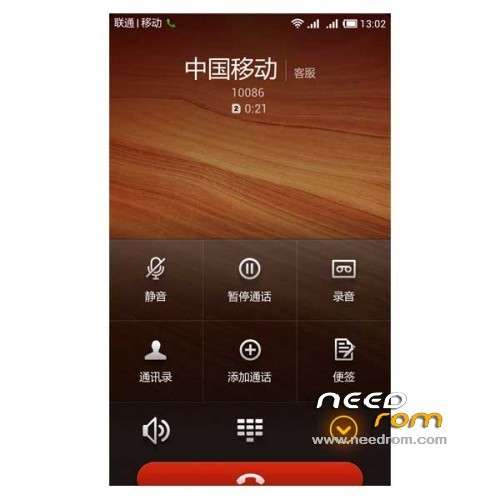
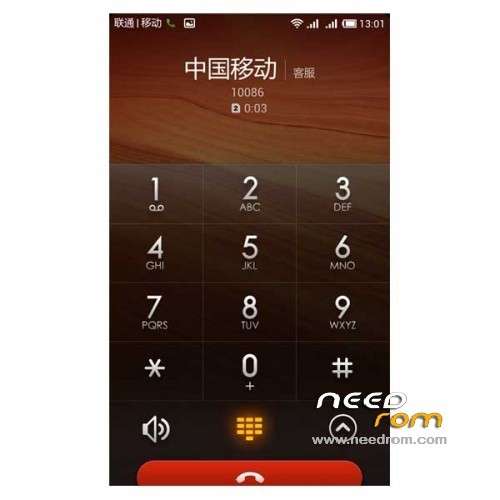
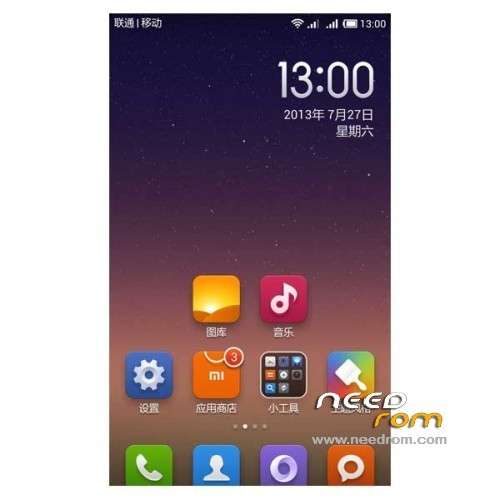
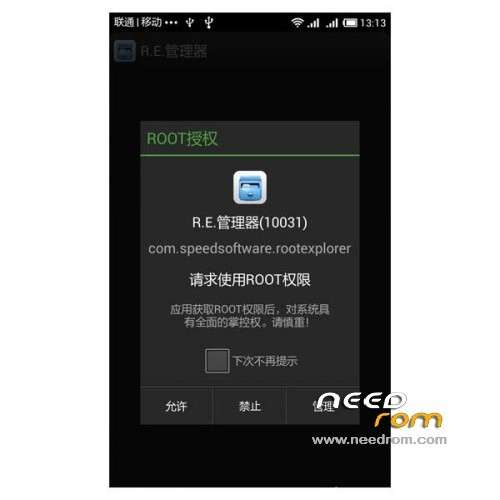

 Member Info
DESCRIPTION
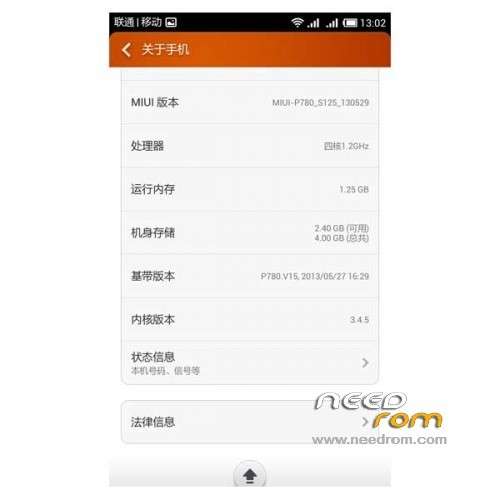
ROM Phone Lenovo P780 – ROM Android 4.2.1 MIUI
ROM features :
Update MIUI V5 – 4.4.25
Gapps include – Multilang
———————————————————————————————————————————————-
MIUI V5 – 4.4.11
Gapps include – Multilang
Install ROM :
CWM
Step 1: Download the custom ROM copied to an external SD card root directory
Step 2: the shutdown state. While holding down:
– Power button + volume button up, to enter the recovery mode.
– Wipe Data / Factory Reset -> delete all user data
– Wipe Cache Partition -> Wipe cache
Step 3: Return to recovery main interface Install zip from sdcard -> choose zip from sdcard -> Select your ROM
Step 4: Brush complete, restart the phone Patience required – first boot takes a while
※Please make a backup of your device before installing or updating ROM
Hi master, can we flash this ROM with TWRP??
How to download this ROM?
Hi all!
if you like MIUI there is link for neweest version MULTILANG:
http://files.miuiandroid.com/3.....1.22_jb-4.2.zip
INFO:
Instalation:
1.Go to TWRP
2. FULL Wipe
2. Put MIUI zip file to your SDCARD
3. Install ROM
4. Rebot.
I had instaled LiFe rom from russia and after install MIUI phon was loop boot all the time. If you have this problem install oryginal chinese ROM after that follow install procedure and it should work. In case of problem write on this forum I will try to help
There is some issue with link I had posted last time. Below is another mirror for MIUI 3.11.22 MULTILANG
http://goo.im/devs/ibotpeaches.....1.22_jb-4.2.zip
can i use this on s119 rom??
guy, i already managed to install MIUI V5 ROM to my lenovo p780. Thanks for the effort and guides guys..
but i face problem with my WIFI connection, before this running without problem. I think this this ROM also provide a tweaks include to improve or revitalise the problem..
On Setting >> Device Section >> Stock Toolkit >> Got some parameter adjustments, but i dont know how.. Please help..
i have 1 more question.
while everything looks fine (ya, except for the WIFI), last night i charge the phone. Later when i checked, seem it keep rebooting at the logo. managed to go to the TWRP recovery mode – when i go to factory reset, it says
E: unable to mount "/data"
E: unable to mount "/emmc"
E: unable to mount internal storage
what should i do?
Hi,
This roms si so cool, but
- crash randomly ( 1-3~ ) per day
- crash if activate wifi tether, USB is ok.
Other apps for tether is not fonctional ( barnacle, wifi tether, treve mode …)
I dont have succes to replace with original tether p780 lenovo roms. ( tether in miui v5 is in system aps )
Have you à solution for the wifi tether ?
Thank you !
Hello Jiinn,
I had a similar problem with a custom ROM on my Desire Bravo. I found the following solution: before starting Wifi tether, first turn of wifi, second give the 3G connection some time to build up/stabelize, when 3G connection is established you can turn on Wifi tether/hotspot. I found that the app “3G data only” can be helpfull, it forces the use of 3G over 2G (turn it on before you switch on tethering to ensure a stable 3G connection, switching between 2G en 3G can also cause the loss of the data connection).
Please post if this helps you, so others can try it.
When turning on Wifi tether with Wifi still running my Desire lost its “ 3g data connection”. The status/notice bar showed 3G/H, suggesting there was a 3G data connection, using *#*#4636#*#* to access the TEST menu I saw that there was no data connection. I had to reboot to restart the data connection.
Regards, Antoine
Hello to all,
Can any one please help me on installing this MIUI ROM successfully on Lenovo p780(india).
i have tried and installed this previously but after install;
1. the phone does not shows/select 2G/3G network of which the sim card belongs to. Even tried by changing other sim cards. Thus resulting in a phone without network coverage, NO IMEI, No Sr. No., etc.
2. And also if the phone is switched Off manually it will get ON only when fully battery gets drained out.
3. i manually successfully backed & restored up both IMEI nos. by using Mobile uncle tools, but nothing worked.
4. i have used CWM recovery for installing the ROM.
5. Phone successfully goes to recovery mode and all process of installation goes smooth. At first the phone takes a lot of time to start, but after start above are the listed problems i have to face.
Kindly help with the issue, if there is any solution or is there anything that doesnt works with indian network operators..
Many many thanks in advance…
Can i up this rom for Lenovo P780 8G?
My device firmware P780_8G_ROW_S119_130230, Baseband P780.V20.