
- Title: Lenovo S939 4.4.2 MultiLang
- Listed: May, 2014
- Last modified: 01/26/2015 4:48 pm
- Version: S939 S915 VIBEUI V1.5 1427
You must be logged for ROM download.
72759 total views, 6 today
13 Total favorites


 Member Info
DESCRIPTION
Description
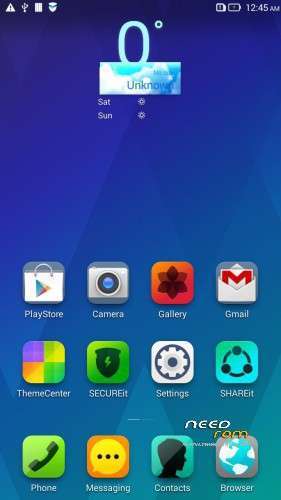
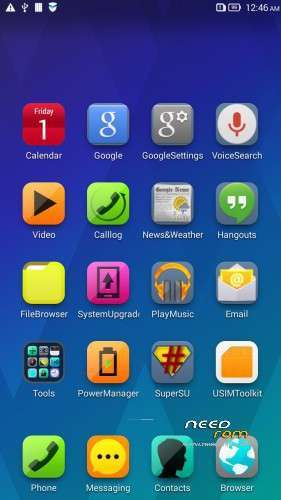
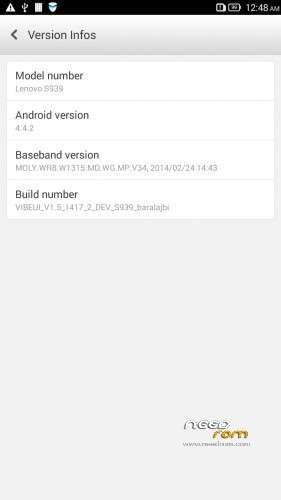
ROM for Lenovo S939 – Android 4.4.2
————————————————————————————————————————————————–
Official Lenovo S939 VIBEUI_V1.5_1417_2_DEV_S939_NK_W_B215
PLUS :
Gapps included
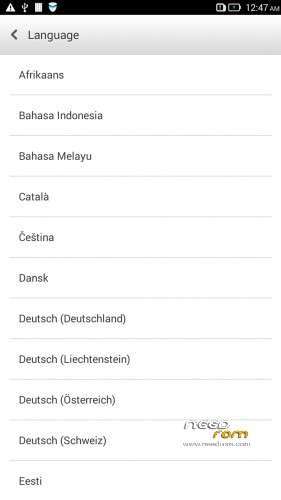
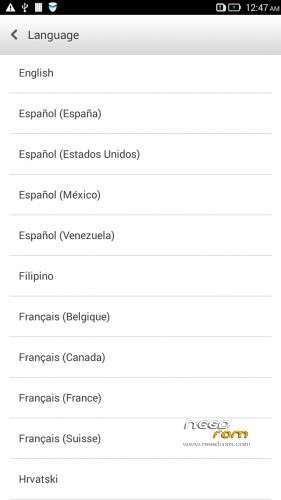
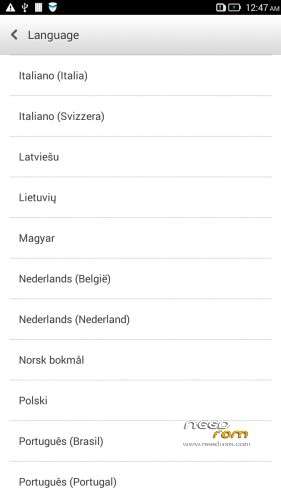
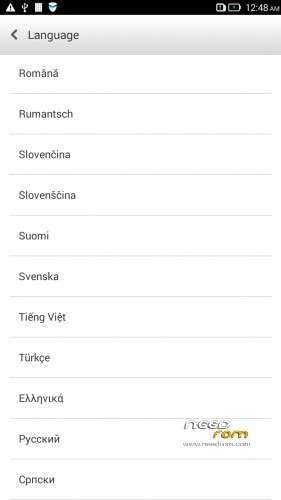
Language support: Multilang
This rom is rooted
Removed all unusable app
This ROM have original Lenovo recovery, but if you want I attached a CWM recovery for S939
V2 :
- Fixed front camera problem
- Fixed many Languages
V3 : (base : S939_S915_VIBEUI_V1.5_1427)
- the lenovo weather widget work with all city in the word
- Possible to remove some system applications. Just take your fingers on app, and click on the red ix, but the next factory reset the removed apps, again appear!
- Fixed many languages
V3 install :
- install CWM to phone
- copy the S939_S915_VIBEUI_V1.5_1427_baralajbi.zip to SD card
- Boot into run CWM
- install zip from SD with CWM
- If you want to root, then install SuperSu zip
V4: base is VIBEUI_V2.0_1501_7.5.1_DEV_S939_WC19
- VibeUI2.0 with many new features
Install ROM :
- Download FlashTools MediaTek SP Flash Tool V5.1348.0.100, and Click on Flash_tool.exe
- Select a the MT6592_Android_scatter.txt in ROM
- Wait file to be added into Flash Tool
- choose Options->Options>,Download>select DA DL All with Checksum
- Turn off your phone, remove the battery.
- "Press Download"
- and connect your phone into the computer via USB data cable.
- install the vcom driver if you don't do this before
- The process will start and a red progress bar will appear after, yellow, grey and green circles display
- Finish !
- You can now safely disconnect your phone and turn it on.
This ROM created by Android Language Project (http://www.androidlangproject.com/)
If you like my job, please donate me!
※Please make a backup of your device before installing or updating ROM
no rom for s650?
If I get many request, I will make 4.4.2 multilang rom for S650.
Hi, I am on official Chinese ROM @ S939_S907_VIBEUI_V1.5_1416_3_ST , can I flash to this ROM? Just follow the above-mentioned steps for flashing? Appreciate for any input, thks!
Yes, you can flash this rom. No matter what ROM on the phone!
Good job dude. Just want to ask, I cant use front camera, when i switched to front camera, its stuck n shown cannot connect to camera. Is it or bug or I commit any mistake? Kindly assist
Thks baralajbi for the prompt reply!
In future, should I wish to revert back back to official S939_S907_VIBEUI_V1.5_1416_3_ST, all I need to do is just flash to official ROM (I have the ROM) with your steps?
Thanks!
I waiting some error report, and I will fix this!
bravo bravo… now i can flash gapps with cwm recovery… why stable version like 1416 not have cwm recovery fot flash gapps
Hi, I am newbies.It is possible install using cwm recovery. If not can you make it possible. I already change the origional recovery.
yes, a version for s650 will be much appreciated!!
How to install CWM after I flash this ROM?
When you flash this rom, just change to original recovery.img to cwm
front camera not function….
I will fix
autofocus is not working on any camera…
HI Guys,
nothing happens when I click download even after installing the Vcomm drivers. can someone please help me?
i also facing the same problem as yours, nothing happen after clicking download. what should we do?
the same thing happened to me too but nobody bother to help us WTF?
there sphere camera n panorama camera got stopped