
- Title: Lenovo S960 4.4.2 VibeUI 2.0 Multilang GAPPS ROOT
- Listed: October, 2014
- Last modified: 10/25/2014 12:39 am
- Version: Vibe UI 2.0 1439
You must be logged for ROM download.
100662 total views, 7 today
75 Total favorites

 Member Info
DESCRIPTION
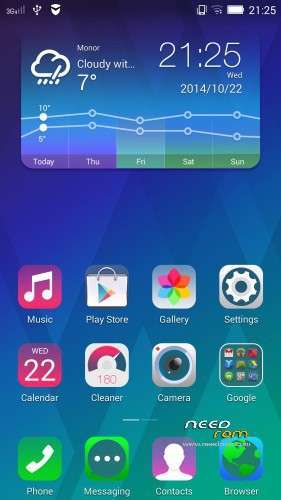
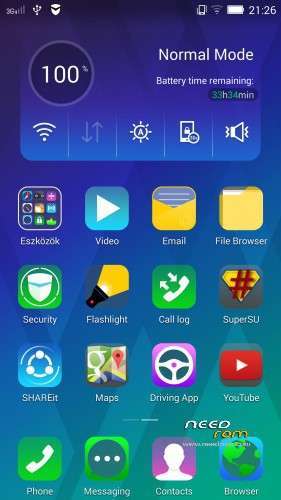
Rom for Lenovo S960
- base : Vibe UI 2.0 for S960
- Removed all unusable app
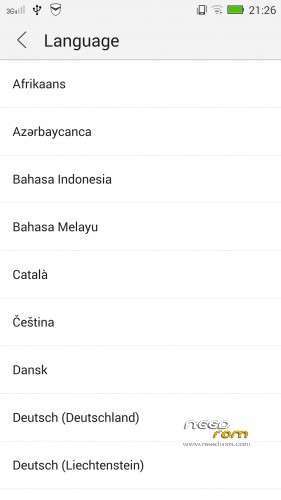
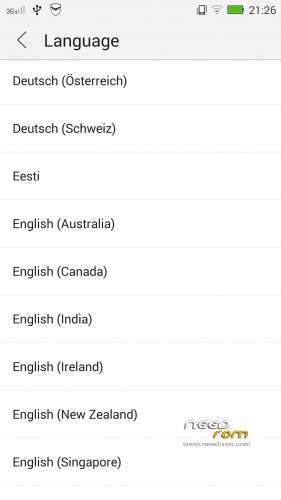
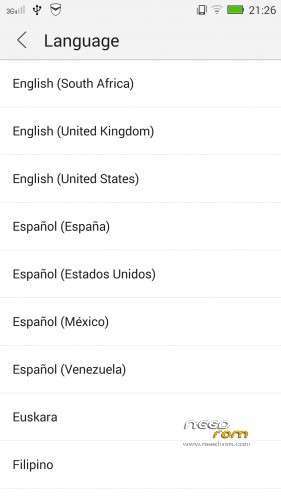
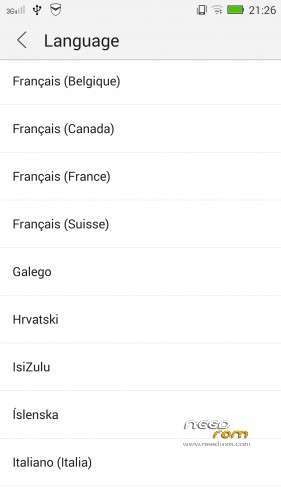
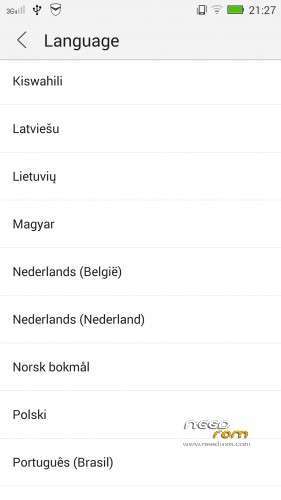
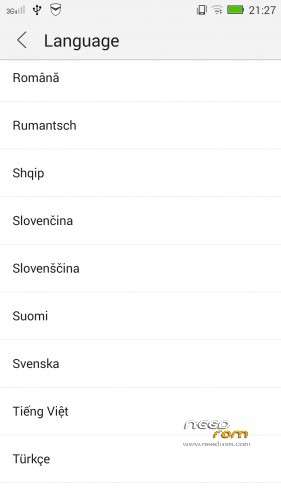
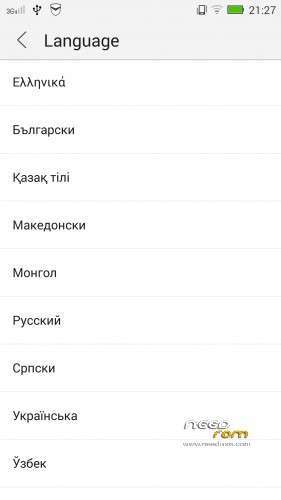
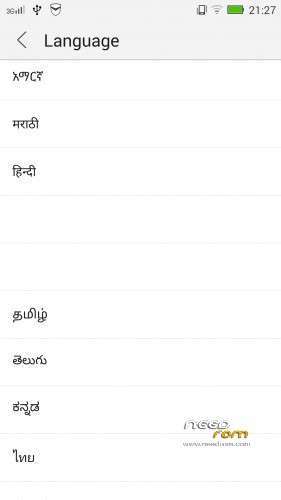
- Added about 70 languages
- The Weather app work as wordwide
Install ROM :

- Unpack FlashTools, and Click on Flash_tool.exe
- Select the MT6589_Android_scatter.txt in ROM
- Wait file to be added into Flash Tool
- choose Option->USB Model,click USB Model
–> Choose Option->DA DownLoad All->Speed->High Speed, click High Speed
- choose DA DL All With Check Sum
- Turn off your phone
- "Press F9 (hit Download button)" OR " if upgrade ROM Firmware->Upgrade "
- and connect your phone into the computer via USB data cable.
- The process will start and a red progress bar will appear after color purple, yellow, if no, then have to install the driver
- And green circles display
- Finish !
- You can now safely disconnect your phone and turn it on.
This rom made available on request with Android Language Project
I worked on this rom for 24 hours, so if you like my job pls donate me!
※Please make a backup of your device before installing or updating ROM
Well done Men!!! It works very good for me thanks for the help, i got this help after i got the phone before a years. I really appreciate your work keep going and fix for more better things too.
Again well done
can i request? can you please upload latest vibe ui 2.0 for s960 that can be flashable using flashtool? i mean the original, untouched one. without root or what so ever….if you can thanks in advance.
http://www.androidrookies.com/.....arch/label/S960
read here!
that page only have 4.2 rom that can be flashable using flashtool….
grexas.blogspot.com/2014/10/upgradeupdate-lenovo-vibe-x-s960-to-50.html?m=1
Is this working?
finally It Worked! Its a bit tricky but it workes!
.. FIRST you click download/upgrade and then u connect the phone on usb ! otherwise it doesnt start the procedure ( at least in my case).
Also in the pic shows only 3 to be clicked(Idont know y). I chose all. it worked.
You have to put a video with instruction and how to install drivers I I used these
windows 8.1 pro http://www.mediafire.com/downl.....rivers_v1.4.rar
windows xp/ vista / 7http://www.mediafire.com/downl.....COM+drivers.rar
THANKS!
Hi,
my comment is for asen.hadjiev as well.
Originally, from china the phone of mine came with the multilingual ROM,google apps, etc etc, just perfect.
Then today, 18Feb2015 , the phone updated itself,and now I got some chineese nightmare. Decided to install the ROM,subject of this topic.
Downloaded all the stuff,did everything as described, nothing happened. I was watching for the "searching" screen as asen.hadjiev did.
Then I found spartsi s comment. I downloaded the driver for win7,there were only two description files or what, no driver.
Okay,tried another PC,same results, the flash tool program can't see the f*ckin phone, nothing happens when hit "download" button, just shows "searching".
OR:
How can I eliminate this latest software update,and return the one-before version?
currently I'm on VIBE_V2.0_1507_7.124.1_ST_S960
android 4.4.2
so many thanks in advance for any help!
ohh, Yes, and I tried the VCOM driver, it showed installed succesfully….but the flash tool program still can't see the phone (neither if turned on or even off)
I am enraged.I was passing normally the ROM and I pulled out the message:
The phone now not open at all .Once I put it on the computer,says unknown device…Why????I did all the steps correctly !!!
How to fix it;;;Please HELP ME!!!
On other forums I saw that before installing the ROM, you should install first USB VCOM driver? Is that necessary to do? There is no any word about that on this forum? Thanks
Finally!!!
I did everything as in the description.
I installed the USB driver as in the post of spartsi on 02/12/2015 @ 1:26 am.
BUT! For the first attempt, the program shoed driver installed succesfully. Then window popped up by Windows: this driver perhaps is not installed properly,would You re-install with the recommended settings?
Click YES. It seemed, My win7 installed the USB driver for the Win XP, instead.
Then I tried the flash tool propgram, as in the description in the main header , plus observed recommendations of spartsi on 02/12/2015 @ 1:26 am
AAAAnnnnnddd………… IT WORKS!!!!!!!!!!!
YOU SAVED MY PHONEE!!!!!!!! SO MANY THANKS BARALAJBI!!!!
F*ckin' chineese update made my phone near useless, but now, it's just superb!!!!
Hello, I flashed this but screen doesn´t respond. Any Idea? Thanks