
- Title: Lenovo S960 4.4.2 VibeUI 2.0 Multilang GAPPS ROOT
- Listed: October, 2014
- Last modified: 10/25/2014 12:39 am
- Version: Vibe UI 2.0 1439
You must be logged for ROM download.
100663 total views, 8 today
75 Total favorites
 Member Info
DESCRIPTION
Rom for Lenovo S960
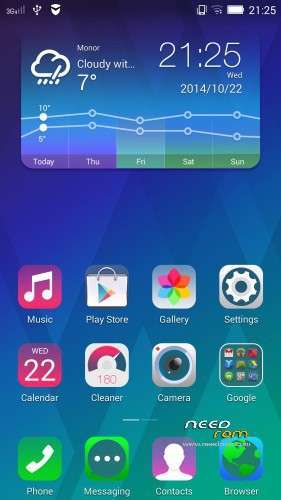
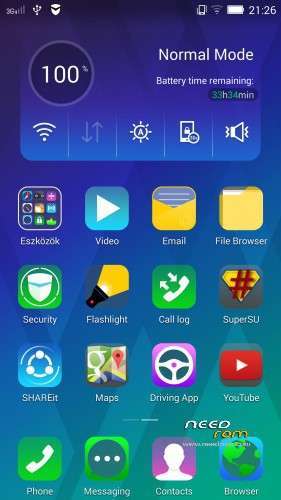
- base : Vibe UI 2.0 for S960
- Removed all unusable app
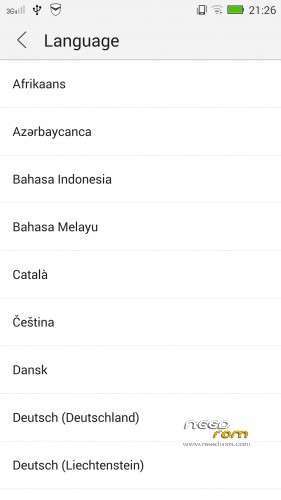
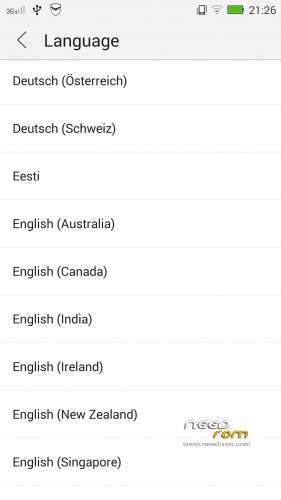
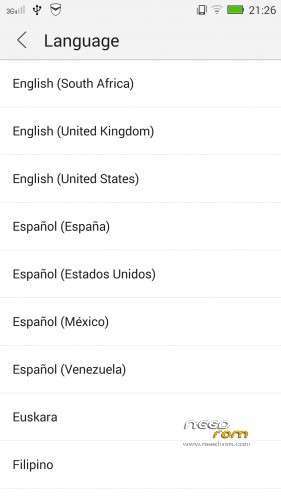
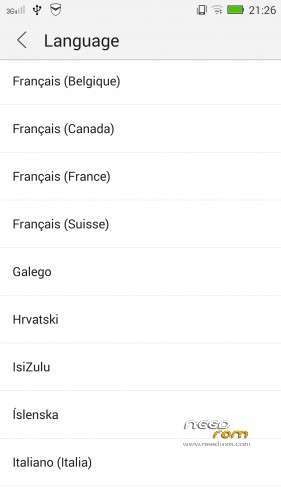
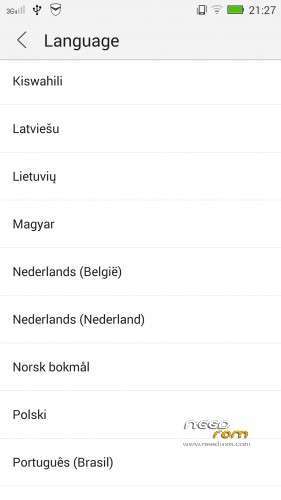
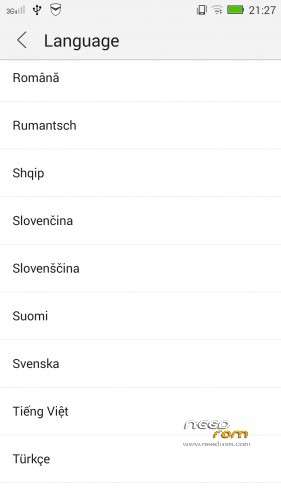
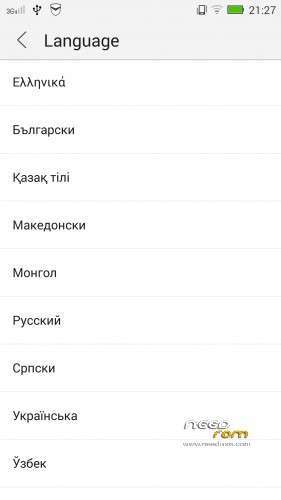
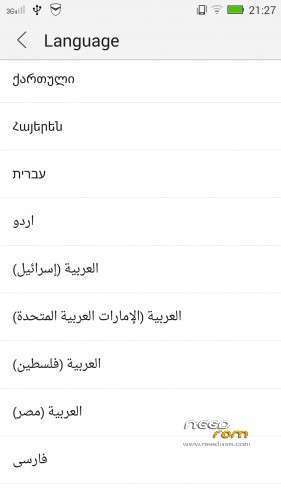
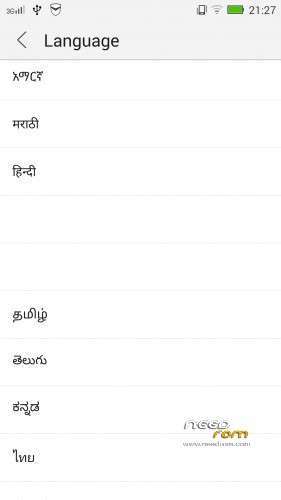
- Added about 70 languages
- The Weather app work as wordwide
Install ROM :

- Unpack FlashTools, and Click on Flash_tool.exe
- Select the MT6589_Android_scatter.txt in ROM
- Wait file to be added into Flash Tool
- choose Option->USB Model,click USB Model
–> Choose Option->DA DownLoad All->Speed->High Speed, click High Speed
- choose DA DL All With Check Sum
- Turn off your phone
- "Press F9 (hit Download button)" OR " if upgrade ROM Firmware->Upgrade "
- and connect your phone into the computer via USB data cable.
- The process will start and a red progress bar will appear after color purple, yellow, if no, then have to install the driver
- And green circles display
- Finish !
- You can now safely disconnect your phone and turn it on.
This rom made available on request with Android Language Project
I worked on this rom for 24 hours, so if you like my job pls donate me!
※Please make a backup of your device before installing or updating ROM
How to make backup of the stock rom.
If its not necessary then i might just go without backup the stock rom.
flash TWRP recovery image to ur fone so that you can make a STOCK ROM backup
Hi Friend, go online and read on how to backup the rom using the mtk droid tools and make sure U make it flashable using the sp tool. This is important because of the warranty issue and if the screen fails to respond, U shall still be in the position to restore it to is original state from is seller. TWRP may not restore your rom, it may fail. Hope U get helped.
hey there
The Turkish language is selected
the camera application does not go to the galleria
No problem when selecting other languages
How can I solve this problem
please help
Please
Arabic language available?
Work very good. I'm using this ROM for a couple of months and its very good.
Good job baralajbi!!!
Can you make a ROM with Android 5?
thanks for the rom, this helped me make unbrick the phone, after the upgrade in Chinese. I do not like Chinese, do not understand and after switching the phone came two options in Chinese language I did not understand , I gave him one and then " briked " . but with your rom and flash tools returned to work … Thanks for your work and deicacion , I hope that someday we surprised with a 5.0 rom Lollipop
Total Thanks …alosegon
Hi. I m download all. Not working network. Help me plaase. I want download VİBEUİ_V2.5_1927_2_ST_S960 versiyon again. I dont find in website.
Already checked your IMEI, mine was lost after the flash …
The solution was to reinstall it using the latest version of "MTKdroidTools.exe" downloading searching in Google:
1. Open the tool and allows to recognize your device.
2. press the button that says ROOT, let the process complete.
3. You should look for the box that your device came to see the original IMEI.
4. press the button that says replace IMEI
5. Enter the IMEI that comes in the box with your device in the new window and press Change, then press the button that says reboot.
If all went well you recover your network
I do your said. but not working. looking networks only Avea in Setting. Turkey Turkcell and Vodafone not looking and not work. working only avea network.
I think modem problem. But I dont know how download and install.
In my country there are four operators of telecommunication, the device only allows me to use Movistar and Claro, Tigo not allowed, and I have not tested with Digicel. You must unlock it to the operator that you want to use?
thank you very much
I have a problem with my S960. Which ever rom i install it gives me invalid IMEI. How can i solve this ? i am using it in cyprus.
Thank you.
i had same problem & i solved with this video
https://www.youtube.com/watch?.....0Psg7y92YJDhrc-
Hi, rom work good, but, my home button ( central) work somethings.. if a use the phone for a few minuts this button stop work but if i look and unlook the phone this button work again for any minuts… have a solution for this problem? i have reflashed this rom two times, i have does wipe,data and other reset, but nothing..i want to format this phone becouse anytime i install a new rom the phone remember my old choose and settings..have a solution?