
- Title: Lite ROM 2.1
- Listed: July, 2015
- Last modified: 09/08/2015 2:25 pm
- Version: multilanguage
You must be logged for ROM download.
54613 total views, 6 today
38 Total favorites
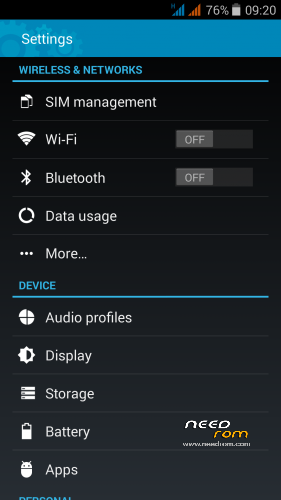
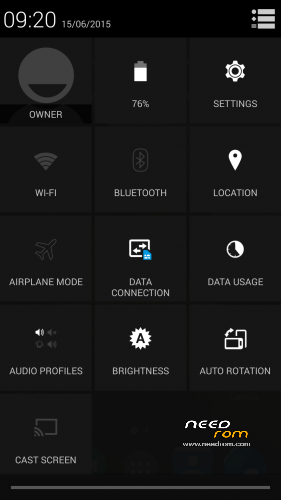
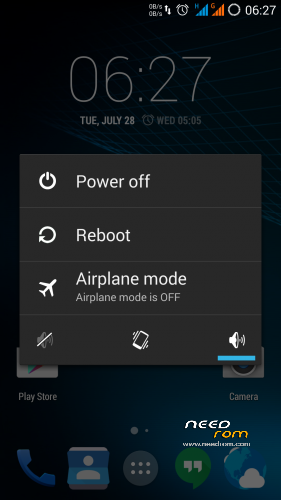
 Member Info
DESCRIPTION
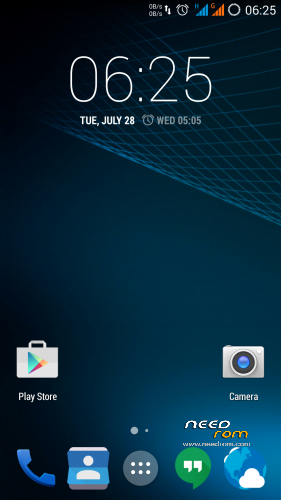
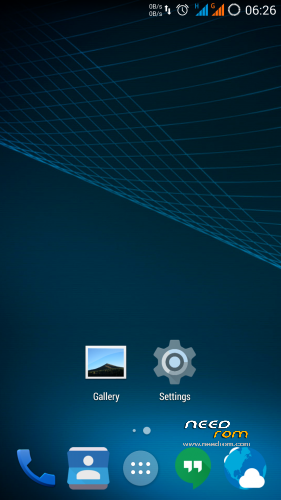
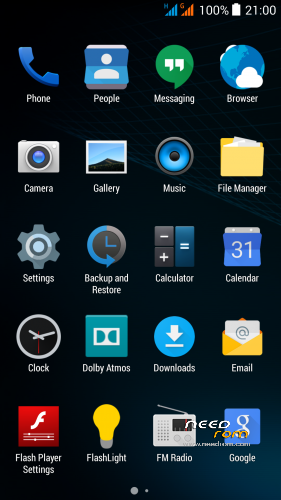
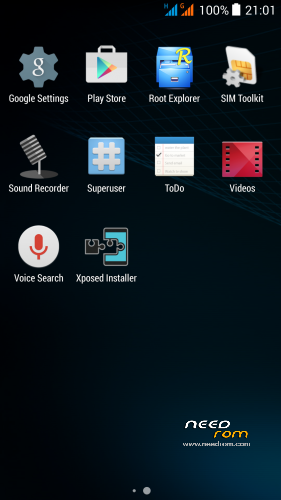
THL 5000 Lite ROM 2.1 - all Lite ROMs are very fast and smooth, there is no lagg of any kind, works perfect, fast and smooth. Based on stock kernel 1.1.2. In my opinion, this is currently the best ROM.
This is the third version of the Lite ROM (1.0, 2.0, 2.1) from excellent ukrainian author Dimid/iv2012 (see below this post and please donate him on WebMoney, if you have an account there). It's a pity that Dimid hasn't Paypal. ROM advantages are: pure Android, small size, simplicity, speed and low battery consumption. ROM is ROOTed, GAPPS are included, OTG works. Dimid gave me permission to upload ROM here. I prepared a little bit modified version where removes residual cyrillic, added missing translates and made a few small changes (see changes). I'm excited from this ROM - I have installed Gravity Box through which I set what I need.
Languages: Multilanguage
Installation: (as usually from TWRP)
1 – save the ROM file Lite_v2.1_Odex_2.zip on the SD card
2 – jump to TWRP recovery, if you haven't it, install it (installation instructions are here, sorry in slovak language only,use Google translator): http://androidforum.cz/twrp-2-7-1-0-root-pre-thl-5000-t57731.html
3 – click Wipe and select items: Dalvik Cache, System, Cache, Data, Int.SDcard (optional) and Android Secure, then click Swipe to Wipe
4 – click on Install, choose ROM file Lite_v2.1_Odex_2.zip and install it – click Swipe to Install, then click Reboot System
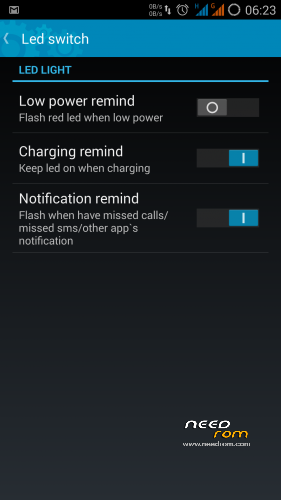
5 – enable notification LED in Settings/Display/Led switch -> Enable what you want
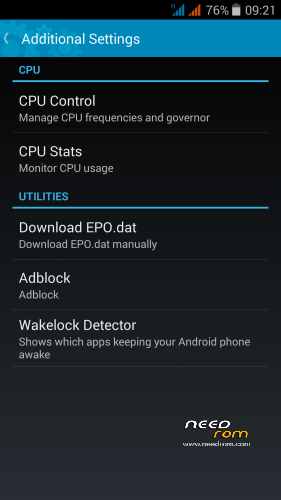
6 – enable Adblock in Settings/Additional Settings/Adblock -> Enable (Download and apply blocking)
7 – finish
8 - If you will install Gravity Box, do not forget change default setting in Phone tweaks/Telephony/Fullscreen caller photo, set it to Partial and restart phone (otherwise no hangup button on incoming calls)
9 - Do not change the default value in the Settings/Developer options/Animator duration scale, always must be set min. to 0.5x (otherwise Dialer won't work correctly)
Do not play with Lock button in Settings/Additional Settings/Download EPO.dat! For normal operation it required an internet connection at the time of GPS launch! I do not use EPO function and GPS fix works quickly and well. I recommend do not use this option. If someone wanted to use this feature, here are instructions in russian language (use Google translator) - http://4pda.ru/forum/index.php?s=&showtopic=592576&view=findpost&p=42175265
Optional patches (Important: Install it in TWRP: click on Install, then click Wipe Cache/Dalvik, finally click Reset to system):
- Kernel110_old_disp_fixed.zip - core for old display type (install when your Gama is different from value 2.0)
- Unlock_VolKey.rar - unpack RAR archive, will get two ZIP files, first enable display unlocking by the volume buttons, second revert it back (if you use Gravity Box, works key Volume- only)
- Unlock_Profiles_Lite2.1_1.zip - add a new option "More Ringtones" for selection of ringtones from MP3 albums on your SD card (Settings/Audio profiles/profile name/Ringtone/Sim/1st option "More Ringtones"
- Modems.rar - unpack RAR archive, will get two ZIP files, first install 900Mhz 3G modem, second install standard 850Mhz 3G modem (I think the 850 MHz modem works better, but someone want to me 900Mhz, so added)
- SMS_icon.zip - change the icon of the SMS application to standard
How to set a custom mellodies:
Custom mellody for SMS notification
1. give e.g. MP3 file to folder "Notifications" on SD card.
2. Then set it in Settings/Audio profiles/General/Notifications
Custom mellody as Ringtone
1. give e.g. MP3 file to folder "Ringtones" on SD card
2. Then set it in in Settings/Audio profiles/General/Voice call ringtone
Custom mellody as Alarm clock
1. give e.g. MP3 file to folder "Alarms" on SD card
2. Then set it in icon Clock, choose Alarms, set alarm time and choose your melody
Didmid page: http://4pda.ru/forum/index.php?s=&showtopic=592576&view=findpost&p=40807828
Dimid donation – WebMoney: WMU: U413791826969, WMR: R386284664505, WMZ: Z333649149339
※Please make a backup of your device before installing or updating ROM
This ROM is fast, but there is a bug that stock ROM works perfect:
Pull status bar with this ROM is nearly impossible. This bug was corrected in stock ROM
I answer myself. Everything is ok. This ROM is the best. It was only the first minutes that I could not pull the bar down (i do not know why). Perfect ROM! , thanks dimid to make the ROM and thanks rbarat to upload here with your changes.
Hi,
Which android version has this rom?
Thanks
Hi everybody! I will try this rom soon. Just 2 questions:
- I have CWM recovery, is the installation process the same?
- Have you found bluetooth issues? I use Haier Iron smartwatch, ipega controller, bluetooth headphones and speakers, so I NEED good bluetooth connection!
Hello, I have instaled thiss rom. I have a problem. When i put a new widgeht in de screen, I can not delete this widget press its icon. The screen is not showing the text "Remove" or "Reclcled bin".
hi everybody, I can’ t use my usb-stick (32 gb fat32) with the original otg adaptor… it works fine in recovery modus…. please help me to get it working in this excellent rom.. I read somewhere that the is a bug in kitkat 4.4 with otg…
Hi, is it possible to unroot this ROM in order to reroot and install magisk? Thanks
hi, the notifications led doesn't work..I have also all the options enabled under led section..
any suggestion pls?
Thank you
seems after Installingg Lite 2.1 the USB connection to PC does not work!? Am -i the only one with this problem? It only charges, but no drivers are searched, no USB mode selection, nothing
Thank you for this awesome rom! you and dimid are the reason i still use a thl5000!
ive got no 3G logo on network and installed both moden zips,,,any help