
- Title: Lite ROM 2.1
- Listed: July, 2015
- Last modified: 09/08/2015 2:25 pm
- Version: multilanguage
You must be logged for ROM download.
54612 total views, 5 today
38 Total favorites
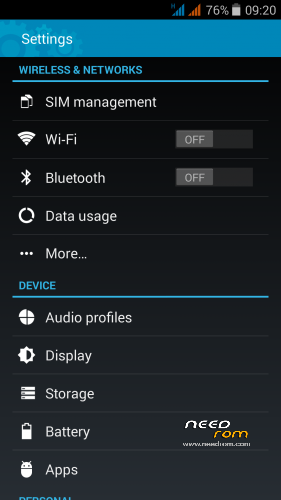
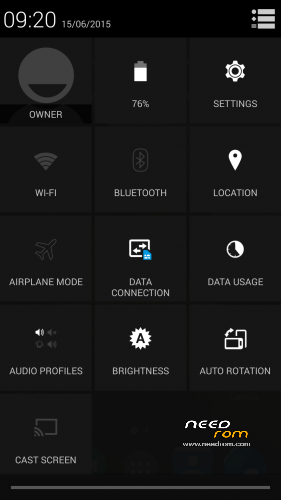
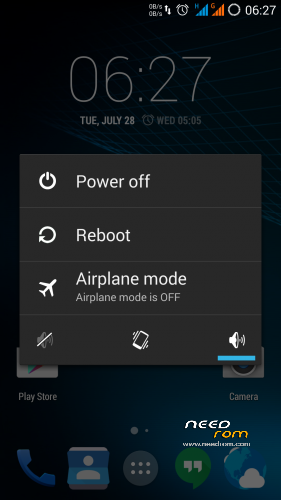
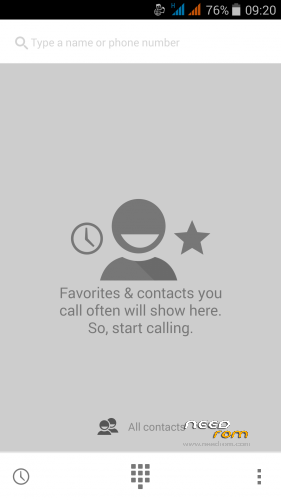
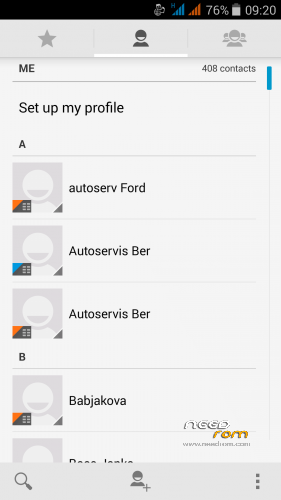
 Member Info
DESCRIPTION
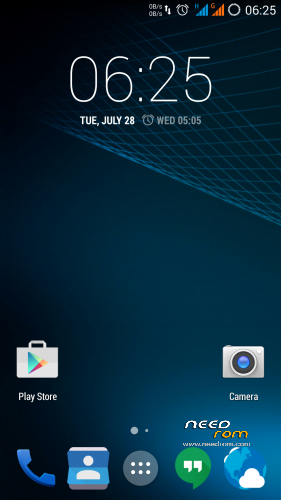
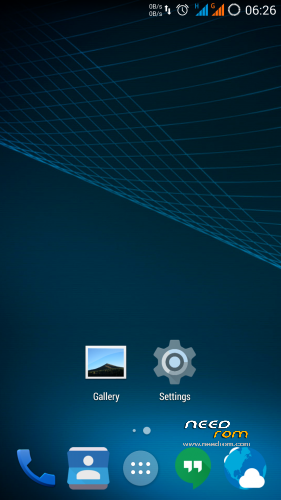
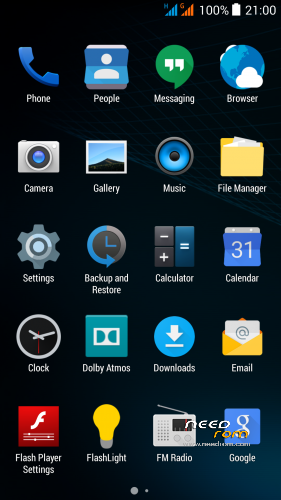
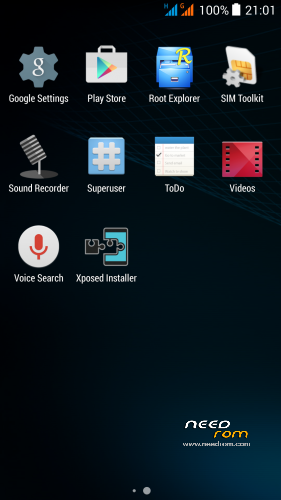
THL 5000 Lite ROM 2.1 - all Lite ROMs are very fast and smooth, there is no lagg of any kind, works perfect, fast and smooth. Based on stock kernel 1.1.2. In my opinion, this is currently the best ROM.
This is the third version of the Lite ROM (1.0, 2.0, 2.1) from excellent ukrainian author Dimid/iv2012 (see below this post and please donate him on WebMoney, if you have an account there). It's a pity that Dimid hasn't Paypal. ROM advantages are: pure Android, small size, simplicity, speed and low battery consumption. ROM is ROOTed, GAPPS are included, OTG works. Dimid gave me permission to upload ROM here. I prepared a little bit modified version where removes residual cyrillic, added missing translates and made a few small changes (see changes). I'm excited from this ROM - I have installed Gravity Box through which I set what I need.
Languages: Multilanguage
Installation: (as usually from TWRP)
1 – save the ROM file Lite_v2.1_Odex_2.zip on the SD card
2 – jump to TWRP recovery, if you haven't it, install it (installation instructions are here, sorry in slovak language only,use Google translator): http://androidforum.cz/twrp-2-7-1-0-root-pre-thl-5000-t57731.html
3 – click Wipe and select items: Dalvik Cache, System, Cache, Data, Int.SDcard (optional) and Android Secure, then click Swipe to Wipe
4 – click on Install, choose ROM file Lite_v2.1_Odex_2.zip and install it – click Swipe to Install, then click Reboot System
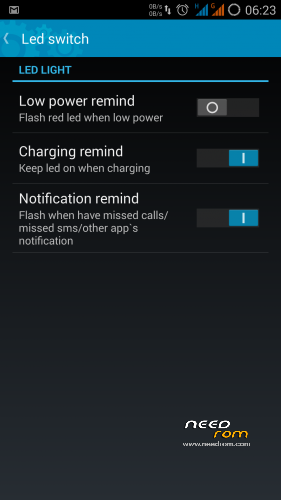
5 – enable notification LED in Settings/Display/Led switch -> Enable what you want
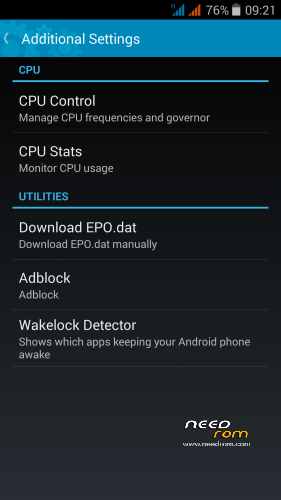
6 – enable Adblock in Settings/Additional Settings/Adblock -> Enable (Download and apply blocking)
7 – finish
8 - If you will install Gravity Box, do not forget change default setting in Phone tweaks/Telephony/Fullscreen caller photo, set it to Partial and restart phone (otherwise no hangup button on incoming calls)
9 - Do not change the default value in the Settings/Developer options/Animator duration scale, always must be set min. to 0.5x (otherwise Dialer won't work correctly)
Do not play with Lock button in Settings/Additional Settings/Download EPO.dat! For normal operation it required an internet connection at the time of GPS launch! I do not use EPO function and GPS fix works quickly and well. I recommend do not use this option. If someone wanted to use this feature, here are instructions in russian language (use Google translator) - http://4pda.ru/forum/index.php?s=&showtopic=592576&view=findpost&p=42175265
Optional patches (Important: Install it in TWRP: click on Install, then click Wipe Cache/Dalvik, finally click Reset to system):
- Kernel110_old_disp_fixed.zip - core for old display type (install when your Gama is different from value 2.0)
- Unlock_VolKey.rar - unpack RAR archive, will get two ZIP files, first enable display unlocking by the volume buttons, second revert it back (if you use Gravity Box, works key Volume- only)
- Unlock_Profiles_Lite2.1_1.zip - add a new option "More Ringtones" for selection of ringtones from MP3 albums on your SD card (Settings/Audio profiles/profile name/Ringtone/Sim/1st option "More Ringtones"
- Modems.rar - unpack RAR archive, will get two ZIP files, first install 900Mhz 3G modem, second install standard 850Mhz 3G modem (I think the 850 MHz modem works better, but someone want to me 900Mhz, so added)
- SMS_icon.zip - change the icon of the SMS application to standard
How to set a custom mellodies:
Custom mellody for SMS notification
1. give e.g. MP3 file to folder "Notifications" on SD card.
2. Then set it in Settings/Audio profiles/General/Notifications
Custom mellody as Ringtone
1. give e.g. MP3 file to folder "Ringtones" on SD card
2. Then set it in in Settings/Audio profiles/General/Voice call ringtone
Custom mellody as Alarm clock
1. give e.g. MP3 file to folder "Alarms" on SD card
2. Then set it in icon Clock, choose Alarms, set alarm time and choose your melody
Didmid page: http://4pda.ru/forum/index.php?s=&showtopic=592576&view=findpost&p=40807828
Dimid donation – WebMoney: WMU: U413791826969, WMR: R386284664505, WMZ: Z333649149339
※Please make a backup of your device before installing or updating ROM
i want lolipop version
It will never be… There is no smartphone or tablet with MT6592 and Android L simultaneously. Because Mediatek disclose the source code for MT6592. MediaTek does not publish these source codes freely, but sells them to mobile producers. This is a disadvantage especially for the community creative programmers what they desire to do some custom ROMs.
Already a cool ROM for me, smooth operation
 but just a minor issue: I can't get the preview with the gopro app. Anyway, may a lollipop version coming soon? Cheers and more power guys.
I am affraid Lolipop will never be. There is no smartphone or tablet with MT6592 and Android L simultaneously. Because Mediatek disclose the source code for MT6592. MediaTek does not publish these source codes freely, but sells them to mobile producers. This is a disadvantage especially for the community creative programmers what they desire to do some custom ROMs.
Do not know gopro app…
See here:
Lite ROM has a small problem for me, I can not install Adaway et Keyguard4.
Only V3MOD and ULTIMATE3 have no problem, everything works.
After all the tests, I returne back to the same.
AdAway is integrated in the ROM – it is not necessary to be installed separately. Go to Settings/Additional Settings/Adblock
Good morning.
On my thl5000 tethering dont work with the stock firmware. I have installed this firmware in the hope
the tethering work but it isn't.
There is a why to get tethering work fine?
For me tethering works well. Describe exactly what is not working.
For everybody: Do not change the default value in the Settings/Developer options/Animator duration scale, always must be set min. to 0.5x (otherwise Dialer won't work correctly)
There is no hangup Burton on incoming calls, just on outgoing – very nad, any solution?
My friend, perhaps you do not know to read. What is written in the installation manual?
This:
8 - If you will install Gravity Box, do not forget change default setting in Phone tweaks/Telephony/Fullscreen caller photo, set it to Partial and restart phone
9 - Do not change the default value in the Settings/Developer options/Animator duration scale, always must be set min. to 0.5x (otherwise Dialer won't work correctly)
I think, you do not to make a point. No.8.
OK. I got it.8 - If you will install Gravity Box, do not forget change default setting in Phone tweaks/Telephony/Fullscreen caller photo, set it to Partial and restart phone
Thanks
Sorry but you didnt define why to change (reason) it but I am happy that everything is working. Great Rom! Thanks
OK, will add a reason… :-)
I hope you are not offended. The answer I wrote in color, to see it all. This is a common mistake.
Just asking, is it possible to add a patch of LED display event for 2.0? So I don't need to upgrade just to get that feature. Thanks in advance!
It's possible, but at the moment I'm going on vacation, maybe in September.
What is the "base" for this ROM (is it based on 1.1.1 or 1.1.2 THL firmware)?
1.1.2.
Great ROM, everything works just fine for me… Found one little annoyance with the Superuser app – it cannot update its binary.
I tried to download separate apk from developers site, it updated, but the Superuser kept asking about the update, so I installed Supersu and it uninstalled Superuser. Works fine for now! Thanks for the ROM
Superuser works great in this ROM…, no update issue… – but if you have some problems, you can flash it through TWRP - https://play.google.com/store/.....dutta.superuser
Manual installation with the recovery zip:
Recommended if you are having installation issues or are not rooted
http://download.clockworkmod.c.....r/superuser.zip
And superuser will works as it should….