
- Title: Lite ROM 2.1
- Listed: July, 2015
- Last modified: 09/08/2015 2:25 pm
- Version: multilanguage
You must be logged for ROM download.
54612 total views, 5 today
38 Total favorites
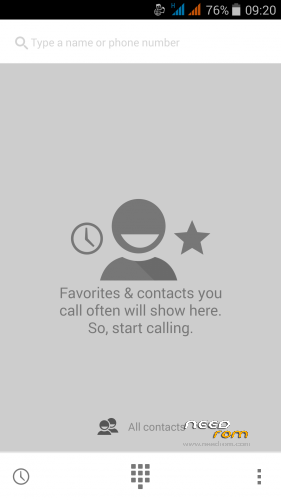
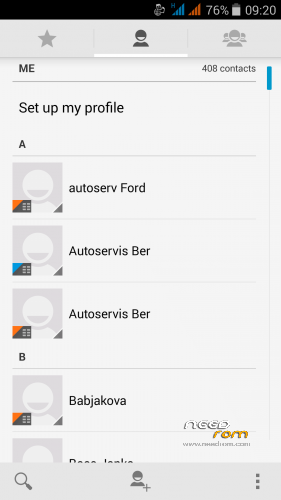
 Member Info
DESCRIPTION
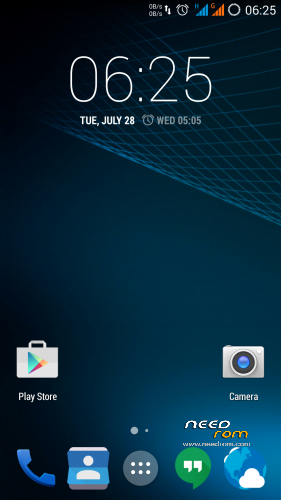
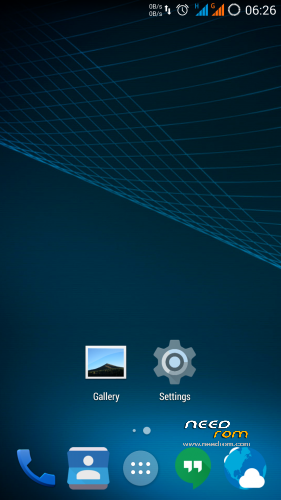
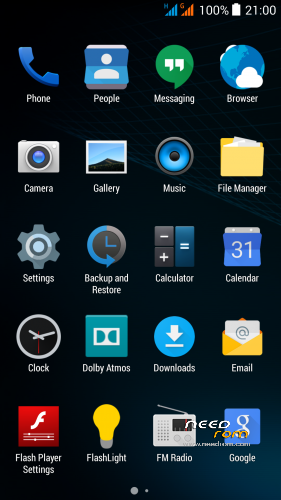
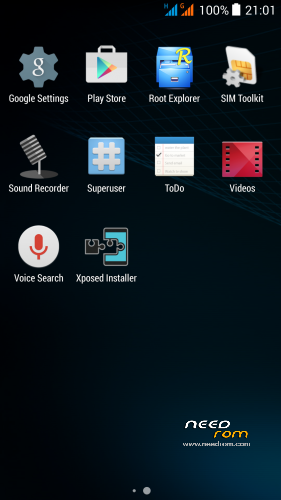
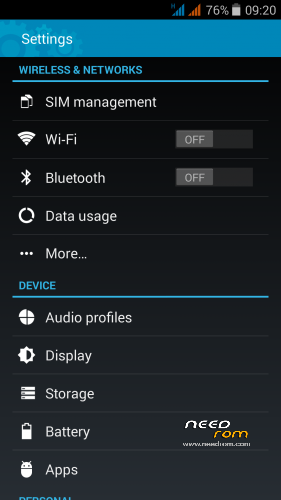
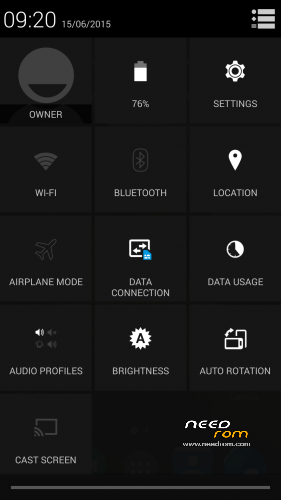
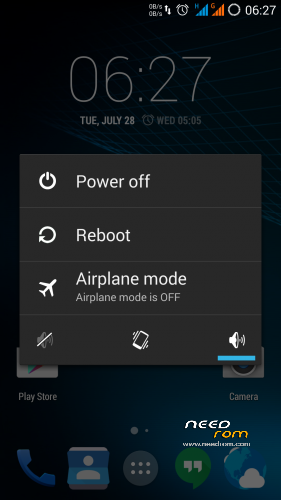
THL 5000 Lite ROM 2.1 - all Lite ROMs are very fast and smooth, there is no lagg of any kind, works perfect, fast and smooth. Based on stock kernel 1.1.2. In my opinion, this is currently the best ROM.
This is the third version of the Lite ROM (1.0, 2.0, 2.1) from excellent ukrainian author Dimid/iv2012 (see below this post and please donate him on WebMoney, if you have an account there). It's a pity that Dimid hasn't Paypal. ROM advantages are: pure Android, small size, simplicity, speed and low battery consumption. ROM is ROOTed, GAPPS are included, OTG works. Dimid gave me permission to upload ROM here. I prepared a little bit modified version where removes residual cyrillic, added missing translates and made a few small changes (see changes). I'm excited from this ROM - I have installed Gravity Box through which I set what I need.
Languages: Multilanguage
Installation: (as usually from TWRP)
1 – save the ROM file Lite_v2.1_Odex_2.zip on the SD card
2 – jump to TWRP recovery, if you haven't it, install it (installation instructions are here, sorry in slovak language only,use Google translator): http://androidforum.cz/twrp-2-7-1-0-root-pre-thl-5000-t57731.html
3 – click Wipe and select items: Dalvik Cache, System, Cache, Data, Int.SDcard (optional) and Android Secure, then click Swipe to Wipe
4 – click on Install, choose ROM file Lite_v2.1_Odex_2.zip and install it – click Swipe to Install, then click Reboot System
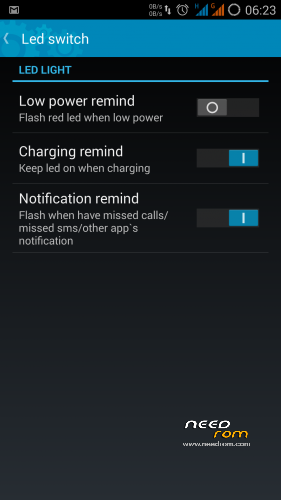
5 – enable notification LED in Settings/Display/Led switch -> Enable what you want
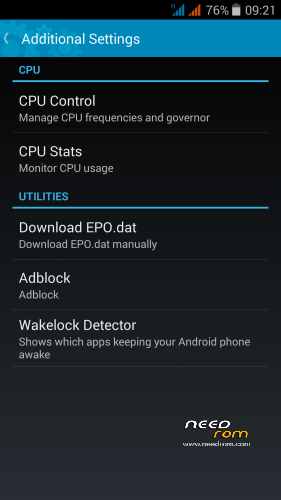
6 – enable Adblock in Settings/Additional Settings/Adblock -> Enable (Download and apply blocking)
7 – finish
8 - If you will install Gravity Box, do not forget change default setting in Phone tweaks/Telephony/Fullscreen caller photo, set it to Partial and restart phone (otherwise no hangup button on incoming calls)
9 - Do not change the default value in the Settings/Developer options/Animator duration scale, always must be set min. to 0.5x (otherwise Dialer won't work correctly)
Do not play with Lock button in Settings/Additional Settings/Download EPO.dat! For normal operation it required an internet connection at the time of GPS launch! I do not use EPO function and GPS fix works quickly and well. I recommend do not use this option. If someone wanted to use this feature, here are instructions in russian language (use Google translator) - http://4pda.ru/forum/index.php?s=&showtopic=592576&view=findpost&p=42175265
Optional patches (Important: Install it in TWRP: click on Install, then click Wipe Cache/Dalvik, finally click Reset to system):
- Kernel110_old_disp_fixed.zip - core for old display type (install when your Gama is different from value 2.0)
- Unlock_VolKey.rar - unpack RAR archive, will get two ZIP files, first enable display unlocking by the volume buttons, second revert it back (if you use Gravity Box, works key Volume- only)
- Unlock_Profiles_Lite2.1_1.zip - add a new option "More Ringtones" for selection of ringtones from MP3 albums on your SD card (Settings/Audio profiles/profile name/Ringtone/Sim/1st option "More Ringtones"
- Modems.rar - unpack RAR archive, will get two ZIP files, first install 900Mhz 3G modem, second install standard 850Mhz 3G modem (I think the 850 MHz modem works better, but someone want to me 900Mhz, so added)
- SMS_icon.zip - change the icon of the SMS application to standard
How to set a custom mellodies:
Custom mellody for SMS notification
1. give e.g. MP3 file to folder "Notifications" on SD card.
2. Then set it in Settings/Audio profiles/General/Notifications
Custom mellody as Ringtone
1. give e.g. MP3 file to folder "Ringtones" on SD card
2. Then set it in in Settings/Audio profiles/General/Voice call ringtone
Custom mellody as Alarm clock
1. give e.g. MP3 file to folder "Alarms" on SD card
2. Then set it in icon Clock, choose Alarms, set alarm time and choose your melody
Didmid page: http://4pda.ru/forum/index.php?s=&showtopic=592576&view=findpost&p=40807828
Dimid donation – WebMoney: WMU: U413791826969, WMR: R386284664505, WMZ: Z333649149339
※Please make a backup of your device before installing or updating ROM
@rbarat: Thx for your work. Does your ROM is affected for the Stagefright bug?
Sorry, do not know. I am not use MMS long time.
Don't apply your MMS settings and no worries
Just one more question… I see that the low battery warning now triggers at 5%. Is there a way to easely change that to the original 15%?
That is not the whole story. If you watch manipulated mp4 videos (e. g. manipulated website or ad network) you are also affected. So it is not only about MMS.
Stagefright Detector helps to check if your ROM is vulnerable.
No, you have to edit the kernel. Most people wanted this value.
Ok, thanks… I just thought that 5% was a bit too little treshold, as my battery tends to discharge very quickli once it reaches levels between 5-10%
We must respect as an author has chosen. I personally set at 5% suits. It suits me.
Great ROM. compliments fo the work.
My display has gamma 2 (old type) so i must install the patch Kernel110_old_disp_fixed , is true ?
No, if your display already has gamma 2 you do not need any extra patches.
Check your Gama. If you have value 2, do not install patch.
does it take time formatting system? mine is stucked in formatting system using make_ext4fs function.
The whole procedure took me less than 10 minutes (wiping all and installing new rom)
Added a new patch - Unlock_Profiles_Lite2.1_1.zip - add a new option "More Ringtones" for selection of ringtones from MP3 albums on your SD card (Settings/Audio profiles/profile name/Ringtone/Sim/1st option "More Ringtones")
Thank you! Awesome work!
HI All!
This is a very great rom. Except I cant use the GPS. Unable to download EPO.dat (it says, EPO.dat was NOT updated) and 3D fixation will take minutes (5 minutes or so) . Any recommensation plst?
You can’t update your EPO.DAT file with NewEpo v1.0.9 because it doesn’t work correctly anymore.
But you can press the “A-GPS update” button and your EPO.DAT file will be updated by the system.
Also you can download the newest version of NewEpo program on http://4pda.ru/forum/index.php.....#038;p=42175265 (click on "Брать здесь") and install it. Or use the direct link https://yadi.sk/d/LQfoeOsOiRJD.....g .
I do not use EPO function an GPS fix works quickly and well – fix max. 30 seconds. I recommend do not use this option.
You are right. You don't need to use this program if your GPS works fine. But some pepople have problems with GPS. I made this program for them and it works properly.
Is this rom base on kitkat 4.4
Yez it’s based on 4.4.2 kit Kat
Yez it’s based on 4.4.2 kit Kat