
- Title: MIUIv5 4.8.27 MultiLanguage
- Listed: March, 2014
- Last modified: 08/29/2014 2:34 pm
- Version: [4.2.1] 4.8.27
You must be logged for ROM download.
111292 total views, 7 today
39 Total favorites
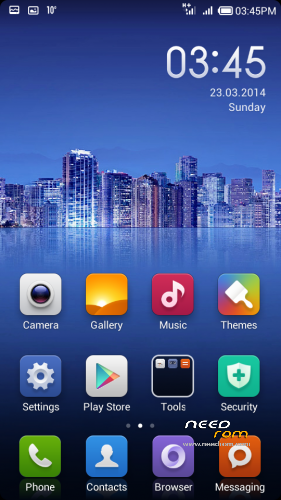
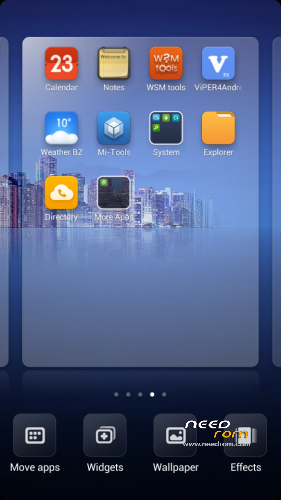
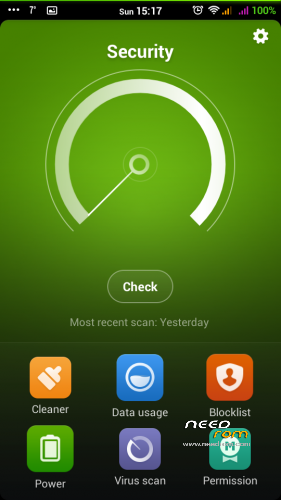
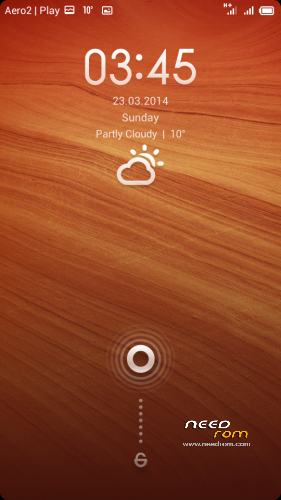
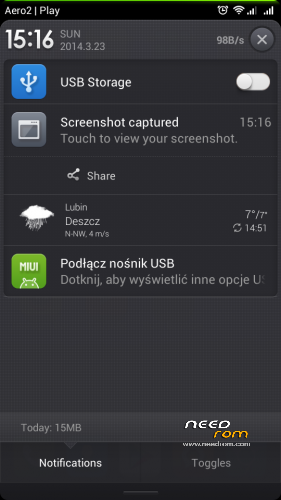
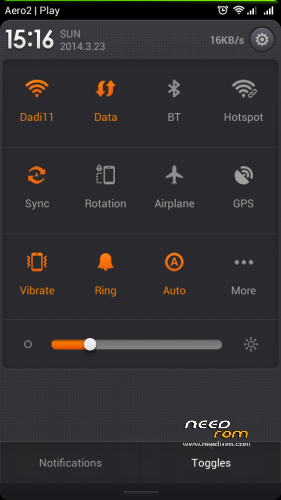
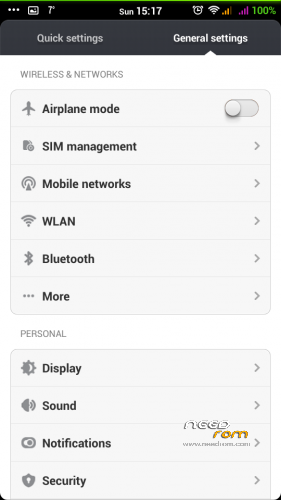
 Member Info

DESCRIPTION

Phone: Lenovo A820
Android: 4.2.1
MIUIv5 MultiLanguage by dadi11
Variants: Full / Lite
Hello everyone.
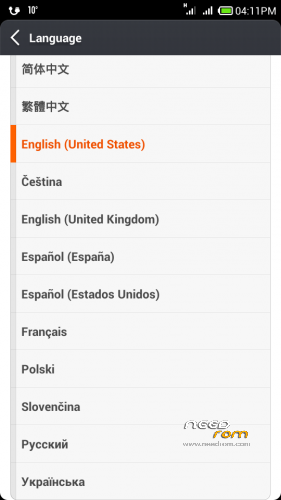
This ROM at first was ported for Polish communityonly, and contains PL, EN & CN lang.
Today I'm releasing a MultiLanguage version for you, too. I hope you'll like it.
Supported languages: Multilanguage
Version 4.5.9 & 4.8.21+ are based on MIUIv5 4.4.19 Ultimate for Fly IQ446 Magic by stas2z, ported and modded by me.
Actual changes:
- Port based on stas2z MIUIv5 Ultimate for Fly IQ446
- Updated apps
- Fixed stability issues
- Fixed auto brightness
- Lenovo RadioFM (works without phones)
- Updated extras from miuipolska.pl
- init.d support & scripts
- Better battery life, performance, ram usage, internet speed & other improvements
- Languages from xiaomi.eu
- Deleted Chineese apps
- Google Apps
- Xperia & Google Keyboard
In Lite version I've deleted some more useless apps, sounds and TTS.
If you'll like my ROM/MOD, there will be updates 
Important:
In versions 4.8.21+ SD Card is set as default storage.
If you want to change it, use Settings>Storage.
Please watch for international text messages that the system sends to activate the sim card, they can cost a lot
Modded Theme App is now available as a separate download, because of problems with theme resets.
If you want full MIUI rom, download and install Lite version and then install Full Upgrade, without doing any wipes.
If you stuck at bootlogo – try Lite version instead of full or use THIS app first. It's probably because of too small system partition, so increase it.
Don't try to flash any custom kernel with this rom it WON'T work.
Lite version is rom that i’m using, so it’s without (unnecessary) apps that i’m not using  So one may like it, others do not
My other roms: ColorOS | ProjectDoge | Sony Xperia C Port | PureXperia Z2 | Myriad ROM | LeWa OS
Files were tested, and they all works.
You should do before installing this ROM:
in CWM
- wipe data/factory reset
- wipe cache partition
- mounts and storage>format /system
- advanced>wipe dalvik cache
in TWRP (2.6.3.0 recommended)
- wipe> wipe data/factory reset
- wipe> advanced wipe> check all except sdcard
If you are updating from previous version, wipe dalvik-cache & /cache should be enough.
※Please make a backup of your device before installing or updating ROM
You can use meteos method to resize intwrnal menory.
I am using 4.6.2 full version, loaded with TWRP 2.6.3 from needrom.
Is it possible to stay data connected after screen lock? This option went missing from the stock settings menu couple of versions ago.
I noticed on AOSP it is placed as a battery saving option.
I resized the partition with meteos, but when I reboot my phone it stops at the miui logo. Please help me! It's a very good rom.
i instaled the lite version but i can not find the root activation , i am suposed to find it in the System & Security folder -> Permissions -> Root -> Enable Permission manager,but in the System & Security folder there is not such thing (Permissions -> Root -> Enable Permission manager)…pleeeeeeeeeeeeeeeeease help
try to root the phone first
"installation aborted" everytime i flash .both versions. Something i do wrong? Any help plz?
Use firmware 2 weeks, today found a glitch, after the outgoing call for alarm. was only able to disable aging battery.
Does this Rom has Greek language?
Yes it has Greek language
Hey, so no update files? Wouldn't want to flash again for new version..
Thanks!
I can't find the setting to save my pictures and videos to the sd card and not the internal memory. How to change settings?
Does it have Greek language??