
- Title: Nubia Z7 Max v3.60
- Listed: October, 2015
- Last modified: 10/07/2015 1:36 pm
- Version: Z7 Max v3.60
You must be logged for ROM download.
19710 total views, 3 today
1 Total favorites
 Member Info
DESCRIPTION
Official ROM v3.60 (Android v5.1.1).
Very fast – smooth and stable Rom.
Update log:
[ Time management function optimization]
[optimization] OTG functional experience
[Optimization System memory for
system power consumption [optimization]
[Optimization System Caton problem
[optimization] Gallery drag delete picture functions
[repair] desktop icons rearranged after the restart problem
[fix] problem can not add a new phone when editing a contact entry
[repair] Desktop folder transparency problem
[fix] In some cases the problem of camera FC
[repair] background call, the status bar green bar can not click
[ Repair Click to notification bar audio file, you can not go directly to the issue of recording catalog
Caton phenomenon [repair] split-screen mode, enter part of the application after the question
[repair] insufficient storage space to back up the case, still displays the backup is completed Problems
firmware optimize content include, but are not limited to the above items listed.
Install:
1)Enter to Stock Recovery OR to TWRP Recovery v2.8.7.0.
2)Make full wipes.
3)Install Stock v3.60 update.zip.
*Before installing this rom you should have preinstalled v3.22 with nubia tool.
*If have preinstalled cm12 need to flash official 3.22 with nubia tool and after install this rom v3.60.
- – - – - – - – - – - – - – - – - – - – - – - – - – - – - – - – - – - – - – - – - – - – - – - – - – - – - – - – - – - – - – -
Install Drivers & Recovery:
1)Download (My Tool https://www.needrom.com/download/z7-max-all-in-one-tool-v1-1-0/ ) UnRAR and run it on your PC.
2)Press one to Install The USB Drivers
3)Turn On USB Debugging Mode To Your Phone.(How to: https://www.youtube.com/watch?v=ze7y8rPzH9w )
4)Connect your mobile (mobile to be active) to the computer and select number.
5)DONE.

WARNING:This Tool Works Only For Android v5 Lollipop
Root:
1)Download SuperSU-v2.49.zip and put it to your internal storage.
2)Enter to TWRP recovery and install SuperSU-v2.49.zip.
3)DONE.
Install Google Apps:
1)Download Gapps For Android v5.1.1 Nano 1-10-2015.zip. and put it to your internal storage.
2)Enter to TWRP recovery and install Gapps For Android v5.1.1 Nano 1-10-2015.zip.
3)DONE.
- – - – - – - – - – - – - – - – - – - – - – - – - – - – - – - – - – - – - – - – - – - – - – - – - – - – - – - – - – - – - – -
How to Backup and Restore IMEI and MEID:
Try this Nubia Nubia emergency tool:https://www.needrom.com/download/nubian-emergency-tool-v1-0-6/

- – - – - – - – - – - – - – - – - – - – - – - – - – - – - – - – - – - – - – - – - – - – - – - – - – - – - – - – - – - – - – -
Official source:
http://bbs.nubia.cn/thread-542722-1-1.html
※Please make a backup of your device before installing or updating ROM
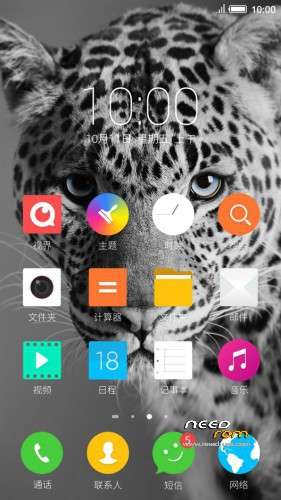
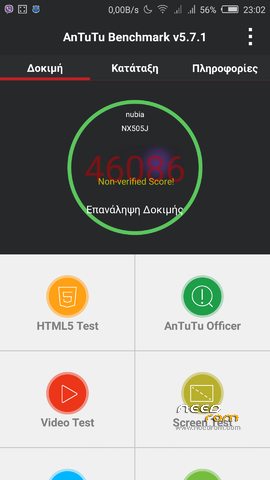
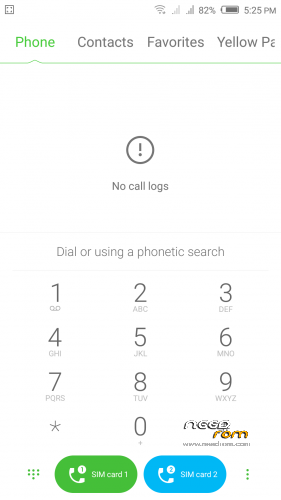
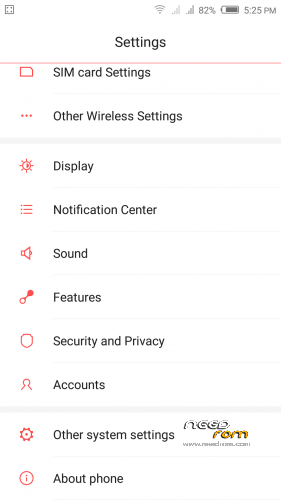
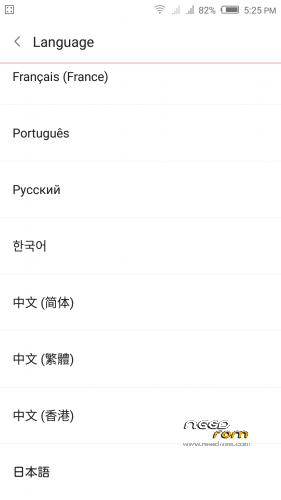
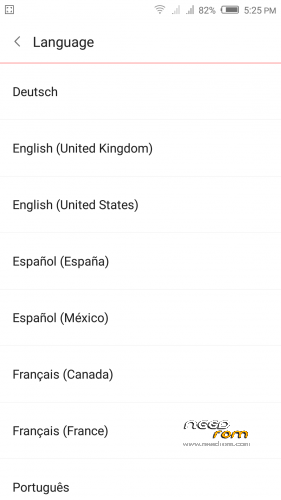
Hello tigreos, is this ROM multilanguage ?
No see the pictures.
Why still show V3.55? I already update this rom but it not become to V3.60?
Makes full wipes 3 times,after install again this rom.
Hi Tigreos,
I would like to know MD5 of this v3.60 for checking any loss while downloading.
Thank you very much.
Hi Tigeros,
can this be installed over 3.15??
Thanks!!
No install first v3.22 and after v3.60
It still shows v3.55 after installing successfully. I don't know if this is really updated.
first of all – thank you!
i'm on 3.53 – do i need to do a full wipe before upgrade ?
Make wipe only Dalvik Cache and Cache.In this case aftrer install v3.60 need to install and Gapps.
cool thanks, is it still on beta?
Yes.
GApps dont work.
Download from here new Gapps :
http://opengapps.org/
Thanks Tigreos
show ver 3.55
another link show ver 3.60 http://yunpan.cn/cHrqxjC87MXrh
how did you manage to download it? i couldnt