
- Title: Nubia Z7 Max v3.84
- Listed: March, 2016
- Last modified: 03/25/2016 3:25 pm
- Version: Z7 Max v3.84
You must be logged for ROM download.
32971 total views, 2 today
10 Total favorites
OFFICIAL
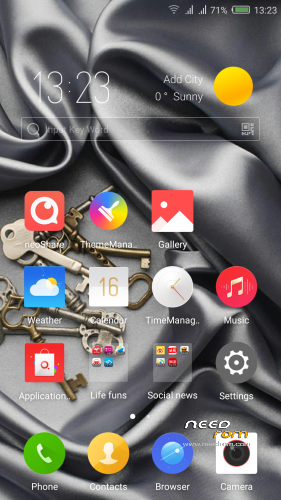
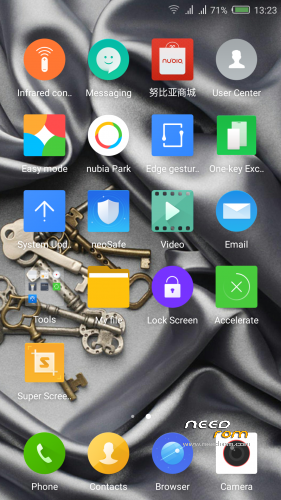
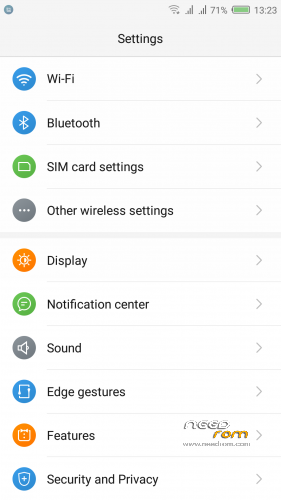
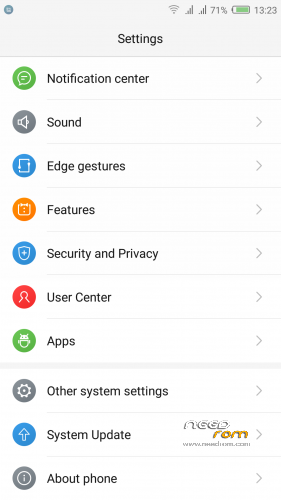
 Member Info
DESCRIPTION
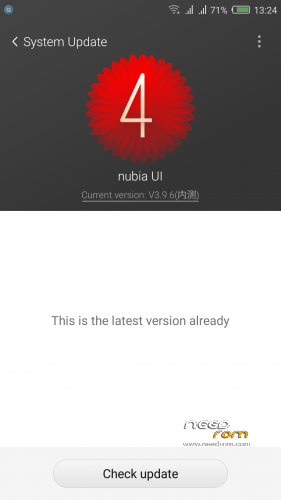
Official ROM v3.84 (UI3.9.6) (Android v5.1.1).
Very fast – smooth and stable Rom.
ONLY FOR MERGED PARTITION.
Install:
1)Enter to TWRP Recovery v3.0.0.0.
2)Make full wipes. Wipe—> Advanced Wipe—> (Dalvik Cache – System – Data – Cache)
3)Install Stock v3.84.zip.
*Before installing this rom you should have preinstalled stock rom v3.22 with nubia tool.
*If have preinstalled CM12.1 or CM13 need to make full wipes and after install this rom Stock v3.83
*Stock v3.22 here: https://www.needrom.com/download/nubia-z7-max-v3-22/
- – - – - – - – - – - – - – - – - – - – - – - – - – - – - – - – - – - – - – - – - – - – - – - – - – - – - – - – - – - – - – -
Install Drivers & Recovery:
1)Download (My Tool https://www.needrom.com/download/z7-max-all-in-one-tool-v1-1-0/ ) UnRAR and run it on your PC.
2)Press 1 to Install The USB Drivers
3)Turn On USB Debugging Mode To Your Phone.(How to: https://www.youtube.com/watch?v=ze7y8rPzH9w )
4)Connect your mobile (mobile to be active) to the computer and select number.
5)DONE.

—-WARNING:This Tool Works Only For Android v5 and v5.1.1 Lollipop—-
- – - – - – - – - – - – - – - – - – - – - – - – - – - – - – - – - – - – - – - – - – - – - – - – - – - – - – - – - – - – - – -
Root:
1)Download SuperSU v2.70.zip and put it to your internal storage.
2)Enter to TWRP recovery and install SuperSU v2.70.zip.
3)DONE.
- – - – - – - – - – - – - – - – - – - – - – - – - – - – - – - – - – - – - – - – - – - – - – - – - – - – - – - – - – - – - – -
Install Google Apps:
1)Download Gapps For Gapps For Android v5.1.1 Nano 20160403.zip and put it to your internal storage.
2)Enter to TWRP recovery and install Gapps For Android v5.1.1 Nano 20160403.zip.
3)DONE.
- – - – - – - – - – - – - – - – - – - – - – - – - – - – - – - – - – - – - – - – - – - – - – - – - – - – - – - – - – - – - – -

- – - – - – - – - – - – - – - – - – - – - – - – - – - – - – - – - – - – - – - – - – - – - – - – - – - – - – - – - – - – - – -
How to Backup and Restore IMEI and MEID:
Try this Nubia Nubia emergency tool:https://www.needrom.com/download/nubian-emergency-tool-v1-0-6/

- – - – - – - – - – - – - – - – - – - – - – - – - – - – - – - – - – - – - – - – - – - – - – - – - – - – - – - – - – - – - – -
Please if you like my work Rate me with 5 Stars.
Thanks.
※Please make a backup of your device before installing or updating ROM
Thank tigreos the rom is stable and lightweight wheel you are the best.
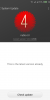
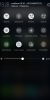
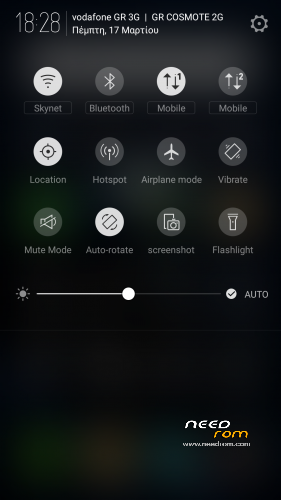
I have a Z7 Max, and I don't see the Edge Gestures options mentioned above (screenshot number 2).
Does it apply only to the Z9 series phones which have the hardware for what ZTE calls "Frame Interactive Technology"?
hmm i have installed it seems to be correct but cannot read card sims any idea?
Check the IMEI numbers *#06#
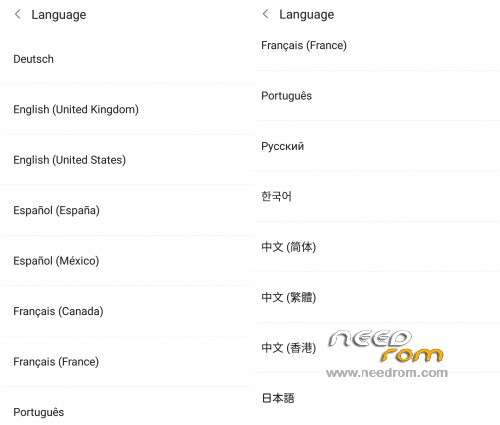
I need Indonesian Language, any ideas how to install it? Thank you
Try this app from play store: https://play.google.com/store/.....eapp.localemore
I need Polish Language, any ideas how to install it? Thank you
Try this app from play store: https://play.google.com/store/.....eapp.localemore
Hi, I just flash this room v3.66. I found that there is a disable screen when you hold the Home button. U will go to background process when you can swipe up to close or swipe down to lock the application. It seem like it disable the screen. Please help to check it.
Hi Tigreos, is this merge partition? thanks
And Secondly, can i go back directly from this rom to CM12 or 13 without using the nubia flash tool? waiting for your kind reply, thanks
Yes is merge partition.
Yes you can flash from TWRP recovery the CM12.1 or CM13.
Hi,
is possible do lower font and icons, more than default "small"?
I have v3.60. Can I go to v3.66 directly?
Yes via Recovery.