
- Title: s422 OTA +Root (ROW)
- Listed: March, 2016
- Last modified: 03/18/2016 12:59 pm
- Version: 6.0
You must be logged for ROM download.
31202 total views, 6 today
22 Total favorites
 Member Info
DESCRIPTION
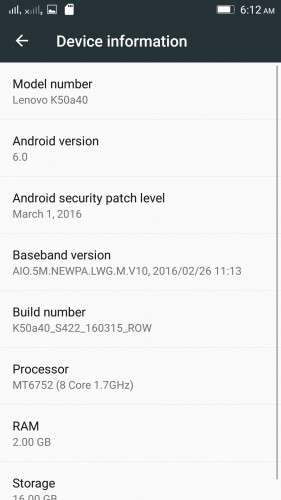
K50a40_S205_151118_ROW_TO_K50a40_S422_160315_ROW_WC46455750
Device:
Lenovo K3 Note
Android version:
6.0
OFFICIAL :
YES
MULTILANGUAGE:
YES!
UI:
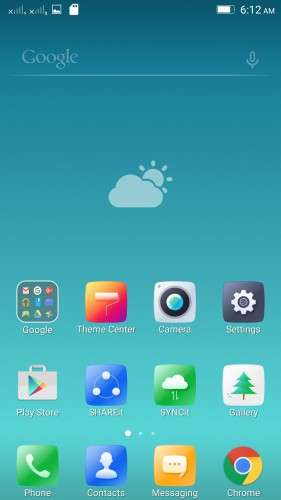
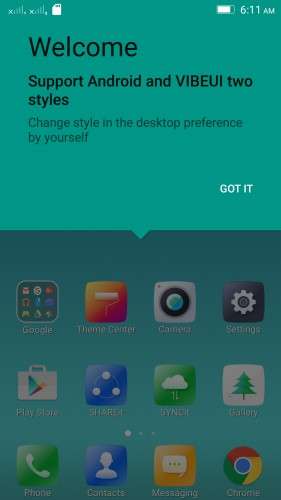
Android Stock UI & VibeUI
Notes for flashing:
* This is an OTA update, so flashing the zip is tricky. Proceed with the flashing process if you're interested in doing the process, otherwise wait for my next post with flash-ready TWRP backup of this rom.
* Before you do anything to flash this rom make a complete backup of your current rom.
Flashing process:
Step 1
– Download S205 ROW zip file, and flash it using provided SP Flash tool
– Boot the rom
Step 2
Follow one of these 2 methods:
Method 1 (Using official recovery)
- Go to settings > about phone > system update > download and install the update
(or download the "S205 to S422 OTA" zip, rename it as "update.zip" and put it in internal memory,
Boot into official recovery and "install update")
Method 2 (Using TWRP recovery)
- Download the "S205 to S422 OTA (with Edited Updater Script)" zip, and patched boot image: http://ouo.io/7lNmvz , put the files in phone memory
- Turn off the phone, Flash TWRP using SP Flash Tool, and boot into TWRP recovery
- Install the OTA zip,
- BUT DON'T REBOOT SYSTEM YET. Flash the patched boot img.
- Now reboot system
Rooting process:
1. Flash the patched boot img: http://ouo.io/7lNmvz via TWRP recovery.
2. Download SuperSU 2.46: http://ouo.io/03yWh8, Flash it in TWRP, then Reboot System. Done!
* If you don't know how to flash custom recoveries in K3 note, here is a complete tutorial for you:
Installing custom recovery on K3 Note using SP Flash Tool (COMPLETE TUTORIAL):
http://forum.xda-developers.com/k3-note/general/sp-flash-tool-tutorial-to-install-twrp-t3346041
※Please make a backup of your device before installing or updating ROM
Xposed working?
Double tap is a Lollipop thing not MM
Lol who told you that?
Sorry to disappoint you, @elrasho. I use DT2W every official roms, regardless of MM OR LP, without any issues.
Root not work. i try all SuperSU.zip
its not pre rooted
How to install this update if my phone is rooted plzz reply ツ
This row version u posted is rooted or not and please give complete flashing instruction…like
After install row 205 do we need to restart device?or directy flash ota without rebiit?
hope this helps http://lenovo-forums.ru/topic/.....205_151118_row/
Root working or not?if not then how to root?
no root at the moment
Is this ROM for K50-T5 model is no problem
K50-t5 and k50-a40 ARE THE SAME SHIT DUDE
Lenovo K3 Note – Official firmware ROW (OS 6.x.x)
How is the overall feeling? Is it butter smooth like Vibe UI? How is the sound (loudspeaker and headphones)?
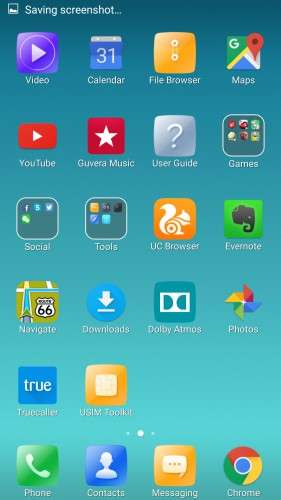
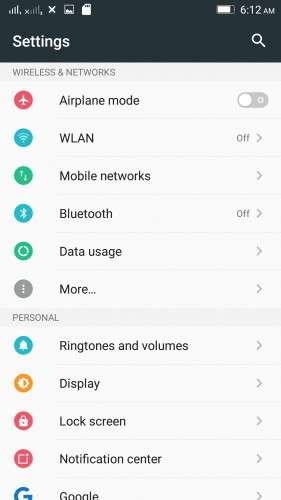
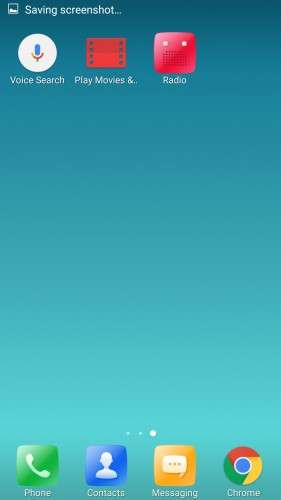
Lol the Row version turned to be a lot better than the china dev version or the last one at least. Visually is more eye catching, I love the colorful settings menu and the 2 way launcher choice.
I think the ROW version was far better than chinese Rom even in Lollipop!