
- Title: STAR N9589 MIUI
- Listed: December, 2013
- Last modified: 12/21/2013 7:48 pm
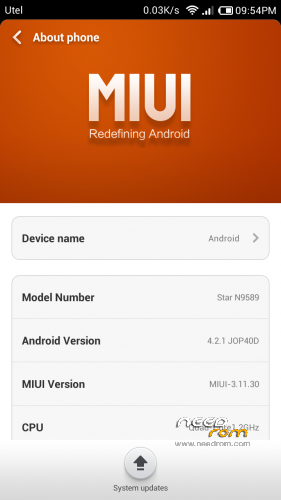
- Version: ROM Android 4.2.1 MIUI
You must be logged for ROM download.
43726 total views, 6 today
1 Total favorites

 Member Info
DESCRIPTION
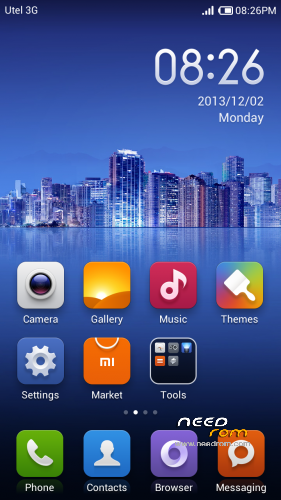
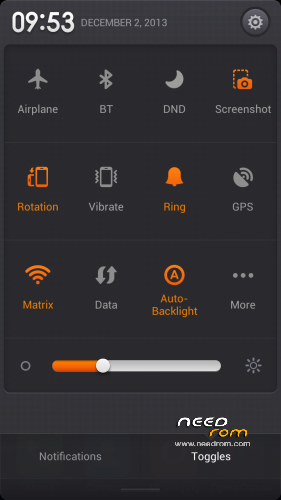
ROM STAR N9589 – ROM Android 4.2.1 MIUI
Warning!
This ROM to install the first time in conjunction with lk.bin file, depending on the hardware configuration of your phone.
To test your configuration, run the factory mode.
Turn on the phone while holding the volume down. Select Version and scroll down (volume down).
If your configuration is different, the firmware is possible with a brick. Be careful.
Рatches for additional configurations and all ROM version:
http://en.miui.com/forum.php?mod=viewthread&tid=9567&page=1&extra=#pid189844
Corresponding patch should be installed immediately after installing the firmware before rebooting.
ROM features:
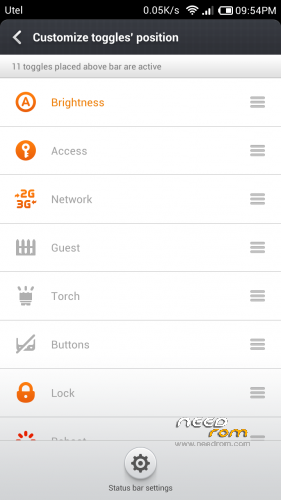
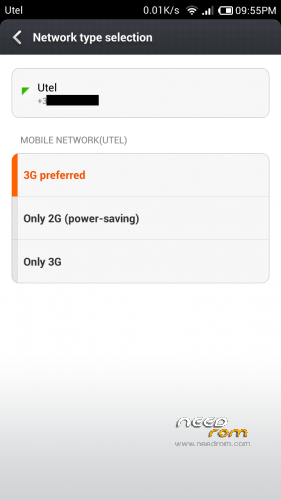
update based on MIUI V5 3.12.20 (based on boot 130715 without lk.bin, Multilang, 3G switch)
update based on MIUI V5 3.12.15 (based on boot 130715 without lk.bin, Multilang, 3G switch)
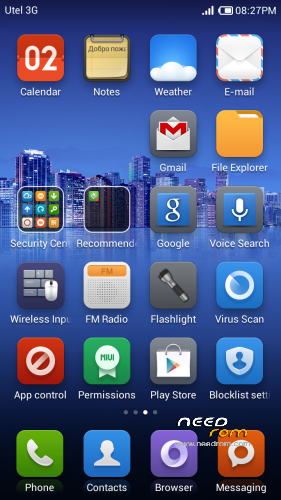
Security center now includes Optimize, Cleaner, Data usage, Blocklist, Power settings, Virus scan, and Permissions.
last Google QuickSearchBox
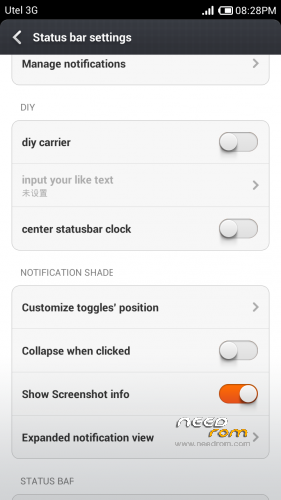
removed status bar modding
Added to answer an incoming call by pressing Home
to disable the features set in build.prop homeanswer=0
update based on MIUI V5 3.12.7 (based on boot 130715 without lk.bin, Multilang, 3G switch)
update based on MIUI V5 3.11.29 (based on boot 130715 without lk.bin, Multilang, 3G switch)
Added support for modding status bar ( operator name, center clock )
update based on MIUI V5 3.11.22 (based on boot 130715 without lk.bin, Multilang, 3G switch)
update based on MIUI V5 3.11.15 (based on boot 130715 without lk.bin, Multilang, 3G switch)
update based on MIUI V5 3.11.8 (based on boot 130715 without lk.bin, Multilang, 3G switch)
last GmsCore, GoogleTTS.
update based on MIUI V5 3.11.2 (based on boot 130715 without lk.bin, Multilang, 3G switch)
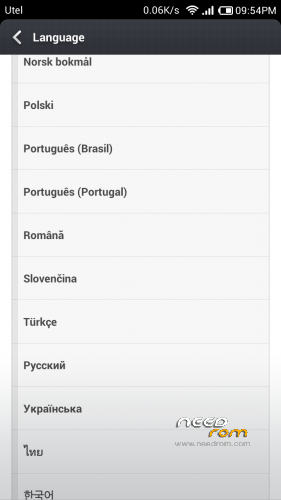
removed SRSTruMedia, fixed mobile data on reboot. added languages: Thai, Italian.
update based on MIUI V5 3.10.25 (based on boot 130715 without lk.bin, Multilang, 3G switch)
update based on MIUI V5 3.10.18 (based on boot 130715 without lk.bin, Multilang, 3G switch)
Fixed the alarm is in the notes, caller ID on a 7-digits numbers.
If you install an update to a previous version of firmware and no longer identify callers on incoming / outgoing calls, use:
1. Settings-Apps-Contacts Storage-Clear data (All contacts and call log are deleted!!!)
2. Reboot phone
3. Sync contacts
update based on MIUI V5 3.10.11 (based on boot 130715 without lk.bin, Multilang, 3G switch) add Portugal
Added mode "Stock settings" with the ability to run engineering menu, power sheduler and the sound settings the camera.
this and the next version without lk.bin. If after installing the firmware you got bootloop - set lk.bin correct for your hardware configuration.
Gapps included – Rooted
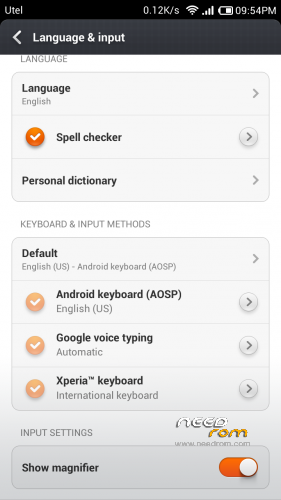
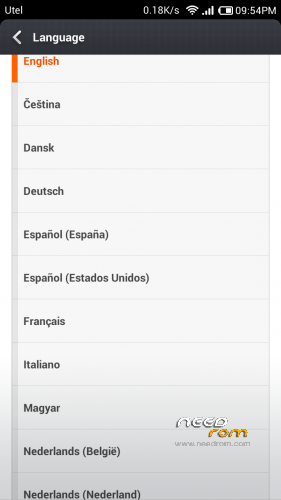
Language support: Multilang
ROM Install :
CWM
Step 1: Download the custom ROM copied to an external SD card root directory
Step 2: the shutdown state. While holding down:
– Power button + volume button up, to enter the recovery mode.
– Wipe Data / Factory Reset -> delete all user data
– Wipe Cache Partition -> Wipe cache
Step 3: Return to recovery main interface Install zip from sdcard -> choose zip from sdcard -> Select your ROM
Step 4: Brush complete, restart the phone Patience required – first boot takes a while
※Please make a backup of your device before installing or updating ROM
Hi!
I think I asked my question at a wrong place – so:
I've tried your MIUI ROM before, and I liked it a lot.
Unfortunately, my phone has to be send to service, and when I got back, the Android updated to 4.2.2.
(the previous was 4.2.1)
Is it possible to install this MIUI ROM to my phone? (with running staock Android 4.2.2)
Regards,
Poljot
Hi,
I need some help for flashing my phone. Here is my phone :
Hardware : MT6589
Model : 01v21_v89_gq2008s
Build number : 01v21_v89_gq2008s_20130715
Build date UTC : 20130715-102307
Android v : 4.2.1
Baseband v: MOLY.WR8.W1248.MD.WG.MP.V6.P9, 2013/07/09 20:24
Kernel v : 3.4.5 (root@android) (gcc version 4.6.x-google 20120106 (prerelease) (GCC) ) #1 SMP Mon Jul 15 15:12:10 CST 2013
LCD driver : ov3660_yuv_LM057APKP02A
1/ My phone is rooted
2/ I've done a backup with MTK Droid…
3/ I've downloaded the links :
– N9589 MIUI v5 – 3.12.20
– lk.bin ov3660_yuv_LM057APKP02A
– STAR N9589 CWM recovery
4/ But now, how do I work with these file ? (I have already installed SP Flash)
Thx in advance
Hi masslakoff
This is a great ROM. I like it much more than the original one. Do you still maintain this? For i unfortunately get random reboots and often, if i have opened a app, and the screens gets locked and after that unlocked, app doesn´t respond for up to 45 sec.
This is odd, since i´d love to stick to this ROM. I have the latest ROM (3.12.20 with proper patch for my device installed)