
- Title: STAR N9589 MIUI
- Listed: December, 2013
- Last modified: 12/21/2013 7:48 pm
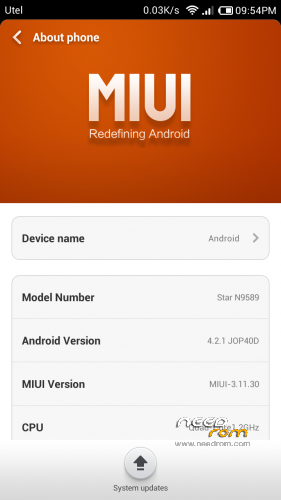
- Version: ROM Android 4.2.1 MIUI
You must be logged for ROM download.
43723 total views, 3 today
1 Total favorites

 Member Info
DESCRIPTION
ROM STAR N9589 – ROM Android 4.2.1 MIUI
Warning!
This ROM to install the first time in conjunction with lk.bin file, depending on the hardware configuration of your phone.
To test your configuration, run the factory mode.
Turn on the phone while holding the volume down. Select Version and scroll down (volume down).
If your configuration is different, the firmware is possible with a brick. Be careful.
Рatches for additional configurations and all ROM version:
http://en.miui.com/forum.php?mod=viewthread&tid=9567&page=1&extra=#pid189844
Corresponding patch should be installed immediately after installing the firmware before rebooting.
ROM features:
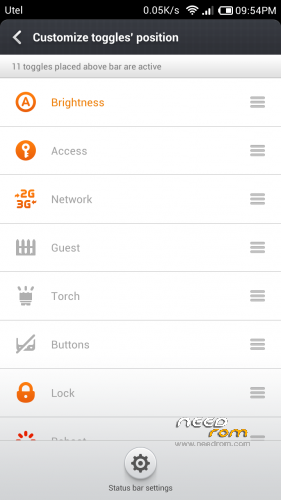
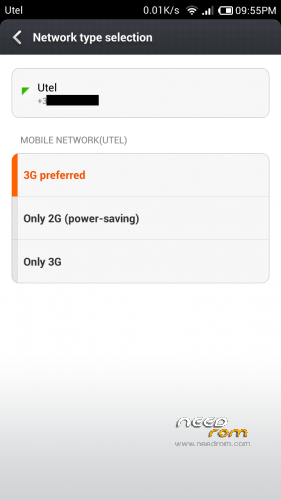
update based on MIUI V5 3.12.20 (based on boot 130715 without lk.bin, Multilang, 3G switch)
update based on MIUI V5 3.12.15 (based on boot 130715 without lk.bin, Multilang, 3G switch)
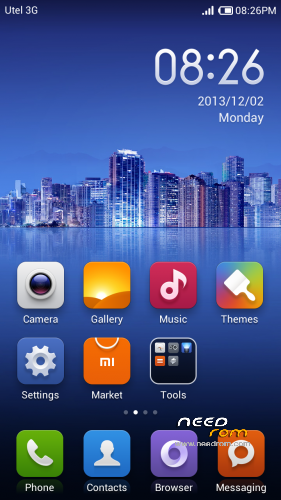
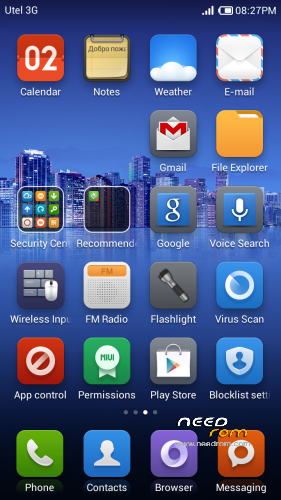
Security center now includes Optimize, Cleaner, Data usage, Blocklist, Power settings, Virus scan, and Permissions.
last Google QuickSearchBox
removed status bar modding
Added to answer an incoming call by pressing Home
to disable the features set in build.prop homeanswer=0
update based on MIUI V5 3.12.7 (based on boot 130715 without lk.bin, Multilang, 3G switch)
update based on MIUI V5 3.11.29 (based on boot 130715 without lk.bin, Multilang, 3G switch)
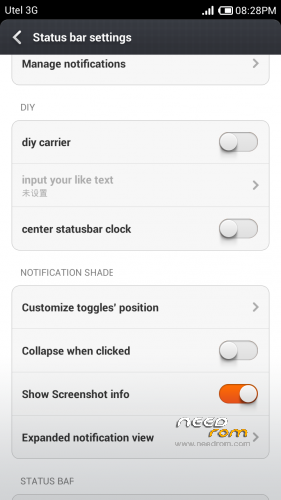
Added support for modding status bar ( operator name, center clock )
update based on MIUI V5 3.11.22 (based on boot 130715 without lk.bin, Multilang, 3G switch)
update based on MIUI V5 3.11.15 (based on boot 130715 without lk.bin, Multilang, 3G switch)
update based on MIUI V5 3.11.8 (based on boot 130715 without lk.bin, Multilang, 3G switch)
last GmsCore, GoogleTTS.
update based on MIUI V5 3.11.2 (based on boot 130715 without lk.bin, Multilang, 3G switch)
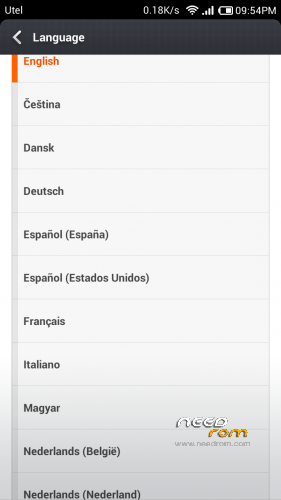
removed SRSTruMedia, fixed mobile data on reboot. added languages: Thai, Italian.
update based on MIUI V5 3.10.25 (based on boot 130715 without lk.bin, Multilang, 3G switch)
update based on MIUI V5 3.10.18 (based on boot 130715 without lk.bin, Multilang, 3G switch)
Fixed the alarm is in the notes, caller ID on a 7-digits numbers.
If you install an update to a previous version of firmware and no longer identify callers on incoming / outgoing calls, use:
1. Settings-Apps-Contacts Storage-Clear data (All contacts and call log are deleted!!!)
2. Reboot phone
3. Sync contacts
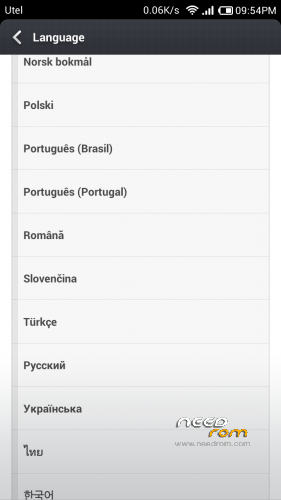
update based on MIUI V5 3.10.11 (based on boot 130715 without lk.bin, Multilang, 3G switch) add Portugal
Added mode "Stock settings" with the ability to run engineering menu, power sheduler and the sound settings the camera.
this and the next version without lk.bin. If after installing the firmware you got bootloop - set lk.bin correct for your hardware configuration.
Gapps included – Rooted
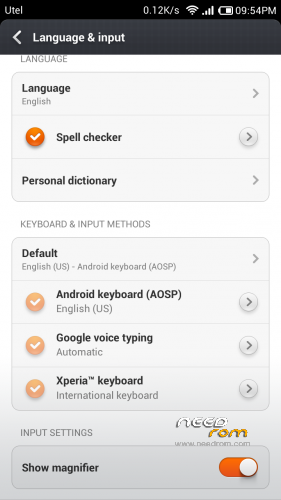
Language support: Multilang
ROM Install :
CWM
Step 1: Download the custom ROM copied to an external SD card root directory
Step 2: the shutdown state. While holding down:
– Power button + volume button up, to enter the recovery mode.
– Wipe Data / Factory Reset -> delete all user data
– Wipe Cache Partition -> Wipe cache
Step 3: Return to recovery main interface Install zip from sdcard -> choose zip from sdcard -> Select your ROM
Step 4: Brush complete, restart the phone Patience required – first boot takes a while
※Please make a backup of your device before installing or updating ROM
masslakoff,
I use to switch the 3g service between my two sims more than once a day with the stock rom. MIUI rom does not allow this on my phone.
I add that I flash the MIUI from an unrooted device. (I do not want root) Is root essential for MIUI to work properly?
Last question. How can I enable fastboot? If I adb reboot bootloader, the phone will normally reboot.
Thanks a lot
1. 3g service enabled only on SIM1.
2. You need to install CWM-recovery via flashtool (Factory flashing software), root not needed.
3 I do not use fastboot. only flashtool and CWM-recovery
thanks for the reply. some comments:
1. is this a particular feature of MIUI? stock rom allows me to use 3g on both sim (not toghether) I choose which sim has to use 3g in system settings. If i do this on MIUI nothing happens.
2 ok. is what i do normally.
3 I am a linux user and I would like to skip tke flash tool step on windows. with fastboot o could flash every thing from linux. is there any flashing tool in linux?
thanks a lot again
1. I tried to add this feature in the firmware 3.9.13 and 9.3.20. But so far failed to ensure proper operation. I hope in the new versions of MIUI it will be fixed.
3. In that case you need to get Root. Maybe this one will suit this method. CWM-recovery can be installed by using MobileUncle tools (from Google Play).
Regardind root, I just rooted my phone but skygo needs unrooted phone. Maybe I can root, do my operations and then unroot. I will try.
as you are so kind I would like to ask you something else.
First of all I'd like to say that the rom looks fantastic. When I was "testing" it I didnt find the menu button showing all the installed app. it seems like that installed apps are placed directly in the various home pages. am I wrong?
You're not wrong. This is a MIUI
Hi,
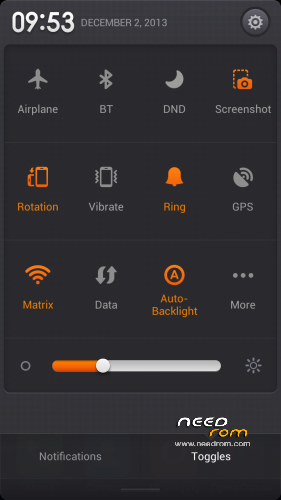
I can't find a 3G switch… on the 3.9.21 it was in settings menu, now it's gone.
T.
OK, found
I had the version STAR N9589 MIUI – 3.9.21 (boot 130715) installed and I followed the system update notification.. the phone downloaded the rom, rebooted and installed. After this the color phone is too dark and can't get rid of it I can hardly see the text, but still have access to CWM. Installed old ROM but the colour still too dark.. is there a way to fix this please?
Thanks!
you need to flash the boot.img and lk.bin of the original firmware.
http://translate.google.com/tr.....%26p%3D21016733
https://www.needrom.com/mobile...../star-n9589-2/
Thanks masslakoff, got the files from your last post, going to try to follow the instructions of the 1st link now!
I don't understand, the phone is recognized at com7, but it's not flashing also trying with SP, it shows the progress at red and then gives an error… any idea if this is fixable?
Thanks
Send me your hardware configuration and I'll do a patch for you.
maybe your configuration: ov8825_mipi_raw, ov3660_yuv, LCD: RX_572OTM_501A
try to install N9589_lk_0715_ov8825_mipi_raw_ov3660_yuv_RX_572OTM_501A.zip
Hi masslakoff. Just tried this patch and still recieve the error:
ERROR: No Bootrom USB port was found! COM3 is not a Bootrom(preloader) USB port.Auto Pooling number:0.
My phone is the HDC Galaxy Note 2 N9589 Quad Core- MTK6589 1.2Ghz 1G Ram 5.8 inch HD IPS from fastcardtech hxxp://www.fastcardtech.com/HDC-Galaxy-Note-2-N9589-MTK6589.
Thanks
You do not need to flash the program SP_MDT. The program will generate a modified lk.bin. It needs to flash the program flashtool or replaced in the archive ROM MIUI. Or you can try to install the patch from the post above via CWM-recovery.
Hi masslakoff.. getting sad with this I'm trying with flashtool but the phone don't answear. When I connect to the USB port, I can see at device manager that the ADB device is intermitent, it don't get stable.
For flashing through flashtool need to connect your phone off when you click Download
Helo masslakoff
I'm removing the battery and usb cable. Then I open the flashtool program and set the DA and Scatter file. Then I put the battery, connect the usb and click download (tried to click download 1st and then put the battery and usb). After this steps the flashtool stays like this: http://oi42.tinypic.com/343nne.....f.jpg
PS. Can't access CWM at this moment..
MediaTek USB VCOM drivers installed?
http://forum.xda-developers.co.....d.php?t=1982587
Drivers http://syncersoft.com/6589/MT6.....9%20drivers.zip