
- Title: Ultimate v3
- Listed: May, 2015
- Last modified: 06/01/2015 2:53 pm
- Version: multilingual
You must be logged for ROM download.
36060 total views, 2 today
24 Total favorites
 Member Info
DESCRIPTION
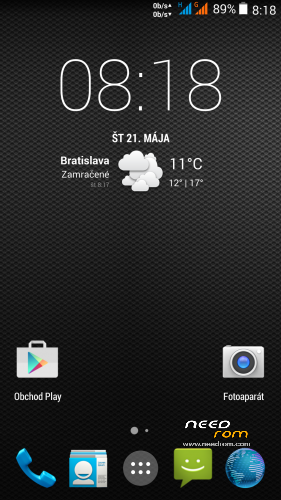
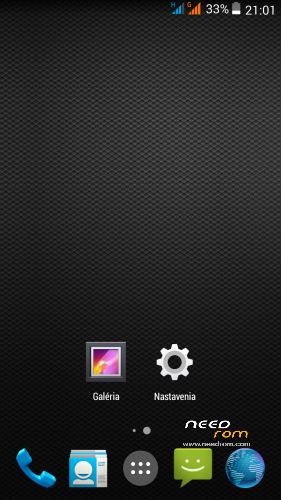
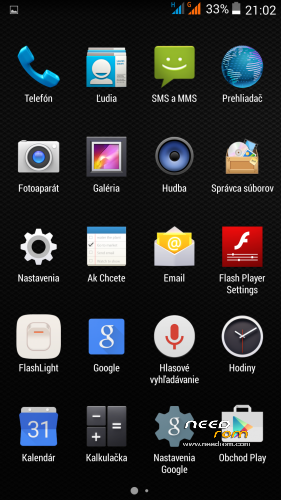
THL 5000 Ultimate v3 is next great ROM from excellent ukrainian author Dimid/iv2012 (see below this post and please donate him on WebMoney (if you have an account there). It's a pity that Dimid hasn't Paypal. ROM is ROOTed, GAPPS are included. Dimid gave me permission to upload ROM here. I prepared special patch which remove the residual cyrillic and add missing translates (if you want to support me in next translations, there is Paypal donation button down on this page. It is not a button to support Dimid, donate him on WebMoney, if you have an account there).
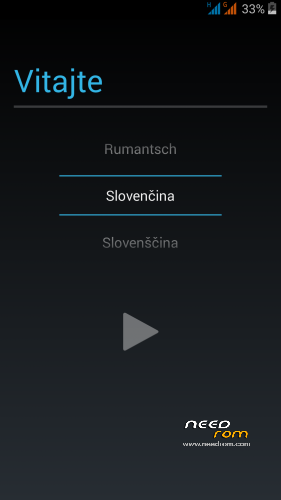
Languages: Multilanguage
Installation: (as usually from TWRP)
1 - save the ROM file THL_5000_Ultimate_III.zip on the SD card
2 - jump to TWRP recovery, if you haven't it, install it (installation instructions are here, sorry in slovak language only,use Google translator): http://androidforum.cz/twrp-2-7-1-0-root-pre-thl-5000-t57731.html
3 - click Wipe and select items: Dalvik Cache, System, Cache, Data, Int.SDcard (optional) and Android Secure, then click Swipe to Wipe
4 - click on Install, choose ROM file and install it - click Swipe to Install, then click Reboot System
5 – go to TWRP, istall file UltimateV3_NewTransl&Patch5.zip - click Install, then Wipe Cache/Dalvik, finally click Restart to system
6 – finish
Instructions:
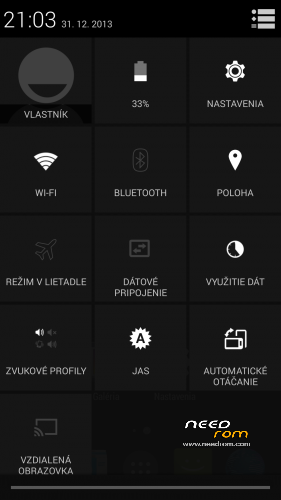
How does the new status bar works (colors are only for explanation)?
Green field – slide down -> shows applications reports
Orange pole – double click -> lock the screen
Blue pole – slide down -> shows the toolbar icons
Otional patches (install in TWRP, then click Wipe Cache/Dalvik, finally click Reset to system):
- Kernel110_old_disp.zip - core for old display type (install when your Gama is different from value 2.0)
- Modem_st_850.zip – for testing purposes, original THL modem 850/2100MHz. If you have problems with wifi/3G, try this. It will replace integrated 900/2100Mhz modem from Dimid (several people reported small problems, me not). This modem may be used in any Dimids ROM. If you do not have problems, do not install.
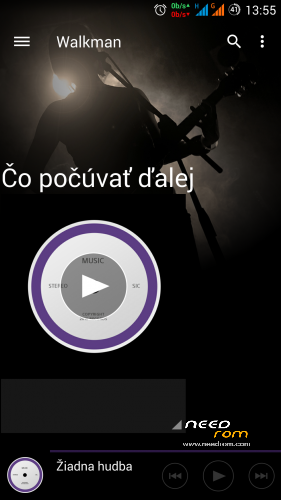
- DelWalkman.zip - who does not like integrated Sony Walkman player, can uninstall it by this patch (try uninstall if you have any problems with sound)
- UltimateV3_NewTransl&Patch3.zip adds missing translations, removes cyrrilic from all languages and installs all additional Dimid adjustments (fix Bluetooth, displaying G letters in Status bar, repair Permission Manager, Halllockscreen and EPO.DAT)
- UltimateV3_NewTransl&Patch4.zip adds missing translations, removes cyrrilic, installs all additional patches: Status.zip (corrects displaying G letters in Status bar), U_30_upd.zip (fix Bluetooth, fix Permission Manager, Halllockscreen and EPO.DAT), dyn_bar&extra.zip (Dynamic Status Bar + more information about the system in the "Settings/About device" (CPU, screen, and so on.)
- UltimateV3_NewTransl&Patch5.zip a small icons G | 3G enabled only when enabled data transfer + red LED on messages and missed calls.
Didmid page: http://4pda.ru/forum/index.php?s=&showtopic=592576&view=findpost&p=40036564
Dimid donation – WebMoney:
WMU: U413791826969
WMR: R386284664505
WMZ: Z333649149339
※Please make a backup of your device before installing or updating ROM
Does anybody have a bigger Battery Consumption with V3 ? Ultimate V1 was awesome but with Ultimate V3 i get about 50% Battery Usage from com.android.systemui ?!?
Why is that ? Does anybody have the same Issue ?
No
Go to Settings/Additional Settings/Wakelock Detector a check there where you have problem…
I do have that issue and the icons on the battery consuption page are swapped, for example, Screen shows Google Keep's icon. Also the phone is overheating. I'm going back to V1. We geeks like to be mess with our softare too much, we end up installing another software when the actual does what we want and works fine…
Everything is fine there because the com.android.systemui Process is not monitored…its not even on the list but the battery drain is there and you can see the process in Battery Stats with ~50%.
Maybe I deleted something that I shouldn't…but i just removed the Walkman stuff and the Live-Wallpapers and the DolbyDigital Stuff (everything of that I don't need).
Strange…
I'll flash back to Ultimate V1 which seems better and has the nicer Icons anyway
I have the same Problem…
hello…
i have the same problem the battery drain with the ultimate 3 in ultimate 1 was much better….i use the same apps.. etc
You can monitor system apps on WakeLock detector, you just have to activate the advanced mode in settings.
In my case, in about 2,5h of use, the android system process is at 6m 33s, waking a total of 2409 times (CPU wakelock).
Added patch UltimateV3_NewTransl&Patch3.zip - it adds missing translations, removes cyrrilic from all languages and installs all additional Dimid adjustments (fix Bluetooth, displaying G letters in Status bar, repair Permission Manager, Halllockscreen and EPO.DAT)
It contains
Rbarat, it adds the G or remove the G? Thank you for the updates!
In ROM are not BIG G – only a small G, see to pictures in first post. Patch among other fixes rendering of one small G – it was cut off.
hi rbarat thx for ur great work..
can i flash this over vibeui rom or do i have to go back to stock first?
thx
Wooley, i think you just need to wipe the partition on TWRP.
Use instructions from the first post. It is not neccesary to go back to stoct ROM.
Installation: (as usually from TWRP)
1 - save the ROM file THL_5000_Ultimate_III.zip on the SD card
2 - jump to TWRP recovery, if you haven't it, install it (installation instructions are here, sorry in slovak language only,use Google translator): http://androidforum.cz/twrp-2-.....000-t57731.html
3 - click Wipe and select items: Dalvik Cache, System, Cache, Data, Int.SDcard (optional) and Android Secure, then click Swipe to Wipe
4 - click on Install, choose ROM file and install it - click Swipe to Install, then click Reboot System
5 – go to TWRP, istall file UltimateV3_NewTransl&Patch3.zip - click Install, then Wipe Cache/Dalvik, finally click Restart to system
6 – finish
Uhjust installed from vibeui to Ultima v3…
Great rom
SwiftKey keyboard wirks emotions are there…..
Great job thanks
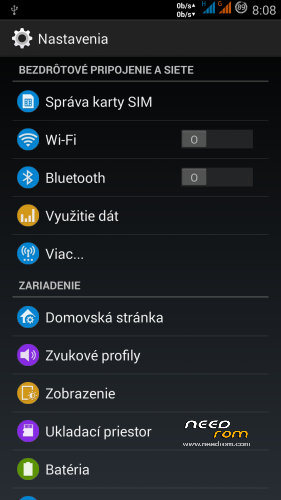
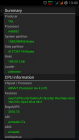
Added new patch version: UltimateV3_NewTransl&Patch4.zip adds missing translations, removes cyrrilic, installs all additional patches: Status.zip (corrects displaying G letters in Status bar), U_30_upd.zip (fix Bluetooth, fix Permission Manager, Halllockscreen and EPO.DAT), dyn_bar&extra.zip (Dynamic Status Bar + more information about the system in the "About device" (CPU, screen, and so on. D.))



RB, what are the changes from patch 3?
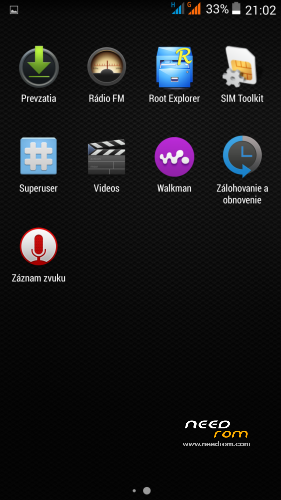
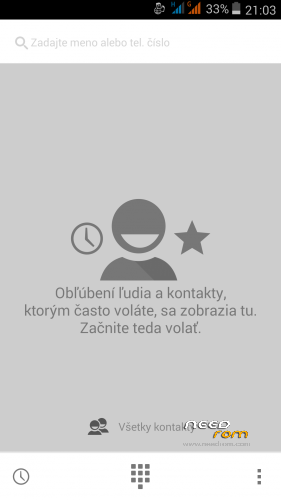
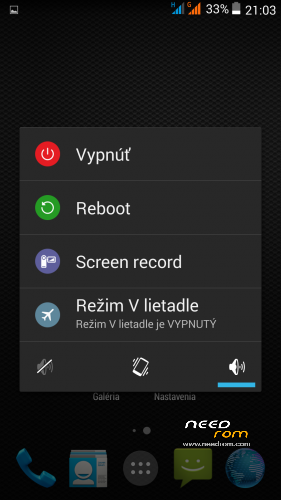
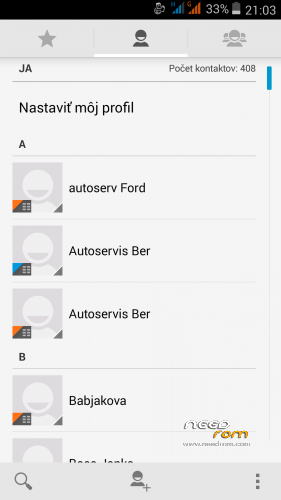
See to pictures above. (Dynamic Status Bar + more information about the system in the "About device" (CPU, screen, and so on. D.)