
- Title: Ultimate v3
- Listed: May, 2015
- Last modified: 06/01/2015 2:53 pm
- Version: multilingual
You must be logged for ROM download.
36062 total views, 4 today
24 Total favorites
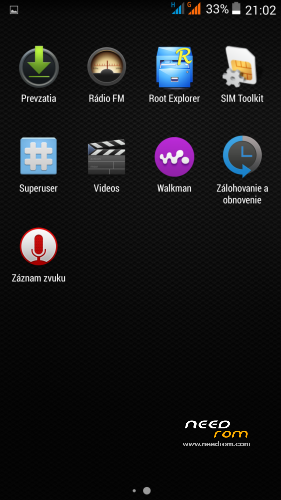
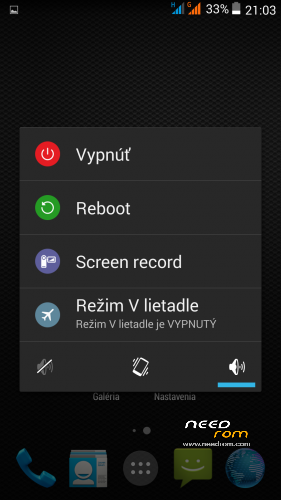
 Member Info
DESCRIPTION
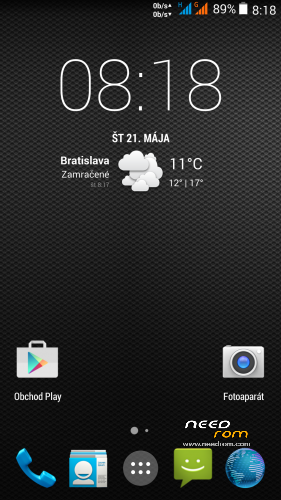
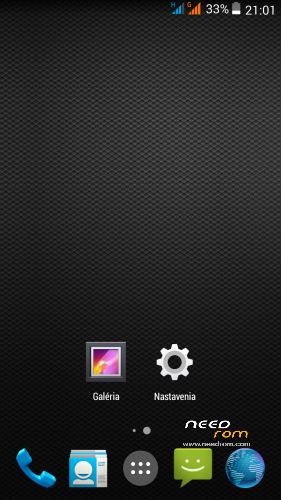
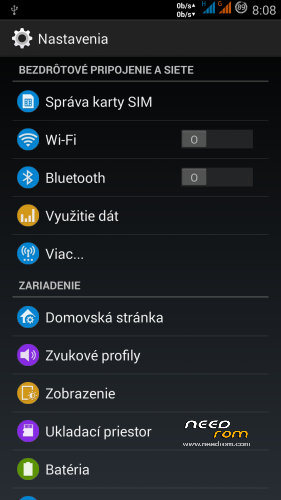
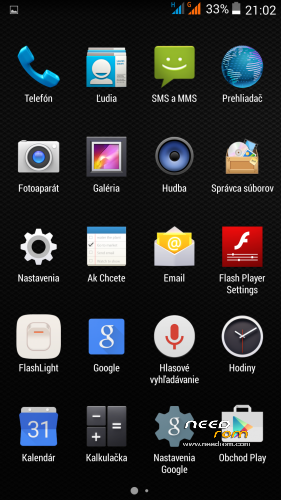
THL 5000 Ultimate v3 is next great ROM from excellent ukrainian author Dimid/iv2012 (see below this post and please donate him on WebMoney (if you have an account there). It's a pity that Dimid hasn't Paypal. ROM is ROOTed, GAPPS are included. Dimid gave me permission to upload ROM here. I prepared special patch which remove the residual cyrillic and add missing translates (if you want to support me in next translations, there is Paypal donation button down on this page. It is not a button to support Dimid, donate him on WebMoney, if you have an account there).
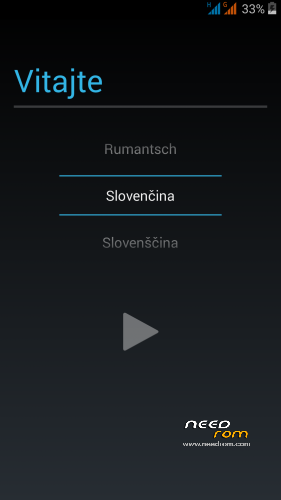
Languages: Multilanguage
Installation: (as usually from TWRP)
1 - save the ROM file THL_5000_Ultimate_III.zip on the SD card
2 - jump to TWRP recovery, if you haven't it, install it (installation instructions are here, sorry in slovak language only,use Google translator): http://androidforum.cz/twrp-2-7-1-0-root-pre-thl-5000-t57731.html
3 - click Wipe and select items: Dalvik Cache, System, Cache, Data, Int.SDcard (optional) and Android Secure, then click Swipe to Wipe
4 - click on Install, choose ROM file and install it - click Swipe to Install, then click Reboot System
5 – go to TWRP, istall file UltimateV3_NewTransl&Patch5.zip - click Install, then Wipe Cache/Dalvik, finally click Restart to system
6 – finish
Instructions:
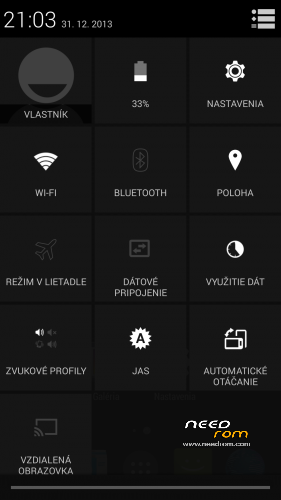
How does the new status bar works (colors are only for explanation)?
Green field – slide down -> shows applications reports
Orange pole – double click -> lock the screen
Blue pole – slide down -> shows the toolbar icons
Otional patches (install in TWRP, then click Wipe Cache/Dalvik, finally click Reset to system):
- Kernel110_old_disp.zip - core for old display type (install when your Gama is different from value 2.0)
- Modem_st_850.zip – for testing purposes, original THL modem 850/2100MHz. If you have problems with wifi/3G, try this. It will replace integrated 900/2100Mhz modem from Dimid (several people reported small problems, me not). This modem may be used in any Dimids ROM. If you do not have problems, do not install.
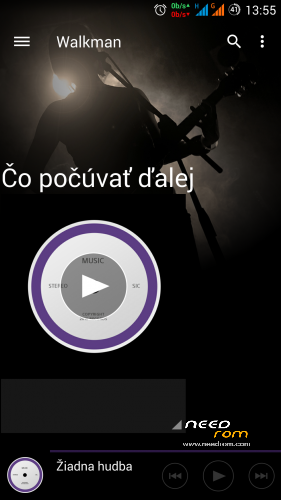
- DelWalkman.zip - who does not like integrated Sony Walkman player, can uninstall it by this patch (try uninstall if you have any problems with sound)
- UltimateV3_NewTransl&Patch3.zip adds missing translations, removes cyrrilic from all languages and installs all additional Dimid adjustments (fix Bluetooth, displaying G letters in Status bar, repair Permission Manager, Halllockscreen and EPO.DAT)
- UltimateV3_NewTransl&Patch4.zip adds missing translations, removes cyrrilic, installs all additional patches: Status.zip (corrects displaying G letters in Status bar), U_30_upd.zip (fix Bluetooth, fix Permission Manager, Halllockscreen and EPO.DAT), dyn_bar&extra.zip (Dynamic Status Bar + more information about the system in the "Settings/About device" (CPU, screen, and so on.)
- UltimateV3_NewTransl&Patch5.zip a small icons G | 3G enabled only when enabled data transfer + red LED on messages and missed calls.
Didmid page: http://4pda.ru/forum/index.php?s=&showtopic=592576&view=findpost&p=40036564
Dimid donation – WebMoney:
WMU: U413791826969
WMR: R386284664505
WMZ: Z333649149339
※Please make a backup of your device before installing or updating ROM
ok i got a problem
i installed it
and when i start it
it says something in russian and a notification keeps returning saying: russian keygaurdtestactivity russian and i press ok, then again some russian notification hallockscreen and they keep coming back. so i cant do anything..
any help?
same here…
Did you install all as is described in install indrtuctions? I thik no. What is important -> install file "UltimateV3_NewTransl&Patch4"
I have problem with Dolby Digital Plus, no sound
For me it works well, but I do not use it.
I tried it – it works.
I tried this rom but I have problems. I need to use the 850 freq on both 3G and 2G networks. After applying the original modem. 3G worked correctly but seems that 850GSM is disabled and I could not enable it. How can I do that? Engineer mode did not let me check that frequency.
Maubarra, this ROM comes with the 900/2100 modem, you need to install the file 850 modem.
https://www.needrom.com/wp-con.....odem_st_850.zip
I did install the 850 Modem. However this only fixed the modem for WCDMA (3G), GSM mode (2G) keeps the 900 setting. Here in Mexico, Telcel uses 850 for both 2G and 3G. With stock firmware, if I went to a place with poor or no 3G signal (or manually disabled 3G in settings), 2G kicked in and I still can receive calls and SMS and even data at slow speeds. But with this rom (and the 850 modem patch) ony 3G works and Engineer mode does not let me modify that. Is this possible to fix? Otherwise I would need to go back to stock
It is good – it changes only 900MHz 3G frequency to 850Mhz
Wait, I will upload this standard modem:
So unfortunately I have bad news. Standard modem 850MHz in this ROM does not work as it should. Does not switch GSM frequency to 850MHz. Install an Ultimate v1 ROM, if I remember correctly, there a standard GSM modem operates on 850 MHz also.
Dimid had to change something in ROM. I'll try to write to him.
Oh, i see. In my case, when i disable 3g, Edge modes kicks in and i can use data connection at 900 (it's slow tough). But in your case, you want to use data connection in 2G but using th 850 band, right? Your are right, that the phone should alllow GSM850, it's on the specifications even!
http://www.devicespecification...../model/446a2c93
I have tested the 900 that comes with this ROM, modem_850_st and MT6592_communication_module34P4_2014oct9.zip. No one allows GSM850. I wonder why…
I reverted to the Stock rom with a TWRP backup. In Stock I now see the 4 GSM bands available and it works as expected. I even tried copying the stock modem file (I copied it before flashing Ultimate, just in case) but that one does not work with Ultimate rom and I get no connection at all. I guess I'm stuck with stock. Thanks!
You copied the right file and used some kind of root explorer? Weird it didn't work.. The file is modem_1_wg_n.img
Oh, don't forget to set the right permissions!
Patch :modem 850: uses modem file "modem_1_wg_n.img" from original ROM 1.1.2.
Also, i'm having wifi on ultimate 1, what wrong with these ROMs?! I'm this close to go back to stock..
I copied the correct file, but the permissions, I might not set those correctly. Tomorrow I will try a aun and report back. Another thing that did not seemed to work was connecting the phone to the PC through USB. The phone said it was connected in massive storage Mode, but the PC did not showed the drive.
Wait, will upload this modem soon:
Connection with PC works well, there is no problem.
So unfortunately I have bad news. Standard modem 850MHz in this ROM does not work as it should. Does not switch GSM frequency to 850MHz. Install an Ultimate v1 ROM, if I remember correctly, there a standard GSM modem operates on 850 MHz also.
Dimid had to change something in ROM. I'll try to write to him.
Dimid answer:
The media libraries frames do not include non European GSM frequencies. This ROM is tuned for Europe. It's easier to install original firmware as modify this ROM.
When i connect to PC with a USB cable, then in the status bar, there's a "notification" that can be used to enable storage mode. Check it out
UltimateV3_NewTransl&Patch5 = a small icons G | 3G enabled only when enabled data transfer + red LED on messages and missed calls.
Rbarat, i'm using Ultimate 1 at this moment, 850 frequency doesn't work here too.