
- Title: Ascend Mate 4.2.2
- Listed: October, 2013
- Last modified: 07/18/2014 4:43 pm
- Version: ROM Android 4.2.2
You must be logged for ROM download.
59559 total views, 4 today
1 Total favorites
 Member Info
DESCRIPTION
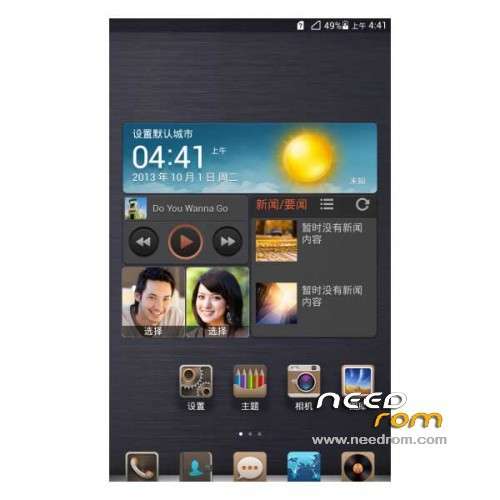
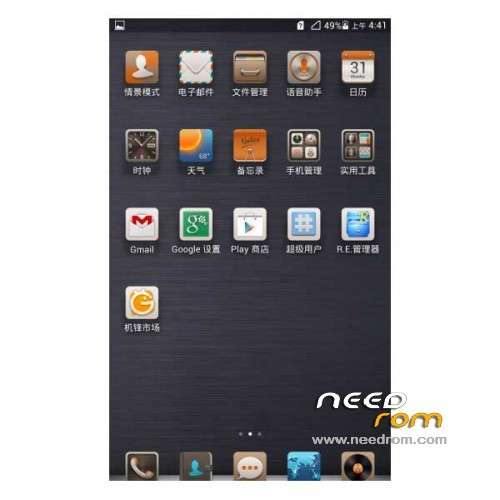
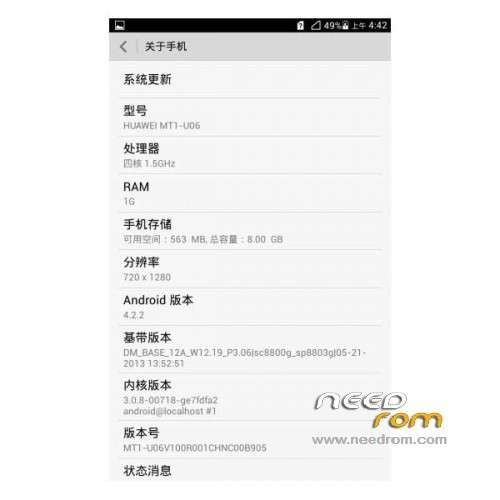
ROM Phone HUAWEI Ascend Mate – ROM Android 4.2.2
Features ROM:
Update 07/17/2014 Based on version EMUI_B929
ROM 1 : Version Unicom – Gapps include – Multilang
———————————————————————————————————————————
Update 06/19/2014 Based on version EMUI_B927
ROM 1 : Version Unicom – Gapps include – Multilang
———————————————————————————————————————————
Update 02/24/2014 Based on version EMUI_B907
ROM 1 : Version Unicom – Gapps include – Multilang
ROM 2 : Version Mobile – Gapps include – Multilang
———————————————————————————————————————————
ROM – 01/22/2014 Based on version EMUI_B907
ROM 1 : Version Unicom – Gapps include – Multilang
ROM 2 : Version Mobile – Gapps include – Multilang
Gapps include – Rooted
Language support: Multi Lang
ROM install :
1 – Download and unrar ROM
2 – phone is in "USB Debugging"
3 – cell phone connection to the computer in the initialization state
4 – Run the file "flash_all.bat " and tap just enter
5 – End of the brush, press and hold the volume up on the phone and computer by pressing any key
Phone automatically restarts when you see the Huawei logo, release the phone volume + key
6 – The phone will automatically pair of clear, double clear finished restart automatically and start the system
※Please make a backup of your device before installing or updating ROM
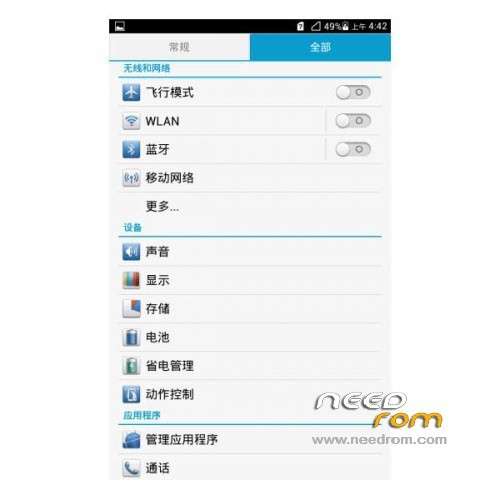
everything is in chinese man… even the installer was in chinese…
Last Mobile version's link is corrupted/not available.
Please, fix it.
link fixed sorry
Thank you for your haste doin' this.
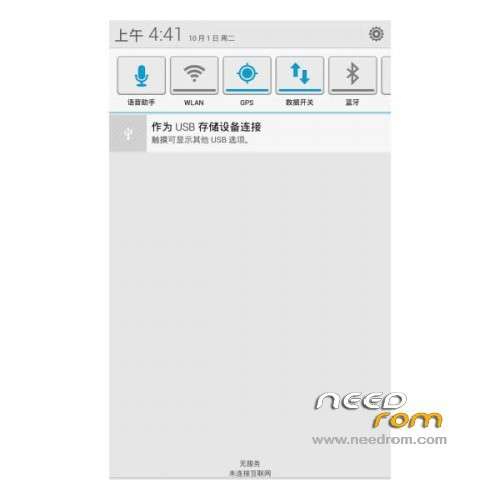
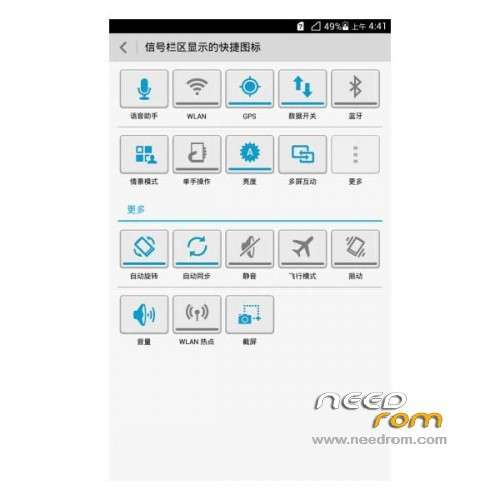
what is the actuall difference between mobile and unicom – and will the mobile version have a english flash_all or is it in mandarin as the unicom version? AND last but not least – will certain elements such as the power toggles in the notification bar be in mandarin aswell? i cant seem to change them to english or any other language for some reason.
I just installed it; but it gives me an error in Chinese continously and I don't know what to. Then the phone reboots with "Android" signature on the screen. I tried a hard reset, doesn't work…
what should I do?
go back to stock or B221 Rom that directly update using sdcard.
confirm it's a rom for mate RAM 1GB version?
as i saw an identical rom in bbs.angeeks.com thats for a Ram 2Gb version.
Thank you for your help, ricky_65 :)
when i'm at the red screen, it can't proceed and says can't detect device.
but on my computer i can see my mate being displayed on win8.1
anyone can help?
hi solomen,
that means that the driver was not installed correctly.
connect the phone to usb then select the hisuite connection on your phone, then wait till the driver install, you will see that the hisuite apps will appear on the phone.
disconnect the usb and select hisuite again on your phone then execute the all.bat file….
then…just wait
i installed put just the settings change whats is rong
I tried to flash my phone, but I cant. My pc can detect my phone, I mean I can see my phone in device manager as "Android Phone". But while trying to flash according to the instrucions in the above posts, not successful.
I open flash_all.bat, after that I typed 1 and pressed "enter". it goes to next screen, not the red screen.
after this, whatever I am typing, the window is just disappearing.
Please, can anybody help me regarding this.
Thanks in advance.
tonesti nasb koni
man ke har kari mikonam nemishe
did you enable USB debugging on your device?
hi shiraz_vfx,
did you enable the USB debugging on your device?