
- Title: Ascend Mate 4.2.2
- Listed: October, 2013
- Last modified: 07/18/2014 4:43 pm
- Version: ROM Android 4.2.2
You must be logged for ROM download.
59561 total views, 6 today
1 Total favorites

 Member Info
DESCRIPTION
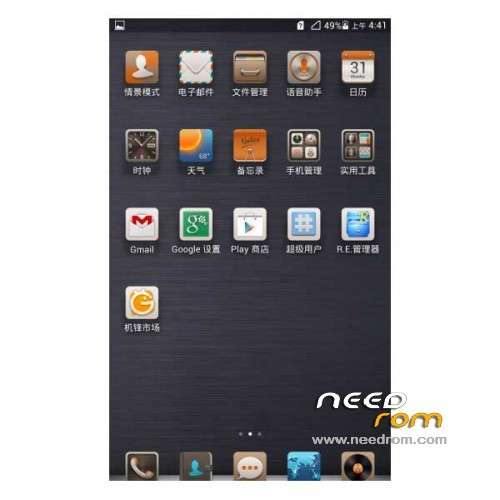
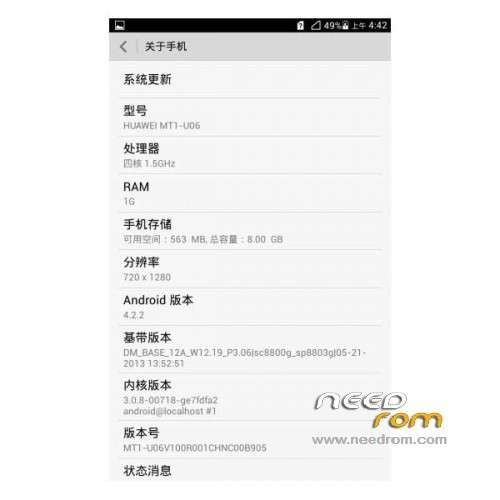
ROM Phone HUAWEI Ascend Mate – ROM Android 4.2.2
Features ROM:
Update 07/17/2014 Based on version EMUI_B929
ROM 1 : Version Unicom – Gapps include – Multilang
———————————————————————————————————————————
Update 06/19/2014 Based on version EMUI_B927
ROM 1 : Version Unicom – Gapps include – Multilang
———————————————————————————————————————————
Update 02/24/2014 Based on version EMUI_B907
ROM 1 : Version Unicom – Gapps include – Multilang
ROM 2 : Version Mobile – Gapps include – Multilang
———————————————————————————————————————————
ROM – 01/22/2014 Based on version EMUI_B907
ROM 1 : Version Unicom – Gapps include – Multilang
ROM 2 : Version Mobile – Gapps include – Multilang
Gapps include – Rooted
Language support: Multi Lang
ROM install :
1 – Download and unrar ROM
2 – phone is in "USB Debugging"
3 – cell phone connection to the computer in the initialization state
4 – Run the file "flash_all.bat " and tap just enter
5 – End of the brush, press and hold the volume up on the phone and computer by pressing any key
Phone automatically restarts when you see the Huawei logo, release the phone volume + key
6 – The phone will automatically pair of clear, double clear finished restart automatically and start the system
※Please make a backup of your device before installing or updating ROM
Hi,
My HAM is actually based on version Update-ROM_MATE_EMUI_B905_FTE9K-ROOT-ML-G.
I wanna install EMUI_B906_FTE9K_SP3. Do I need to unroot first before installing this ROM.
Thanks in advance.
TK
thnx for the hard work but i cant get it to install, i keep getting a error "cannot load system.img.
i use windows 7 have done everything by the discription as provided, and i tried with other roms but its al the same
What to do? thnx in advance
Hi Mhordijk,
According to the report, I think your problem can be the ROM which you've downloaded is damaged. Download it again then try it again… who knows ?
Good luck!
TK
hi, i managed to download and flashed the rom succesfully, but it kept giving me notice that some apps had failed, and i had to click ok all the time. how to repair this?
I can't find split screen option. WIll u suggest me how can i turn it on??
You can select split screen from shot cut menu.
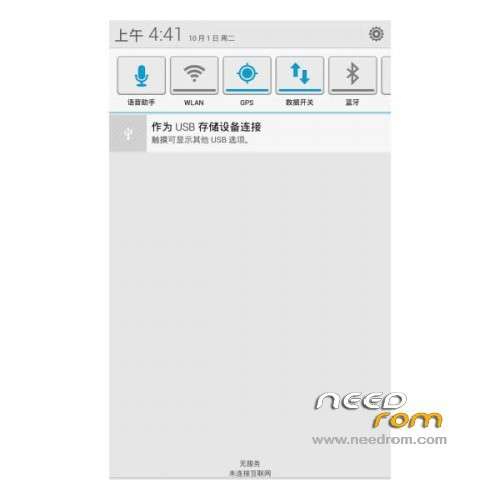
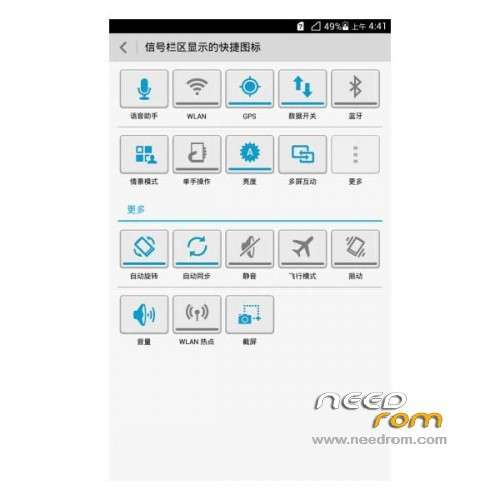
How can I change languages in notification panel to English, please?
i will install it !!
but what about 4.4.2 pleeeeeeeeeeeeeeeeeeeeese !!
i want it in my ham
I have downloaded and tried flashing both unicom and mobile for the latest update. Once done, it comes with a message saying System UI has stopped and Input method has stopped. Please help. I already have the 4.2.2 update, I just wnt the latest one so I can use multiwindow and other fixes.
gracias
I'm going to install this ROM today. Kindly wish me luck and do tell me that if there are some bugs. I'm going to hit this version ROM 1 – Update 02/24/2014 – Unicom
Any updated version coming, by any chance?