
- Title: Ascend Mate 4.2.2
- Listed: October, 2013
- Last modified: 07/18/2014 4:43 pm
- Version: ROM Android 4.2.2
You must be logged for ROM download.
59561 total views, 6 today
1 Total favorites
 Member Info
DESCRIPTION
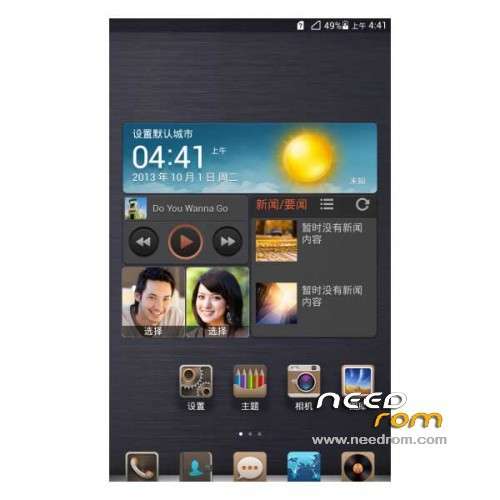
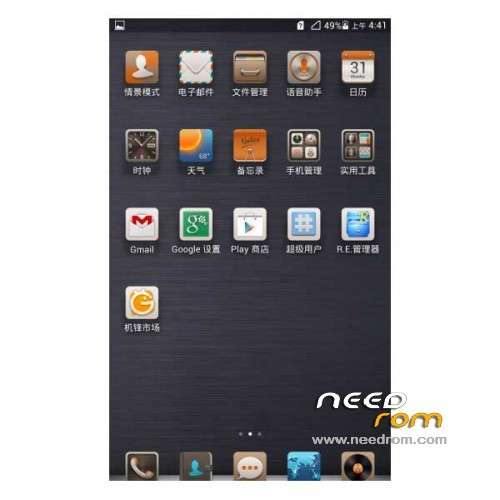
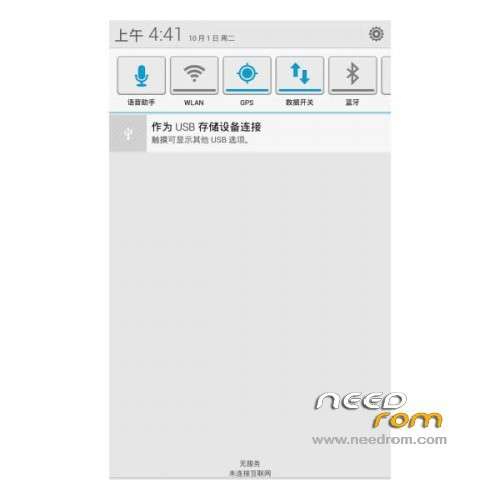
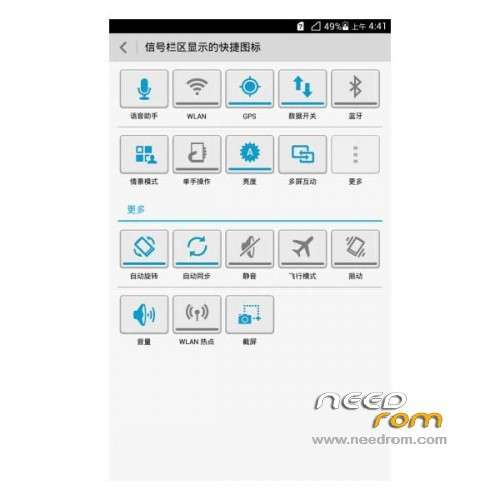
ROM Phone HUAWEI Ascend Mate – ROM Android 4.2.2
Features ROM:
Update 07/17/2014 Based on version EMUI_B929
ROM 1 : Version Unicom – Gapps include – Multilang
———————————————————————————————————————————
Update 06/19/2014 Based on version EMUI_B927
ROM 1 : Version Unicom – Gapps include – Multilang
———————————————————————————————————————————
Update 02/24/2014 Based on version EMUI_B907
ROM 1 : Version Unicom – Gapps include – Multilang
ROM 2 : Version Mobile – Gapps include – Multilang
———————————————————————————————————————————
ROM – 01/22/2014 Based on version EMUI_B907
ROM 1 : Version Unicom – Gapps include – Multilang
ROM 2 : Version Mobile – Gapps include – Multilang
Gapps include – Rooted
Language support: Multi Lang
ROM install :
1 – Download and unrar ROM
2 – phone is in "USB Debugging"
3 – cell phone connection to the computer in the initialization state
4 – Run the file "flash_all.bat " and tap just enter
5 – End of the brush, press and hold the volume up on the phone and computer by pressing any key
Phone automatically restarts when you see the Huawei logo, release the phone volume + key
6 – The phone will automatically pair of clear, double clear finished restart automatically and start the system
※Please make a backup of your device before installing or updating ROM
no multilang!!!
Dear Dev!
I've installed the latest version. The only problem that I'm facing right now is display resolution. I'm having low res so that icons and complete interface is big. Anyone knows that how to increase the resolution?
Lookng foreard.
—
Dr Faryal Saeed Abdal, Pakistan
faryal_saeed@yahoo.com
Yes, me too.
I am facing a problem with the resolution, everything seems to be showing really big and out of order.
Can anyone help? or does anyone know what to do?
Please help out.
Thank you.
Em-ail: xmamalix@Live.com
any roms in english? my phone is still 4.1 in canada
This rom is english, for installing read my post below….
what the hell is this with Chinese Language in Flash_all_bat
i cant understand what is this ?
what shall i do right now
and i dont how to work with flash_all.bat
Everyone Backup Before Installing Anything.
Very good rom.
I just installed B929 Firmware Huawei Ascend mate 2GB RAM.
This works and has English language, If you are updating from B927 to B929 then your files won't get deleted, Gapps and root is included in B929! Navagation bar also working in B929, Everything is complete and good working.
Only small problem is: On the notification bar ( it shows KB/s speeds of Data&Wifi usage) I don't know how to remove but I would like to remove if anyone know's how to please let me know.
B929 is the best Firmware as of yet, this one has Gapps, Root, and everything included.
Install Instructions:
This is how i update my Huawei Ascend Mate.
Connect your phone in USB Debbuging Mode.
(When you connect your phone choose the hisuite mode, if your connecting it for the first time let the driver install and the hisuite app open, as soon as you see the hisuite appears on your phone then its ok to unplug the usb)
Plug the the phone via usb let the pc recognise it, choose hisuite on your phone.
Once detected,
run the flash_all.bat
A window with chinese language in green backgound will appear, select 1 and then enter using your pc keyboard
Another window with chinese language in red blinking backgound will appear, press enter again on your pc keyboard
You will see that it is Communicating/Connecting with your Phone, this time your phone will reboot to Huawei Ascend Mate Logo.
Just wait until it's done with the updating/installing…..
After that's done, a screen will appear with 4 options written in " Chineese" All you're going to do is press "Enter" and then your phone will automatically reboot and re-start. Please allow it a little over 5-7 Minutes to start for the first time.
Don't touch anything on your phone, until installation is complete and phone is sucessfully rebooted.
That's it……
Good luck.
Everyone Backup Before Installing Anything.
Very good rom.
I just installed B929 Firmware Huawei Ascend mate 2GB RAM.
This works and has English language, If you are updating from B927 to B929 then your files won't get deleted, Gapps and root is included in B929! Navagation bar also working in B929, Everything is complete and good working.
Only small problem is: On the notification bar ( it shows KB/s speeds of Data&Wifi usage) I don't know how to remove but I would like to remove if anyone know's how to please let me know.
B929 is the best Firmware as of yet, this one has Gapps, Root, and everything included.
Install Instructions:
This is how i update my Huawei Ascend Mate.
Connect your phone in USB Debbuging Mode.
(When you connect your phone choose the hisuite mode, if your connecting it for the first time let the driver install and the hisuite app open, as soon as you see the hisuite appears on your phone then its ok to unplug the usb)
Plug the the phone via usb let the pc recognise it, choose hisuite on your phone.
Once detected,
run the flash_all.bat
A window with chinese language in green backgound will appear, select 1 and then enter using your pc keyboard
Another window with chinese language in red blinking backgound will appear, press enter again on your pc keyboard
You will see that it is Communicating/Connecting with your Phone, this time your phone will reboot to Huawei Ascend Mate Logo.
Just wait until it's done with the updating/installing…..
After that's done, a screen will appear with 4 options written in " Chineese" All you're going to do is press "Enter" and then your phone will automatically reboot and re-start. Please allow it a little over 5-7 Minutes to start for the first time.
Don't touch anything on your phone, until installation is complete and phone is sucessfully rebooted.
That's it……
Good luck.
I just realized hours after updating that I cannot receive any GPS Signal at all on B929 Update.
I can confirm that everything else is working: Including: Camera, Speakers, WIFI, 3G, All Gapps/Apps, Charging, LED, Flash, Buttons and all hardware/software things are working fine besides for GPS…
Can someone help me with this maybe please?
xmamalix@live.com
Please email me or reply to post.
Thank you.
B929 I tested it and everything was complete but the GPS wasn't finding any location.
So, I found an even newer update I am going to try today, After flashing new B930 HUAWEI ROM I will let you guys know how it goes.
If you also want to try you can from this link here you can download B930 instead of B929
DOWNLOAD B930: http://consumer.huawei.com/cn/.....cn.htm?id=26642
Test it under your own risk. It is official rom from huawei. Backup before flashing. Flash at your own risk.
Once you are in the download page, Use google chrome to translate the page into english so you can read/see what it says.
GL.
I am still having problems with GPS on B929… Can any 1 help? Also why does the interface seem so big, it seems that the resolution is very low and needs to be turned high, everything is showing large big and out of order on the B929 Software. Any help? mainly forGPS?
Em-ail: xmamalix@live.com
So, I have finally installed the B930 update, it's very good, it comes with google play services/google settings, so all you really need to do is download "google play"
GPS is working more than fine so far.
It's been over 24 Hours that I have been testing it.
Data doesn't drop anymore.
New themes a lil updated UI interface.
Non glitchy or laggy at all.
Battery more long lasting>
Wifi signal issues fixed
Speakers volume fixed, much louder now.
Snapchat video issue fixed.
Navigation bar fixed also Hide/Un-hide
ETC…. So much more try out yourself……
Everything seems to be 100% Complete.
Let me know how it goes for you.
Download file, Extract "dload" folder onto Desktop, Copy "dload" Folder from desktop onto root of SD.
Then disconnect device, go to "SYSTEM UPDATE" then hit "local update" and let it do it's job.
Once done reboot will occur, it might/will take a few minutes to start up for the first time.
Good Luck.
For more information on HUAWEI ASCEND MATE MT1-U06 Please visit my thread for updates, rooting, info, etc….
http://forum.xda-developers.co.....77#post55426410
how can i disable the Adblock, and what is this mean