
- Title: KKartanesi v2.0
- Listed: July, 2014
- Last modified: 07/13/2014 6:32 pm
- Version: 13.07.2014
You must be logged for ROM download.
50145 total views, 3 today
1 Total favorites
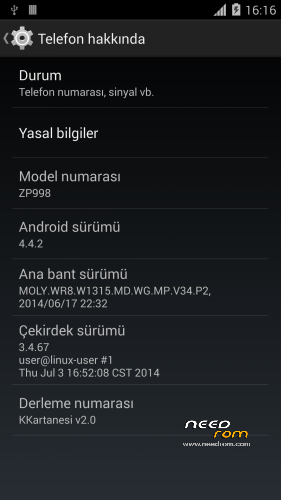
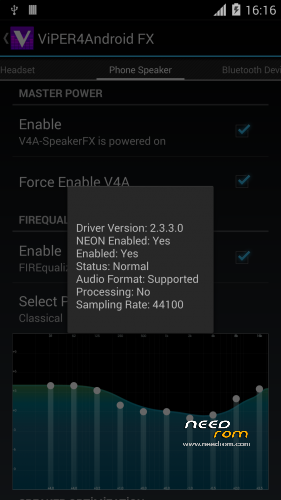
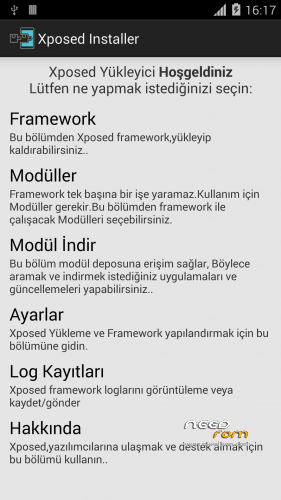
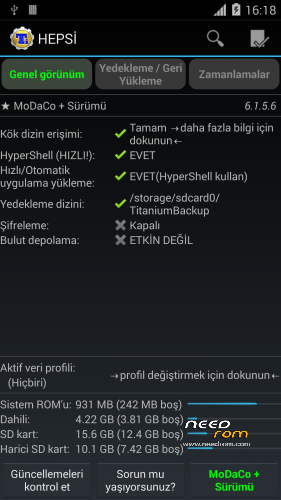

 Member Info
DESCRIPTION
www.zopomobileforum.com
Release Notes v2.0
- Everything in v1
+ Fix USB Storage Function
+ GPS configurations changed to Komu K8 GPS
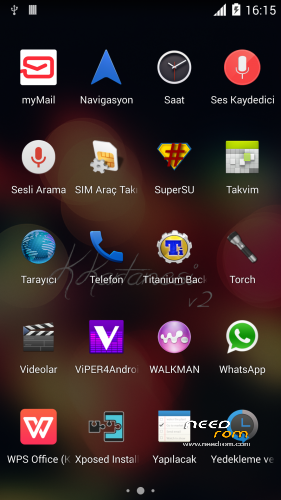
+ Exchange Mail changed to MyMail app
+ Added Android 4.4 Supported Philz Touch Recovery
+ Removed "lovelyfonts_noicon_6.26.apk" (Because this is virus)
+ Added Stock Keyboard (Optional Installation)
File Descriptions
- Stock_KKernel.zip; Not right root permissions but USB Storage function working
- Roote_KKernel.zip; right root permissions but please you use to ONLY MTP method
Installation instructions v2.0
- Download KKartanesi_v2.0.zip and Stock_Kernel.zip
- Move files to İnternal/Externel SD Card
- Install custom recovery
- Reboot to Recovery Mode (Volume UP + Power Button with Data cable connect PC or charger)
- Wipe Factory Reset / Wipe Cache / Advance> Wipe Dalvik Cache
- Install zip > choose zip from sdcard
- Follow steps in the Aroma Installer
- Reboot phone
- Open Viper4Android and Install Driver
- Open Titanium Backup restore your apps
- Reboot to Recovery Mode (Volume UP + Power Button with Data cable connect PC or charger)
- Install Stock_KKernel.zip
- Warnings
- You need to complete root permissions? Please Install Rooted_KKernel.zip but USB Storage functions not working.
- GravityBox functions not full working
- Your IMEI number is "Unknown" or "Invalid" ?
Try this method;
http://en.miui.com/thread-10061-1-1.html
- Thanks My Donators
Janusz Sambora
José Manuel Herrera González
www.zopomobileforum.com
※Please make a backup of your device before installing or updating ROM
tx fanka for quick reply… let me give it a try…
sorry fanka, play store fails / exits when try to download any application
titanium backup / restore dosnet work. Tried XDA solution to chnage the directory of backup / restore as well chaged the password for backup protection.
Thanks a lot for this rooted rom, install without problem and titanium backup (backup & restore) works without any additional workaround or install.
@apoorv.mehrotra
titanium tested is ok, and i download and install apps with play store without any problem.
you should have a specific problem, so try to reinstall (wipe)
Good rom, where can i get original keyboard instead of Xperia Honami?
Original Keyboard is removed
Well all worked after a reinstall of entire ROM, able to restore my app's from TB as well Play store works perfect. Thanks guy.
@SV3NNER
test the swiftkey keyboard which is now free, it's for me the best keybaord for android.
Yes Swiftkey is free ,and probably they could give permission to include it in rom – titanium backup pro is paid up and can lead to problems for rom dev/publisher - be careful guys
@SV3NNER
test the swiftkey keyboard which is now free, it's for me the best keybaord for android.
thanks i will try it out,
give us the choice to choose between original and Xperia Honami in next release please.
Thank you for your feedback, I will consider it