
- Title: KKartanesi v2.0
- Listed: July, 2014
- Last modified: 07/13/2014 6:32 pm
- Version: 13.07.2014
You must be logged for ROM download.
50145 total views, 3 today
1 Total favorites
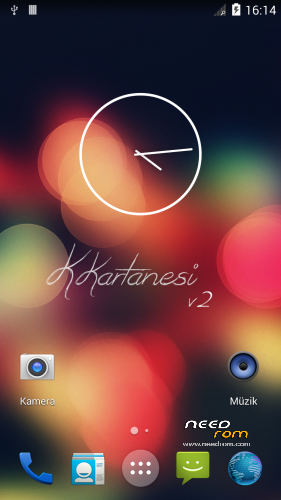
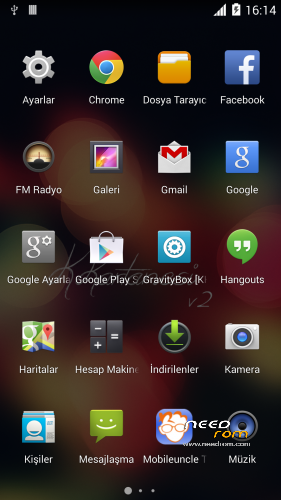
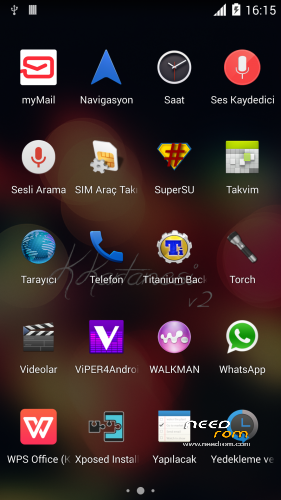
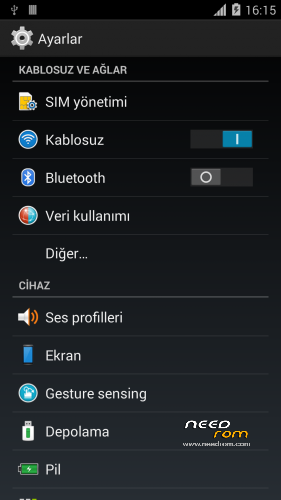
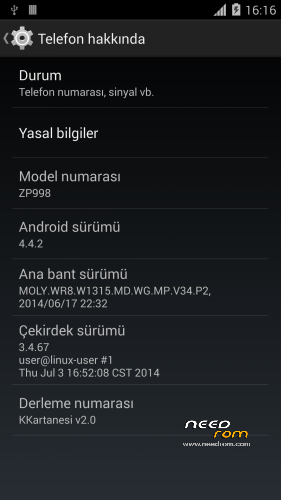
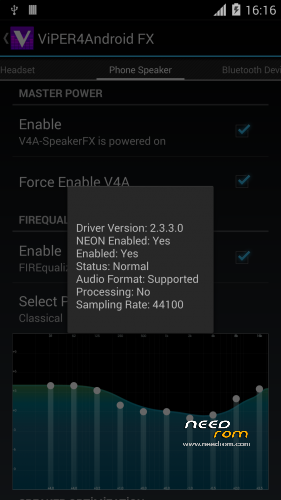
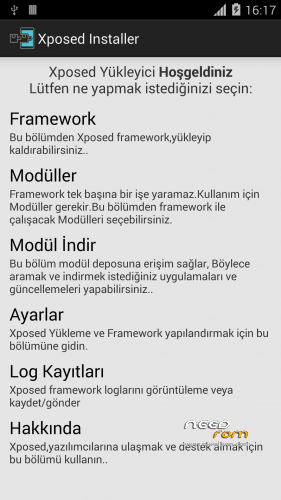
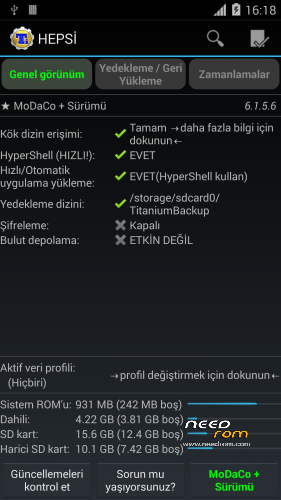

 Member Info
DESCRIPTION
www.zopomobileforum.com
Release Notes v2.0
- Everything in v1
+ Fix USB Storage Function
+ GPS configurations changed to Komu K8 GPS
+ Exchange Mail changed to MyMail app
+ Added Android 4.4 Supported Philz Touch Recovery
+ Removed "lovelyfonts_noicon_6.26.apk" (Because this is virus)
+ Added Stock Keyboard (Optional Installation)
File Descriptions
- Stock_KKernel.zip; Not right root permissions but USB Storage function working
- Roote_KKernel.zip; right root permissions but please you use to ONLY MTP method
Installation instructions v2.0
- Download KKartanesi_v2.0.zip and Stock_Kernel.zip
- Move files to İnternal/Externel SD Card
- Install custom recovery
- Reboot to Recovery Mode (Volume UP + Power Button with Data cable connect PC or charger)
- Wipe Factory Reset / Wipe Cache / Advance> Wipe Dalvik Cache
- Install zip > choose zip from sdcard
- Follow steps in the Aroma Installer
- Reboot phone
- Open Viper4Android and Install Driver
- Open Titanium Backup restore your apps
- Reboot to Recovery Mode (Volume UP + Power Button with Data cable connect PC or charger)
- Install Stock_KKernel.zip
- Warnings
- You need to complete root permissions? Please Install Rooted_KKernel.zip but USB Storage functions not working.
- GravityBox functions not full working
- Your IMEI number is "Unknown" or "Invalid" ?
Try this method;
http://en.miui.com/thread-10061-1-1.html
- Thanks My Donators
Janusz Sambora
José Manuel Herrera González
www.zopomobileforum.com
※Please make a backup of your device before installing or updating ROM
all install ok, storage ok, restore app ok with TB, but after intall of Stock_KKernel.zip and reboot, titanium can't restore applications? always trying without success!
any suggestion?
You need install root_kernel
Install Rooted_KKernel.zip and you have complete root permissions
ok, thanks for your help, works like a charm.
What is Caivs_ZP998.apk in the System/app folder?
Maybe a virus?
I don’t know this file include in original zopo 04.07.2014 4.4 firmware
I think it's still unstable:
- every boot, i got the message 'system UID inconcistant..' even after wipe cache data
- Titanium backup can't restore some apps (even after complete root)
- no play store installed and TB can't restore it!
Did you flashed correct rom – check , in newest version no such problems at all .
of course i installed the correct rom.
H How do i install "custom recovery" because when i reboot to recovery mode i can't Wipe Dalvik Cache and when i install the zip file from sd cart it failed. Please help.
https://www.needrom.com/mobile.....for-zopo-zp998/
Hello
How do I update from version KKartanesi v1 without losing the APP?.
Thanks
Backup your apps with Titanium Backup
@zopomobileforum
Do you know what is the Caivs_ZP998.apk in the System/app folder?
On other chinese phones the apps named "Caivs" are malwares.
Sry I see now you have answeared already
I don’t know what this caivs do but I frozen it with TB Pro, and rom works normally so far.
caivs is a virus!!
I stay with v1….very nice for me, thanks a lot
I will change when mass storage work with root
Thanks too for informations, I remove Lovelyfonts with Titanium Backup…and change the file gps.conf with european one
& thanks to dragsterman & sbarrett (Pink Floyd's fan?) for informations about caivs
Yes pink floyd and barrett fan