
- Title: KKartanesi v2.0
- Listed: July, 2014
- Last modified: 07/13/2014 6:32 pm
- Version: 13.07.2014
You must be logged for ROM download.
50147 total views, 5 today
1 Total favorites
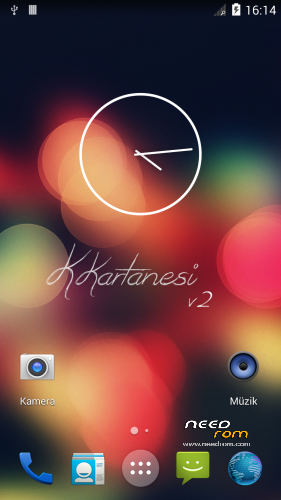
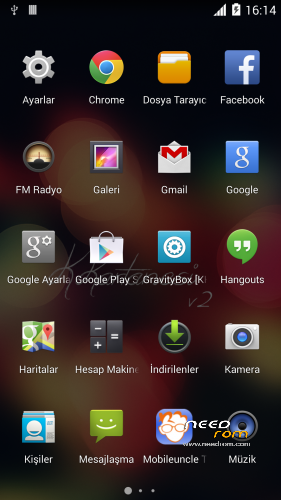
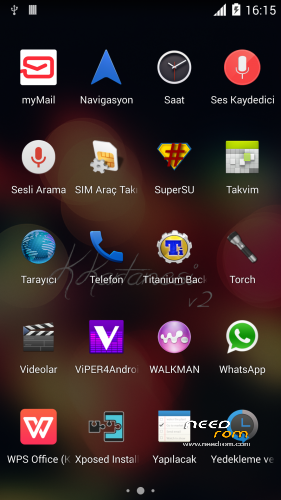
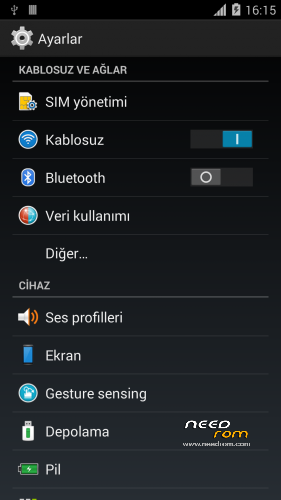
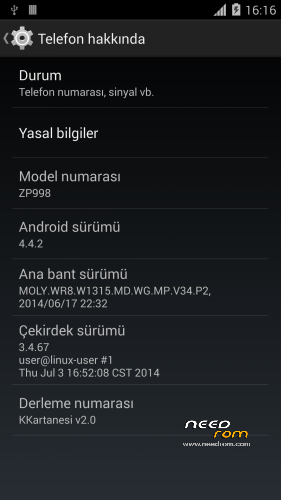
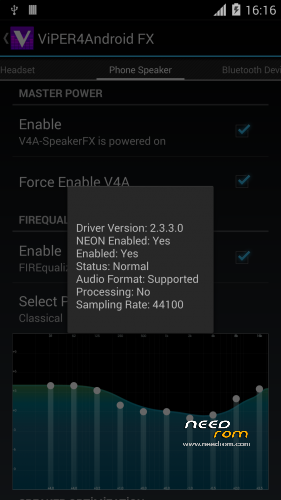
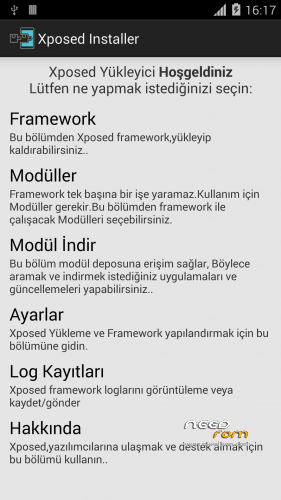
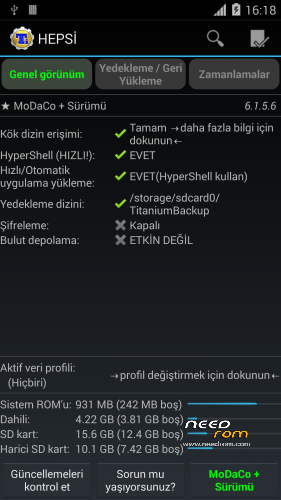

 Member Info
DESCRIPTION
www.zopomobileforum.com
Release Notes v2.0
- Everything in v1
+ Fix USB Storage Function
+ GPS configurations changed to Komu K8 GPS
+ Exchange Mail changed to MyMail app
+ Added Android 4.4 Supported Philz Touch Recovery
+ Removed "lovelyfonts_noicon_6.26.apk" (Because this is virus)
+ Added Stock Keyboard (Optional Installation)
File Descriptions
- Stock_KKernel.zip; Not right root permissions but USB Storage function working
- Roote_KKernel.zip; right root permissions but please you use to ONLY MTP method
Installation instructions v2.0
- Download KKartanesi_v2.0.zip and Stock_Kernel.zip
- Move files to İnternal/Externel SD Card
- Install custom recovery
- Reboot to Recovery Mode (Volume UP + Power Button with Data cable connect PC or charger)
- Wipe Factory Reset / Wipe Cache / Advance> Wipe Dalvik Cache
- Install zip > choose zip from sdcard
- Follow steps in the Aroma Installer
- Reboot phone
- Open Viper4Android and Install Driver
- Open Titanium Backup restore your apps
- Reboot to Recovery Mode (Volume UP + Power Button with Data cable connect PC or charger)
- Install Stock_KKernel.zip
- Warnings
- You need to complete root permissions? Please Install Rooted_KKernel.zip but USB Storage functions not working.
- GravityBox functions not full working
- Your IMEI number is "Unknown" or "Invalid" ?
Try this method;
http://en.miui.com/thread-10061-1-1.html
- Thanks My Donators
Janusz Sambora
José Manuel Herrera González
www.zopomobileforum.com
※Please make a backup of your device before installing or updating ROM
- All statusbar icons white (Including signal bars)
Can you tel me where i can find that white signal bar icons in Framework-res.apk or Systemui.apk
I only see blue, green, orange and purple signal icons.
Icons in SystemUI.apk
GravityBox
Download for kk http://repo.xposed.info/module.....tkat.gravitybox
Not fully working we test all functions
it´s better uninstall xposed becaused all modules causes reboots on phone.
i dont know if is the 6592 mediatek or kitkat, but all roms i tried dont work xposed
Yes, Xposed is not stable very errors… Don't use Xposed
When a V2 ?? This rom would be perfect if xpoxed will work
Thanks for your job
I trying but Xposed not stable working and this is not about us, ZOPO's update we should expect to do but I will not give up trying… Thanks for your support and thread on movilesdualsim.com
wifi is not working on 5ghz channels.
it shows its connected but when i access any site browser says you are offline.
can some one have any idea how to make it work?
I have a dual band Asus router with both 2.4 and 5 kHz channels. Have the exact problem as you. Happens the same on all kitkat zp998 releases to date: if the phone starts using 5kHz, WiFi icon is there, but I receive no data, offline errors everywhere.
that with the fact of location services only working for Google maps ( neither my weather widgets nor foursquare are able to use location service) makes kitkat actually unusable for zp998
Thanks to you @zopomobileforum for your job, great!!!
For those who are having GPS issues, try this:
On settings , location based service have at least have selected the antenna.
On dialpad *#*#3646633#*#* or mobileuncle tools\engieneer mode.
Select locaion based services, disable the A-GPS , so that only the GPS antenna work.
In GPS tab select full and then turno on. Go outside, and wait like 5\10 mins. It will lock.
After all this it will be fully functional.
My advice, after locking the first time, download faster gps , put you location and then do the same bove except do not disable AGPS.
Tried with sygic and it actually is work great!
doesnt work for me, please what i have to do
Thanks for your job, everythings works perfectly !!!!
Wonderful ROM, working straight out of the (gravity) box. Yes, GB working fine for me. Found no problems so far (5 days).
TYVM ZopoMobileforum
can tell us what version of GB and xposed?
my phone restarts constantly
Thanks
Xposed Installer 2.6.1
GravityBox [KK] 3.2.4
I just tried GB 3.2.5, didn't work!
How To activate ART mode?