
- Title: KKartanesi v2.0
- Listed: July, 2014
- Last modified: 07/13/2014 6:32 pm
- Version: 13.07.2014
You must be logged for ROM download.
50145 total views, 3 today
1 Total favorites
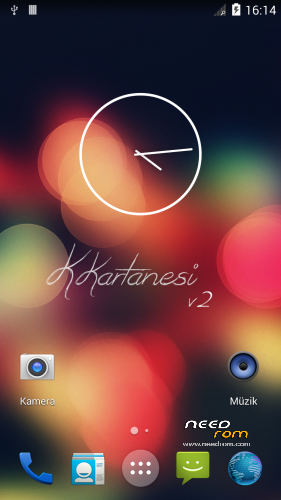
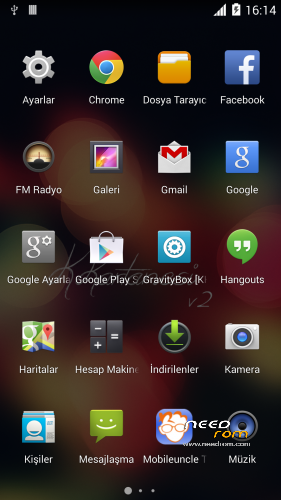
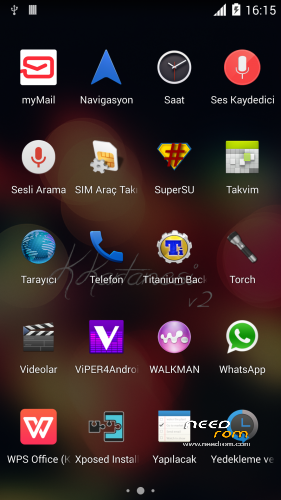
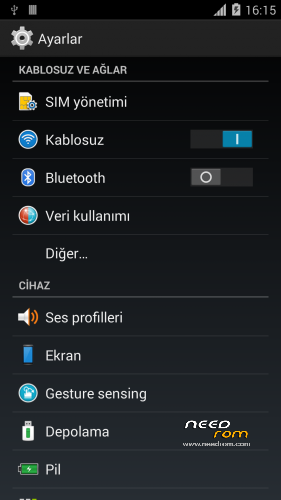
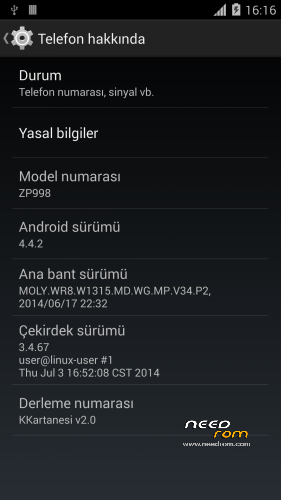
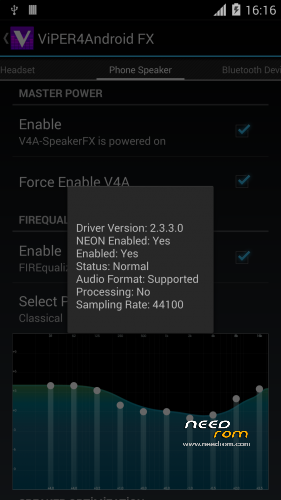
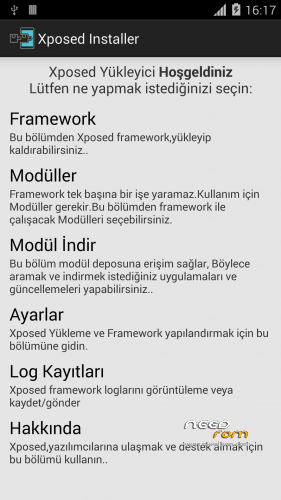
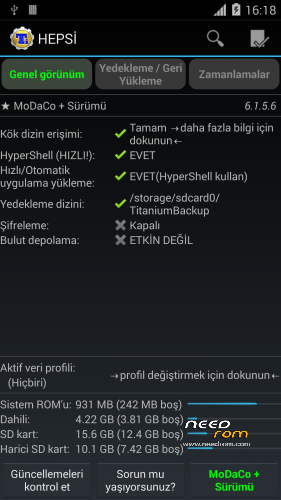

 Member Info
DESCRIPTION
www.zopomobileforum.com
Release Notes v2.0
- Everything in v1
+ Fix USB Storage Function
+ GPS configurations changed to Komu K8 GPS
+ Exchange Mail changed to MyMail app
+ Added Android 4.4 Supported Philz Touch Recovery
+ Removed "lovelyfonts_noicon_6.26.apk" (Because this is virus)
+ Added Stock Keyboard (Optional Installation)
File Descriptions
- Stock_KKernel.zip; Not right root permissions but USB Storage function working
- Roote_KKernel.zip; right root permissions but please you use to ONLY MTP method
Installation instructions v2.0
- Download KKartanesi_v2.0.zip and Stock_Kernel.zip
- Move files to İnternal/Externel SD Card
- Install custom recovery
- Reboot to Recovery Mode (Volume UP + Power Button with Data cable connect PC or charger)
- Wipe Factory Reset / Wipe Cache / Advance> Wipe Dalvik Cache
- Install zip > choose zip from sdcard
- Follow steps in the Aroma Installer
- Reboot phone
- Open Viper4Android and Install Driver
- Open Titanium Backup restore your apps
- Reboot to Recovery Mode (Volume UP + Power Button with Data cable connect PC or charger)
- Install Stock_KKernel.zip
- Warnings
- You need to complete root permissions? Please Install Rooted_KKernel.zip but USB Storage functions not working.
- GravityBox functions not full working
- Your IMEI number is "Unknown" or "Invalid" ?
Try this method;
http://en.miui.com/thread-10061-1-1.html
- Thanks My Donators
Janusz Sambora
José Manuel Herrera González
www.zopomobileforum.com
※Please make a backup of your device before installing or updating ROM
Strange thing – can somebody check – when I use battery saver mode KK roms are faster than when I don't use it ? It happend for sure on fanka's ZP998 KK V1 rom . Maybe setting is reversed somehow ?
A lot of bugs
I returned to 4.2
I will wait for more stable kk roms
Explain them to help make better KK roms .
i cant restore my contacts from google.
USB dont connect with pc, help
Connect phone to PC via Connected as USB storage -> Media device. You can transfer files as normal
Thanks fanka, but i dont see anything in sdcard0 and sdcar1.
why google no restore my contacts?
i used recovery2.7.1.0_KK_998, perhaps i need to use ZOPO_ZP998_TWRP_2.7.1.0_KK_by_SevenMaxs
Thanks
Login your Google account and synchronize your contacts
If you connect your phone to your PC via USB Connected, you have to reboot your phone and connect again via Connected as USB Storage, then you can see every files in sdcard and copy/paste them as normal
or perhaps my partition of 10gb is the problem and i need flash EBR1 and EBR2 with flashtool?
i login, but dont import my contacts
2 - CWM' den Wipe Factory Reset / Wipe Cache / Advance> Wipe Dalvik Cache iþlemlerini yapýn
I used recovery 2.7.1.0_KK_998, that can be the problem? i need install a CWM recovery?
TWRP 2.7.1.0 is ok with me.
I use to Phillz CWM Recovery try this;
https://www.needrom.com/mobile.....for-zopo-zp998/
ok, thanks friends, i´ll try it again
i'm using philz latest cwm , but after 15 minutes after the instalation the phone doesn't start, that's normal? i' need to wait more ????? will try to reinstall again…
yes, please try to reinstall (don't forget wipe..)