
- Title: KKartanesi v2.0
- Listed: July, 2014
- Last modified: 07/13/2014 6:32 pm
- Version: 13.07.2014
You must be logged for ROM download.
50147 total views, 5 today
1 Total favorites
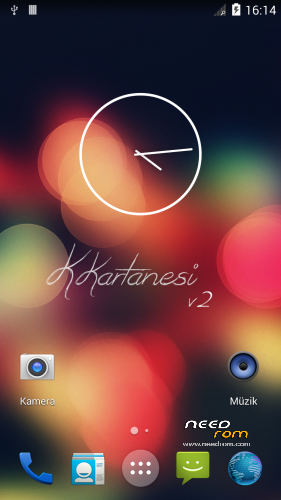
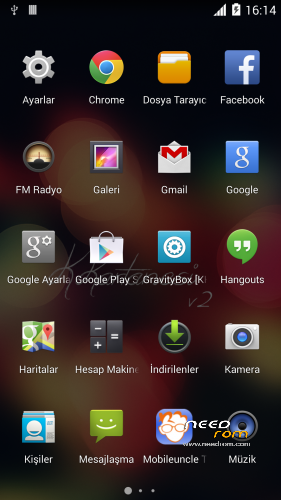
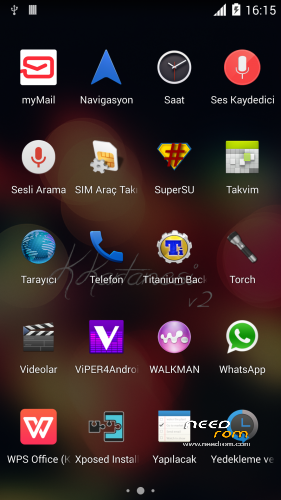
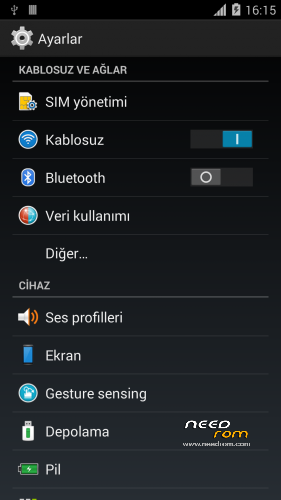
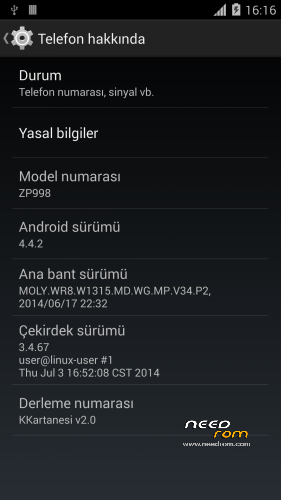
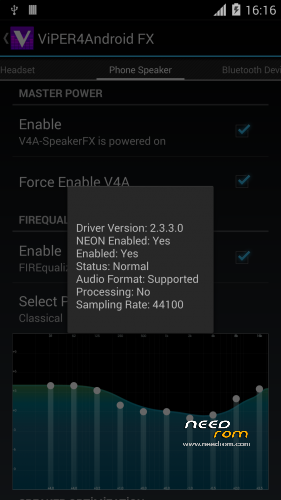
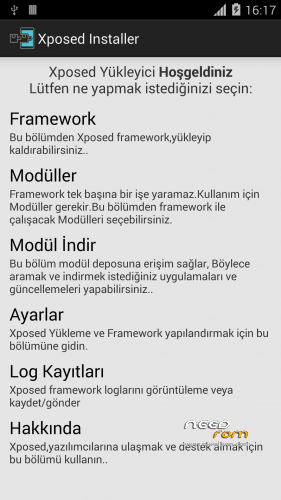
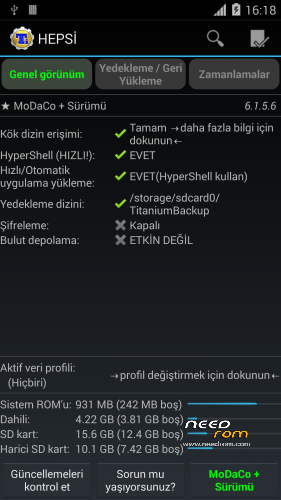

 Member Info
DESCRIPTION
www.zopomobileforum.com
Release Notes v2.0
- Everything in v1
+ Fix USB Storage Function
+ GPS configurations changed to Komu K8 GPS
+ Exchange Mail changed to MyMail app
+ Added Android 4.4 Supported Philz Touch Recovery
+ Removed "lovelyfonts_noicon_6.26.apk" (Because this is virus)
+ Added Stock Keyboard (Optional Installation)
File Descriptions
- Stock_KKernel.zip; Not right root permissions but USB Storage function working
- Roote_KKernel.zip; right root permissions but please you use to ONLY MTP method
Installation instructions v2.0
- Download KKartanesi_v2.0.zip and Stock_Kernel.zip
- Move files to İnternal/Externel SD Card
- Install custom recovery
- Reboot to Recovery Mode (Volume UP + Power Button with Data cable connect PC or charger)
- Wipe Factory Reset / Wipe Cache / Advance> Wipe Dalvik Cache
- Install zip > choose zip from sdcard
- Follow steps in the Aroma Installer
- Reboot phone
- Open Viper4Android and Install Driver
- Open Titanium Backup restore your apps
- Reboot to Recovery Mode (Volume UP + Power Button with Data cable connect PC or charger)
- Install Stock_KKernel.zip
- Warnings
- You need to complete root permissions? Please Install Rooted_KKernel.zip but USB Storage functions not working.
- GravityBox functions not full working
- Your IMEI number is "Unknown" or "Invalid" ?
Try this method;
http://en.miui.com/thread-10061-1-1.html
- Thanks My Donators
Janusz Sambora
José Manuel Herrera González
www.zopomobileforum.com
※Please make a backup of your device before installing or updating ROM
I have Ghost touches while charging. How about you others ?
Can U xplain what Ghost touches is? pls
Can I flash this straight from 4.2.2 or should I install Official 4.4 first, and then this?
Yes you can install it from 4.2.2. Remember to wipe
Can anyone explain how to setup the smart wake on this Rom?
@zopomobileforum
Good work, ROM runs stable
Not tested all, but as i can see for now seems to work
battery holds good
Gravity not fully working, V4A works, Xposed ok
Keep goin' with this good work
HELP!!! My smartphone does not want to be connected via USB. With another ROM everything works fine.
Connect as Media device,
If Connect as Media device, file manager (eg Total Commander) not see smartphone.
Windows od Linux?
In my Case it wont connect as USB storage, switching to media device, it connects
Windows
I use Linux, i am not so near to Windows, maybe a driver problem?
Driver no problems . In TC is not seen at once, as a separate disk (as did other ROM), now you need to choose a smartphone as a separate device. It's not comfortable.
You have one of two choices:
1. You can connect to PC via USB connected but you can't use titanium backup and viper. you're not allowed to copy/paste files between sdcard and system -> It's common in almost all KK rom now
2. You can transfer files between sdcard and system (by using xda file manage), pc and sdcard, you can also use titanium and viper if you choose media connection
Write to doveloper of ROM, maybe he could help.
Hello,
> Note: First boot may take a little longer, be patient
How long does it take? I wait for 15 minutes on white Zopo logo screen without anything. Is it normal?
I think no. Alter i installed i waited cca 1-2 mins
Not normal