
- Title: LENOVO P780 VibeUI 2.0
- Listed: July, 2014
- Last modified: 03/20/2015 1:10 am
- Version: ROM Android 4.4.2
You must be logged for ROM download.
137600 total views, 2 today
155 Total favorites
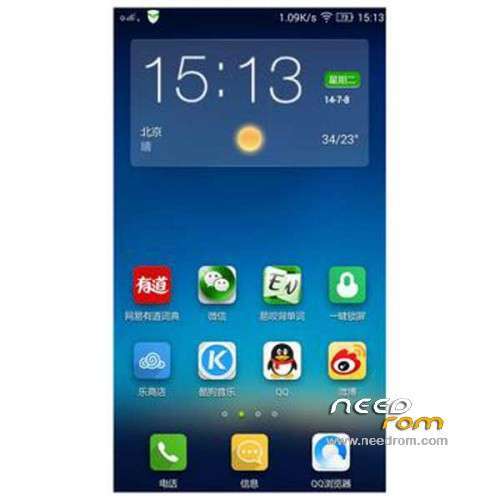
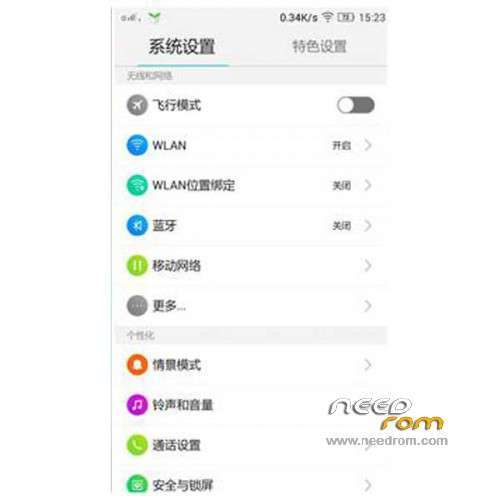
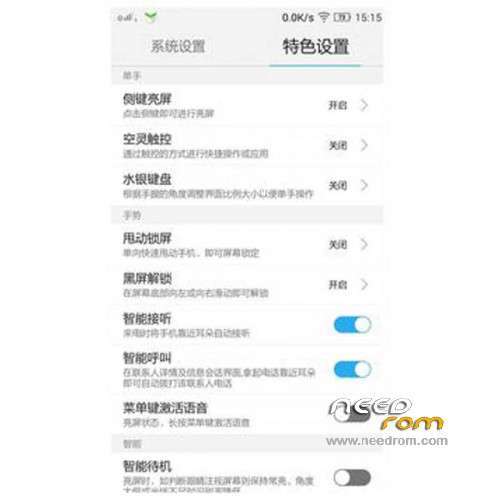
 Member Info
DESCRIPTION
ROM Mobile LENOVO P780 – ROM Android 4.4.2
ROM features:
Official Lenovo P780 VibeUI 2.0 version: VIBEUI_V2.0_1512_ST_P780 ( Stable version )
——————————————————————————————————————————————–
Official Lenovo P780 VibeUI 2.0 version: VIBEUI_V2.0_1507_DEV_P780 ( Developpe version )
Gapps not include – Not Rooted
Language support: EN/CN
ROM Install :
CWM
Step 1: Download the custom ROM copied to an external SD card root directory
Step 2: the shutdown state. While holding down:
– Power button + volume button up, to enter the recovery mode.
– Wipe Data / Factory Reset -> delete all user data
– Wipe Cache Partition -> Wipe cache
– Advanced -> Wipe Dalvik Cache
Step 3: Return to recovery main interface Install zip from sdcard -> choose zip from sdcard -> Select your ROM
Step 4: Brush complete, restart the phone Patience required – first boot takes a while
※Please make a backup of your device before installing or updating ROM
I’m back on vibe 2.0 and lag I noticed initially seems to be very much reduced. Loving the ROM so far. I had issues using gravity ROM so I had to delete it.
Hmm, just noticed the new update. Off to download it. Hope it's still the same rooting and imei restoration procedure
Hi,
root with FlashTools + MTKDroidTools is possible with v. 1431, if you have a suitable CWM-Recovery. Maybe SuperSU needs to be updated. No one-click-method is required.
All Google-Services seems ok, even Google Calendar.
But no way to restore user-apps with titanium, so I am back to AOSP
Well the update works just like the previous release. Restoring apps via titanium backup worked for me well.
"Restoring apps via titanium backup worked for me well"
How?
In the settings of TB I have adjusted the backup-folder searching the whole device but after that restore didn't work.
Hmmm, I really don’t know why it ain’t working for you. Is developer option turned on? Did you give the app root permission?
yes, all is ok and I can use TB partly, par example to freeze an app.
I know that problem from the GNex of my wife, while changing from JB to Kitkat. But there it was solved adjusting the backup folder.
Now on the MTK-Phone, there I have this Problem with all KitKat-Roms, except for AOSP.
But it is ok, I am happy with AOSP.
It is in this rom Czech language? Thanks for the answers
Very good work. Pls multilanguage (czech). Thanks
What ’bout ART in this rom?
Is this valid for 8 GB ?
How about the storage… Can somebody post the screen shot