
- Title: LENOVO P780 VibeUI 2.0
- Listed: July, 2014
- Last modified: 03/20/2015 1:10 am
- Version: ROM Android 4.4.2
You must be logged for ROM download.
137602 total views, 4 today
155 Total favorites
 Member Info
DESCRIPTION
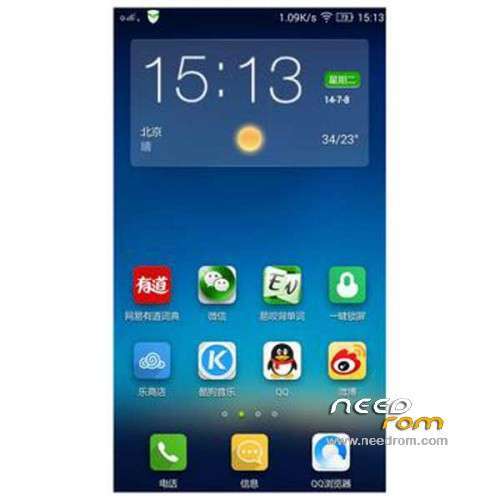
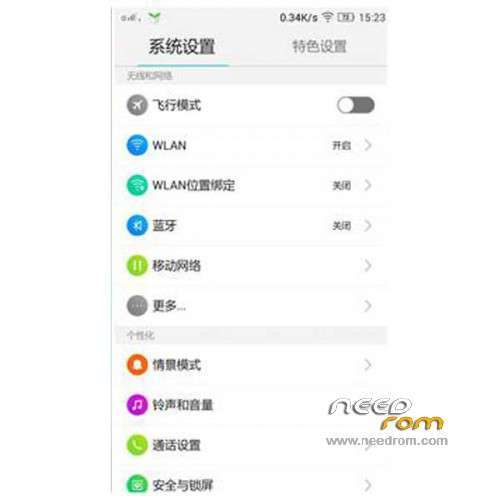
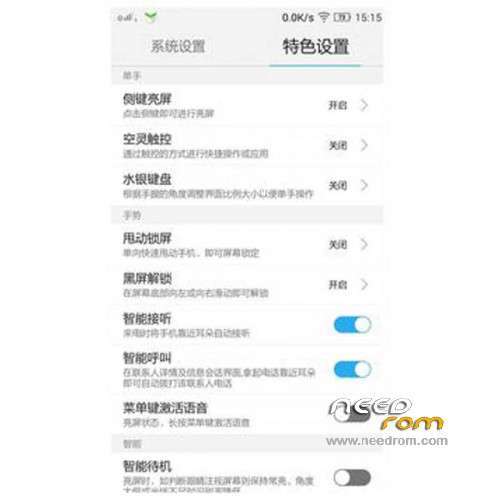
ROM Mobile LENOVO P780 – ROM Android 4.4.2
ROM features:
Official Lenovo P780 VibeUI 2.0 version: VIBEUI_V2.0_1512_ST_P780 ( Stable version )
——————————————————————————————————————————————–
Official Lenovo P780 VibeUI 2.0 version: VIBEUI_V2.0_1507_DEV_P780 ( Developpe version )
Gapps not include – Not Rooted
Language support: EN/CN
ROM Install :
CWM
Step 1: Download the custom ROM copied to an external SD card root directory
Step 2: the shutdown state. While holding down:
– Power button + volume button up, to enter the recovery mode.
– Wipe Data / Factory Reset -> delete all user data
– Wipe Cache Partition -> Wipe cache
– Advanced -> Wipe Dalvik Cache
Step 3: Return to recovery main interface Install zip from sdcard -> choose zip from sdcard -> Select your ROM
Step 4: Brush complete, restart the phone Patience required – first boot takes a while
※Please make a backup of your device before installing or updating ROM
how can use sina wheater? error city not found. in version row220 works very fine
Please create a new custom rom like cyanogenmod. with the nexus menu and google launcher
How can I do to install the previous version? I had install this and I doesnt like.
Please, help me to restore to an google play multilanguage version!
I have a small problem and I need to know how to resolve it . I try to update Google Chrome and I got an error message that say’s I don’t have sufficient memory . I look up to my memory space and I have over 500 mb of memory space on my internal SD card and over 240 mb free of the RAM memory !!! What should I do ???
"I have over 500 mb of memory space on my internal SD card"
you really mean Controls -> Apps -> Internal App Storage?
I know this message from about 110MB.
You have tried updating other app?
Yes , 500 mb of memory space on my internal SD card. And yes , i tried other apps and worked OK . I uninstalled one app (game of 48 mb) ,and now Chrome Updated OK . Now I can’t install apps larger than 8 – 10 mb. I think the partition for installing apps it’s almost full . (sorry , don’t now the terms) . Thank you for trying to help !!!
maybe its helpful to move some apps to external card?
The new update 1437 i cant install it .it shows error 7 in recovery mode
"error 7" means you need a newer recovery, a recovery fitting to Android 4.4. TWRP 2.6.3.0 par example.
I have rooted the phone is that reason that doesnt update?
with 1437 I cannot install Gapps.
I've tried different ways and different Gapps for Android 4.4.2.
Has anyone installed Gapps succesfully with Version 1437?
You were right wasnt easy at all..
Did you find the gaspps ?
http://d-h.st/lGj try this gapps…can i update to 1437 if i have root the phone ?