
- Title: LENOVO P780 VibeUI 2.0
- Listed: July, 2014
- Last modified: 03/20/2015 1:10 am
- Version: ROM Android 4.4.2
You must be logged for ROM download.
137602 total views, 4 today
155 Total favorites
 Member Info
DESCRIPTION
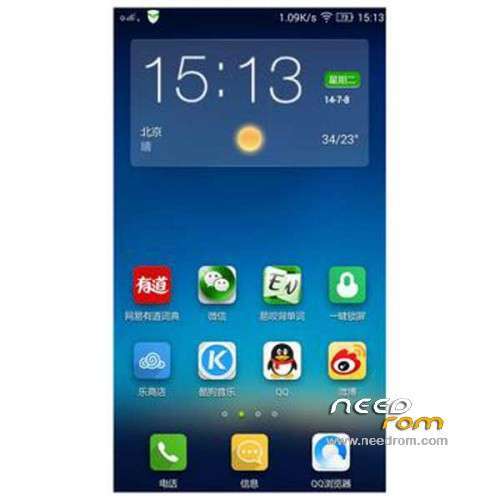
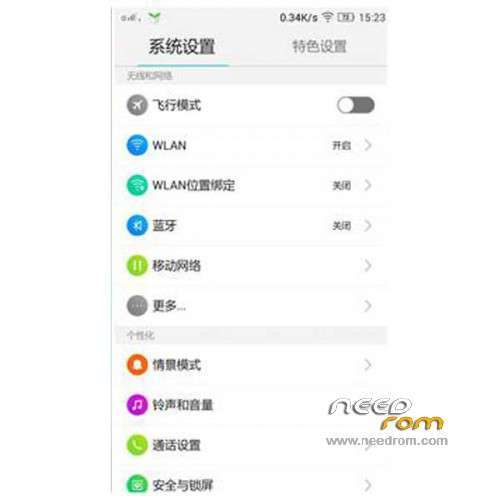
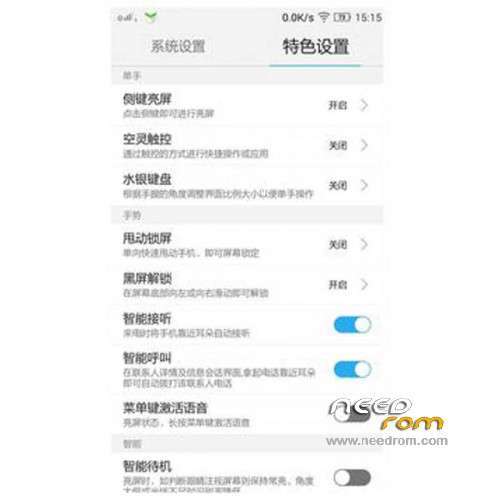
ROM Mobile LENOVO P780 – ROM Android 4.4.2
ROM features:
Official Lenovo P780 VibeUI 2.0 version: VIBEUI_V2.0_1512_ST_P780 ( Stable version )
——————————————————————————————————————————————–
Official Lenovo P780 VibeUI 2.0 version: VIBEUI_V2.0_1507_DEV_P780 ( Developpe version )
Gapps not include – Not Rooted
Language support: EN/CN
ROM Install :
CWM
Step 1: Download the custom ROM copied to an external SD card root directory
Step 2: the shutdown state. While holding down:
– Power button + volume button up, to enter the recovery mode.
– Wipe Data / Factory Reset -> delete all user data
– Wipe Cache Partition -> Wipe cache
– Advanced -> Wipe Dalvik Cache
Step 3: Return to recovery main interface Install zip from sdcard -> choose zip from sdcard -> Select your ROM
Step 4: Brush complete, restart the phone Patience required – first boot takes a while
※Please make a backup of your device before installing or updating ROM
The vibe rom have a bug with youtube .after some seconds of playing video the video frezze but the audion not .can anyone confirm this problem ?
I want to use sina weather, but doesn’t work like in row version s220. Help me plz.
Can anyone pass me out a nvram backup? I've lost WIFI during the flash.
I use this rom but in message and calls it shows the city in chinese … Can you please help me to change it to English?
phone/options/morefeatures and settings/more display options/location/display numbers locatio OFF
I have tried it but it still shows in chinese
can you do a back up of the nvram a send it to me? i lost WIFI during the flash and cant fix it.
About the chinese is there in the options I desactivated and now shows unknow location instead of the chinese writing
Somebody ROOTed 1439 rom?
Great, thank you for v1441!
I'm very satisfied with this rom, stable, smooth und good looking.
But first there is a little work with root and gapps.
How to root this rom
you can easily root it using Vroot http://www.mgyun.com/en/getvro.....ot
or,
you have a custom recovery, then it is very easy to flash SuperSU or SuperUser.
For me first I use SuperSU for restoring the IMEI,
then I flash Superuser by Koush, because it is compatible with Titanium Backup / Restore.
Plz help
How Can I disable smart sound feature in this rom.
To Vibe v1443:
I can't flash both Gapps and SuperSU. Either Gapps or SuperSU failed.
I can install only one of them, I've tried it with different combinations.
Then with the developer-version from the Vibe-website there was no problem,
I coud flash both, Gapps und SuperSU / Superuser.